74
MyHudlkeepslosingitsWiFiconnection
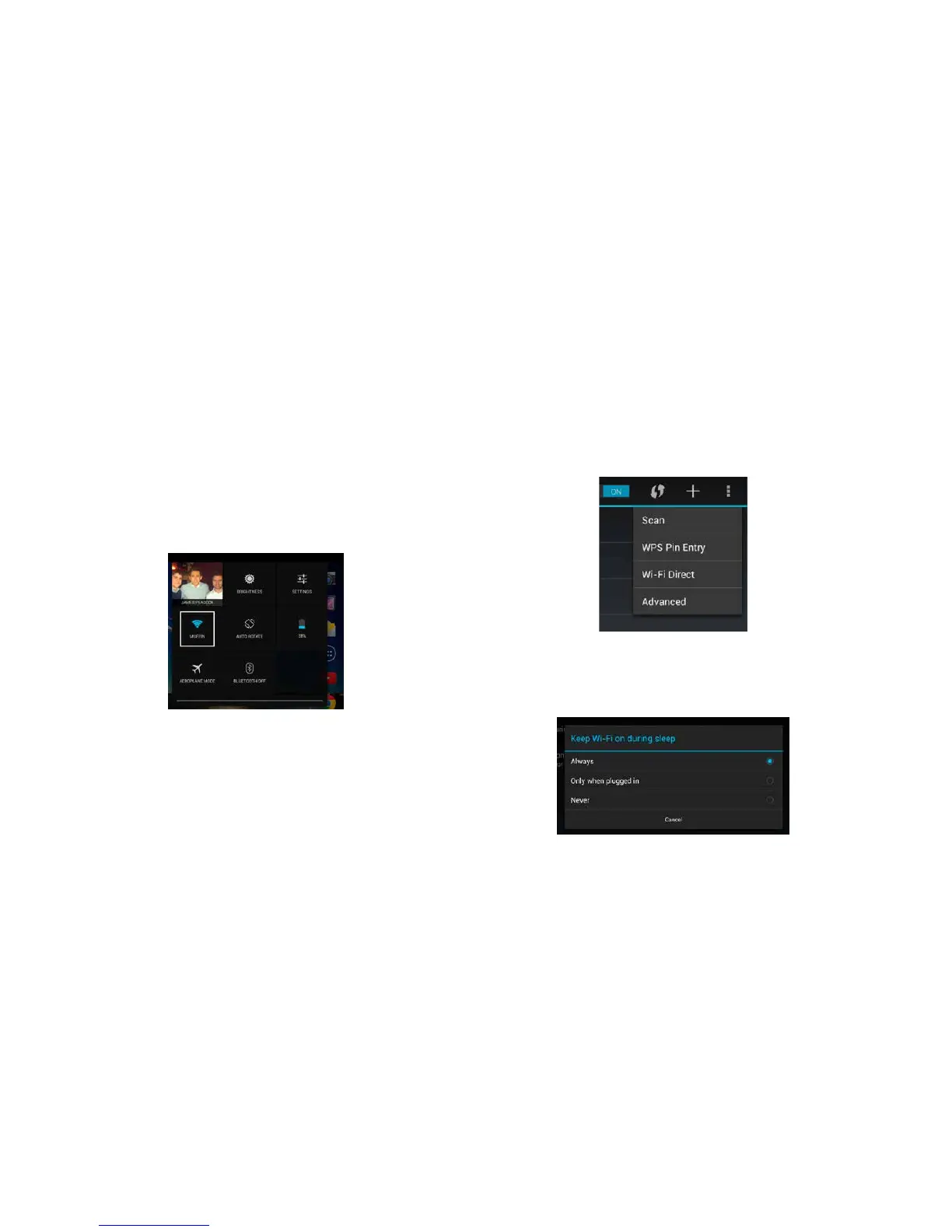
1 Swipe your finger downwards from the top right
of your Hudl’s screen to see the ‘Quick Settings’
panel.
2 Next tap on the Wi-Fi icon to visit the Wi-Fi
settings screen.
3 Once you’re on the Wi-Fi settings screen, tap
on the 3 dots that you will see in the top right
corner of the screen.
4 Now tap on the word ‘Advanced’ in the menu
that pops up.
5 Finally, tap on ‘Keep Wi-Fi on during sleep’,
then select ‘Always’, before tapping on ‘Cancel’
to close the window and save your settings.



 To Next Page