75
Ican’tconnectmyHudltoaBTWiFirouter
BT Home Hubs will usually transmit two or three
different kinds of Wi-Fi signal. Your Hudl will only
work on one of those Wi-Fi networks, the one called
‘BT Hub’.
To make sure you’re connected to the right network,
take the following steps:
1 Swipe your finger downwards from the top right
of your Hudl’s screen to see the ‘Quick Settings’
panel.
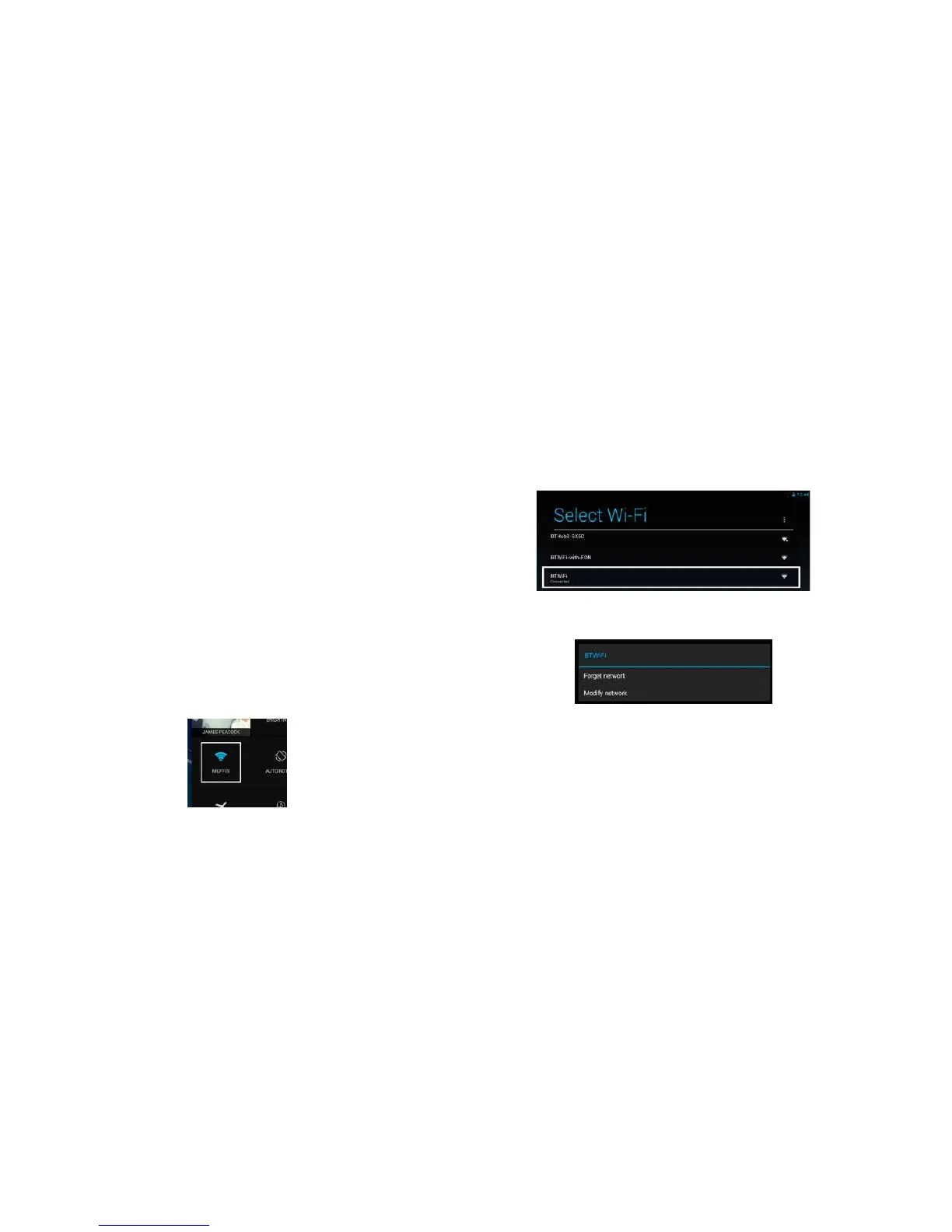
2 Next tap on the Wi-Fi icon to visit the Wi-Fi
settings screen, as show in the picture below.
3 Once on the Wi-Fi Settings screen, tap on
the network that says ‘Connected’ below the
hotspot name.
Next tap on ‘Forget network’, as shown below.
Now connect to the network that has a name
starting with ‘BTHub’. You can do this by
tapping on the hotspot name and entering your
BT router’s password. Note that your
Wi-Fi password will be case sensitive so be
careful when typing it in!



 To Next Page