76
MyHudl’sscreenisfreezingfromtimetotime
Try each of the tips below until you find the one that
works for you:
Check your hands are clean and dry first. Your
Hudl screen doesn’t work so well with wet or
dirty hands!
Next try removing any protective cover or
sticker that you’ve put over your screen.
Try turning your Hudl off and then back on again.
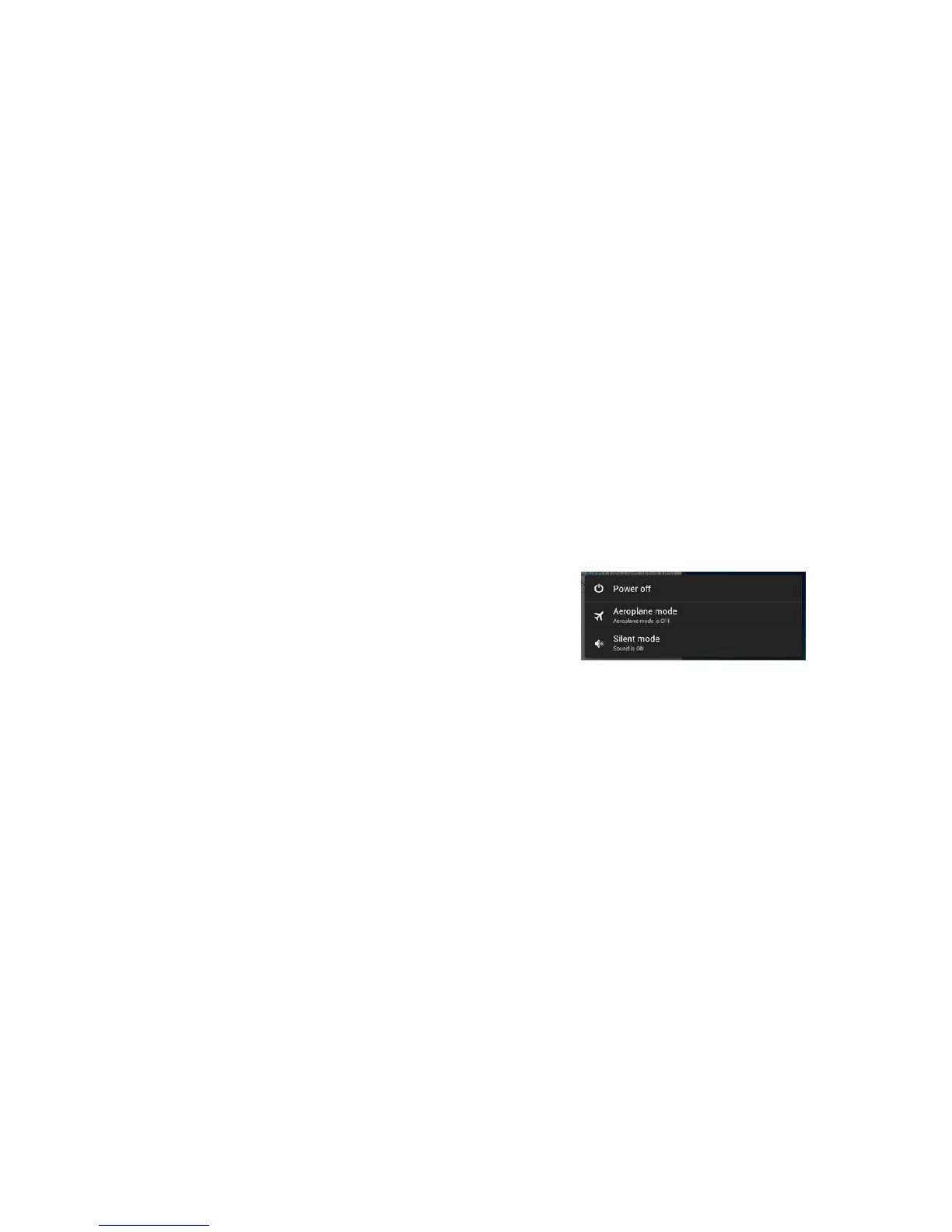
To turn your Hudl off hold down the power button
on the side of your Hudl. Then tap ‘Power off’ when
prompted on the screen, as shown in the picture
below.
Turn your Hudl on again by pressing the power
button once more, holding it down until the small star
appears on your screen. This will take a few seconds.
4 Check that your Hudl is fully charged by plugging it
into the wall with the plug and USB cable provided.



 To Next Page