EasyManua.ls Logo

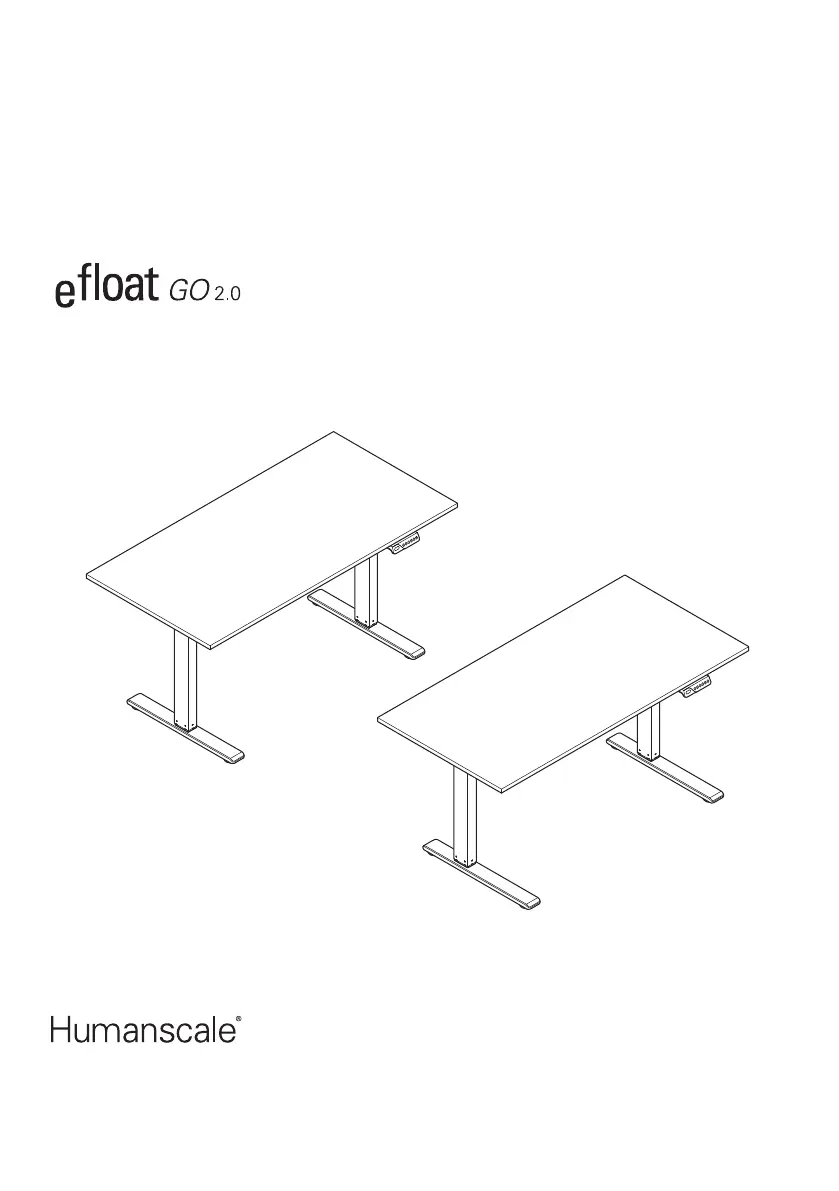
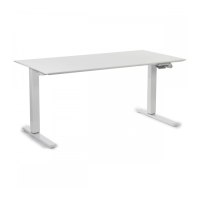
Humanscale eFloat Go 2.0 - User Manual

Humanscale eFloat Go 2.0
28 pages
Print Icon
To Next Page IconTo Next Page
Loading...
2 - Leg Adjustable Frame
EN 2
FR 19
ES 23
North America: +1 800 400 0625
Europe: +353 (0)1 858 0910
Asia Pacific: +8522581 0570

Other manuals for Humanscale eFloat Go 2.0

Questions and Answers

  • A
    andersonheatherAug 5, 2025
    What to do if other codes appear on Humanscale Indoor Furnishing and there is no response after pressing the button?
    • K
      Karina BenitezAug 5, 2025
      First, check the cable for damage and ensure it's properly connected. Then, power off the device for at least 10 seconds, and turn it back on. If “ ”, is displayed, press and hold the “ ” button to reset it, following the Reset Function.
  • U
    ujenkinsAug 11, 2025
    What to do if Humanscale Indoor Furnishing table does not move?
    • Z
      Zachary FisherAug 11, 2025
      Check that all cords are fully secured and that the outlet your table is plugged into has power.
  • M
    malonemeghanAug 15, 2025
    What to do if Words “E01” or “E02” appear on Humanscale eFloat Go 2.0 Indoor Furnishing?
    • A
      Ashley HardingAug 16, 2025
      Let the desk rest for more than 18 minutes before using it normally.
  • A
    Alexis MendozaAug 20, 2025
    What to do if Humanscale eFloat Go 2.0 table moves at a slow rate?
    • B
      Brian HowardAug 20, 2025
      Reset the table. Then, verify that it is not overloaded, keeping in mind that the maximum loading is 220lbs.
  • A
    Aaron HarrisAug 25, 2025
    What to do if Humanscale Indoor Furnishing is over work?
    • H
      hammondkatieAug 26, 2025
      Restart the system after suspending it for 18 minutes while keeping it connected to power.
  • L
    leroy11Aug 31, 2025
    What to do if Humanscale eFloat Go 2.0 Indoor Furnishing go down but not go up or go up but not go down?
    • S
      Sara NelsonAug 31, 2025
      Reset the table.

Summary

Important Safety Instructions

Electrical Safety and General Warnings

Precautions for electric shock, burns, fire, injury, desk loading, and stability.

Health, Environmental, and Disposal Guidelines

Operational cautions, user age limits, and responsible waste disposal for the desk.

Getting Started with eFloat GO 2.0

Required Tools and Included Parts

Lists the necessary tools and all components provided in the assembly package.

Hardware Identification and Usage

Details on fasteners, ties, and keys for assembly and mounting the desk.

eFloat GO 2.0 Assembly Procedures

Assembling the Frame Components

Steps for connecting beams, lifting columns, and wing brackets.

Worksurface Mounting and Alignment

Guides for attaching the frame to Humanscale or custom worksurfaces.

Securing Frame and Installing Accessories

Steps to secure the frame, install the power adapter, and manage cables.

Final Connections and Initial Reset

Connecting power, using extension cords, and mandatory desk reset procedure.

Hand Switch and Desk Configuration

Hand Switch Interface and Buttons

Diagrams and descriptions of the hand switch's views and button functions.

Initial Setup, Presets, and Charging

Steps for desk reset, saving height presets, and quick charge features.

Advanced Configuration: Units, Anti-Collision, and Height Limits

How to change units, adjust anti-collision sensitivity, and set height limits.

Troubleshooting and Technical Specifications

Common Desk Errors and Solutions

Guide to resolving common operational problems and error codes.

Technical Data and Specifications

Performance data including power, dimensions, speed, and lift capacity.

Humanscale eFloat Go 2.0 Specifications

General IconGeneral
TypeElectric Sit-Stand Desk
Frame MaterialSteel
Warranty15 years
Desktop MaterialLaminate
Colors AvailableBlack, White
Base Depth24"
Adjustment Speed1.5 inches per second
Monitor Arm Weight CapacityUp to 20 lbs
Monitor CompatibilityVESA compatible
AdjustabilityHeight
MaterialSteel
ColorVaries by model

Related product manuals