5
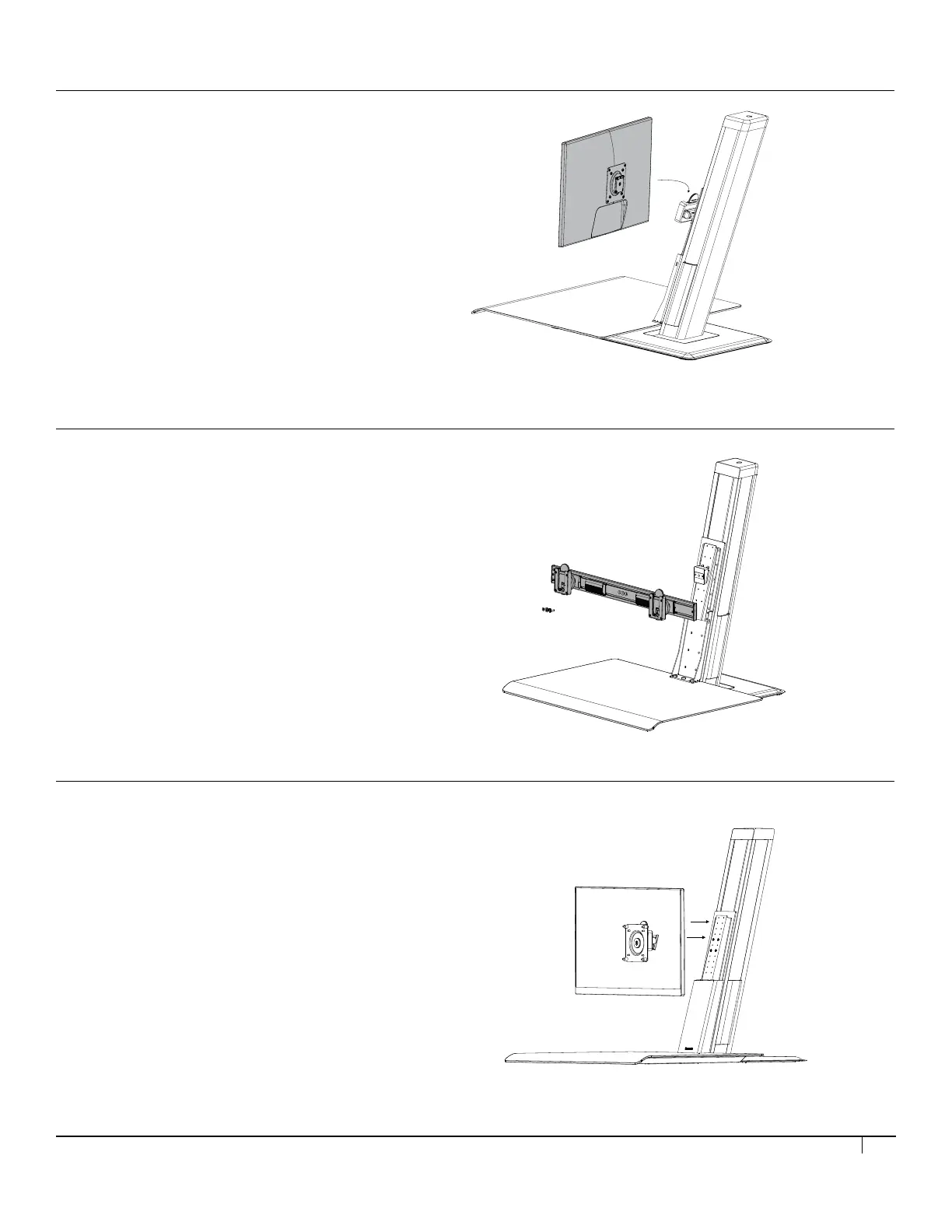
Step 6a (for dual monitor)
Attach the crossbar to the unit. Attach both monitors to the crossbar.
Step 7
Check monitor height at sitting and standing position. The top edge of the
monitor should align with your eye height. To adjust height, loosen the 4
screws shown here and lift & pull to remove the monitor mount o the unit.
Relocate the screws to the desired monitor height then place the monitor
and tighten the screws.
Step 6a (for dual monitor)
Attach the crossbar to the unit. Attach both monitors to the crossbar.
Step 7
Check monitor height at sitting and standing position. The top edge of the
monitor should align with your eye height. To adjust height, loosen the 4
screws shown here and lift & pull to remove the monitor mount o the unit.
Relocate the screws to the desired monitor height then place the monitor
and tighten the screws.
Step 5
Install the Vesa plate onto the monitor(s).
Step 6 (for single monitor)
Attach the monitor to the unit by sliding the tab in from the top.
STEP 6 (FOR SINGLE MONITOR)
• Attach the monitor to the unit by sliding the tab in from the top.
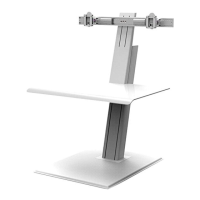
STEP 6 (FOR DUAL MONITOR)
• Install the crossbar onto the unit.
• Attach both monitors to the crossbar.
Refer to the crossbar installation manual.
STEP 7 (FOR SINGLE/DUAL MONITOR)
Check the monitor height at sitting and standing position
• The top edge of the monitor should align with your eye height.
• To adjust height, loosen the 4 screws shown here and lift and pull
to remove the monitor mount off the unit.
• Relocate the screws to the desired monitor height, then place
the monitor and tighten the screws.


 To Next Page