6
13
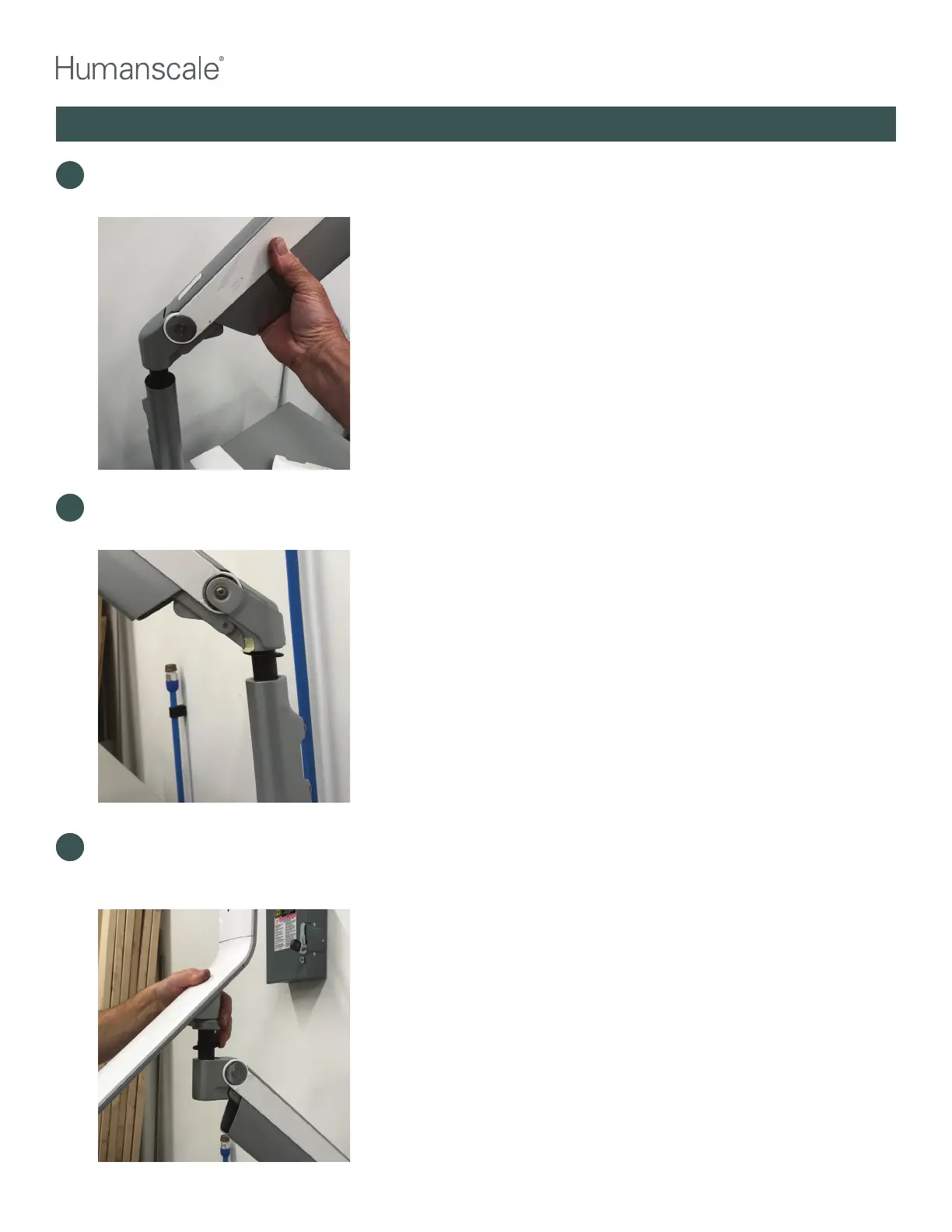
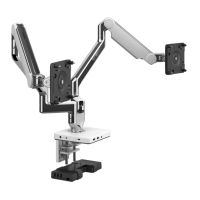
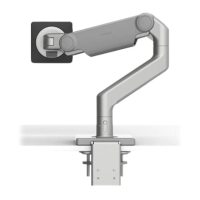
Install the new M8 Long Dynamic arm, making sure the plastic washer stays on the dynamic arm link
pin as it slides into the QSL base socket.
14
Reinstall QSL head, making sure that the plastic link washer stays in place on the link pin as it
is inserted into the dynamic arm socket. Re-tighten set screws on either end of the dynamic
arm. Position the QSL keyboard platform on a flat desk or work surface.
14
12
Carefully remove the dynamic arm by lifting straight up, allowing the arm link pin to come
clear out of the base socket. Existing arm may be disposed/recycled locally.
QUICKSTAND LITE REWORK INSTRUCTIONS



 To Next Page