HumanWare www.humanware.com
Brailliant User Guide
7
3.1 Model
This option displays device model information.
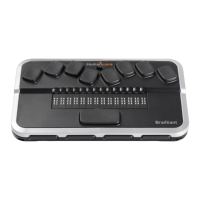
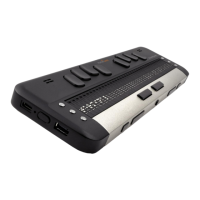
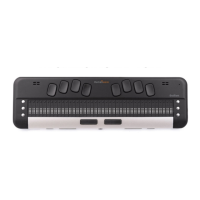
H u m a n W a r e B r a i l l i a n t B I 3 2
H u m a n W a r e B r a i l l i a n t B I 4 0
H u m a n W a r e B r a i l l i a n t B 8 0
⡓⠥⠍⠁⠝⡺⠁⠗⠑⠀⡃⠗⠁⠊⠇⠇⠊⠁⠝⠞ ⡃⡊⠀⠲⠴
3.2 Battery Level
This option displays battery charge information.
B a t t e r y L e v e l : 8 0 %
⡃⠁⠞⠞⠑⠗⠽⠀⡇⠑⠧⠑⠇⠱ ⠦⠴⠩
3.3 Channel (toggle)
This option allows you to select the communication channel used to communicate with
your computer. Options include: Automatic, USB and Bluetooth.
Channel: auto
⡉⠓⠁⠝⠝⠑⠇⠱
⠀
⠁⠥⠞⠕
3.4 Serial Number
This option displays the device's serial number.
S e r i a l N u m b e r : x x - x x x x - x x x x x x
⡎⠑⠗⠊⠁⠇⠀⡝⠥⠍⠃⠑⠗
⠱
⠭⠭⠤⠭⠭⠭⠭⠤⠭⠭⠭⠭⠭⠭


 To Next Page