HumanWare www.humanware.com
Brailliant User Guide
1
1. Overview of Brailliant
1.1 Introduction
Congratulations on your purchase of the Brailliant, the new Braille display from
HumanWare. There are three different models available: the BI 32 and BI 40 models
have, respectively, a 32-cell and a 40-cell Braille display, and a Braille keyboard. The
B 80 model has an 80-cell Braille display but no Braille keyboard.
1.2 Unpacking the Brailliant
The package contains the following items:
- Brailliant unit
- USB cable
- Companion CD
- Documentation
- Carrying case (BI 32 and BI 40 models only)
1.3 Physical Description
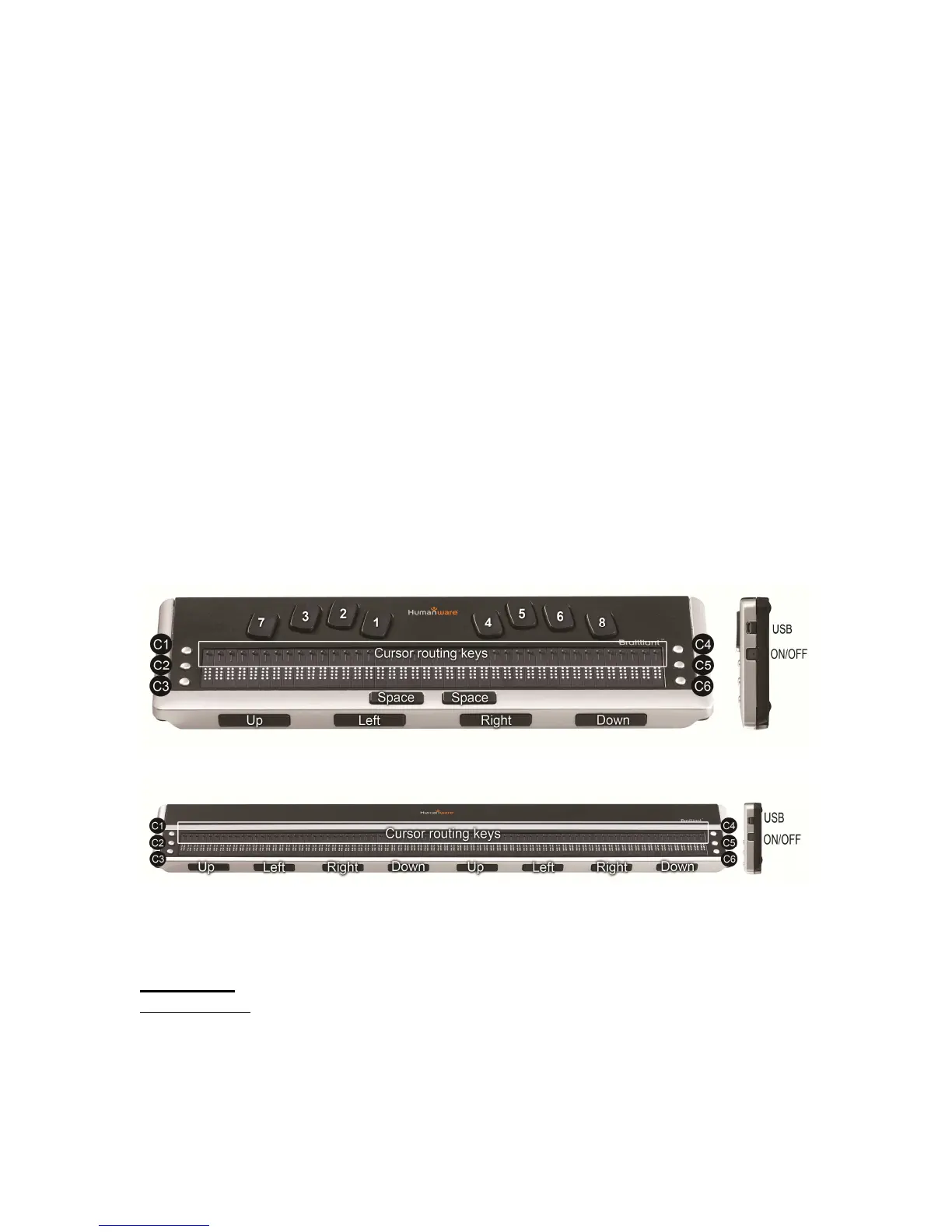
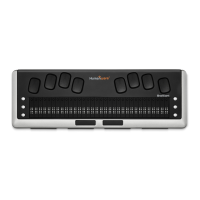
Figure 1: Brailliant 40
Figure 2: Brailliant 80
Brailliant models include the following features:
Top surface
Braille display
The Braille display is located on the top surface, near the front. Depending on the model
you have, the Braille display will be comprised of 32, 40, or 80 Braille cells. Behind each
Braille cell is a small button known as the cursor routing key.


 To Next Page