Humly Room Display - User Manual Prepared By: Haian & Robin
Revision - B Approved By:
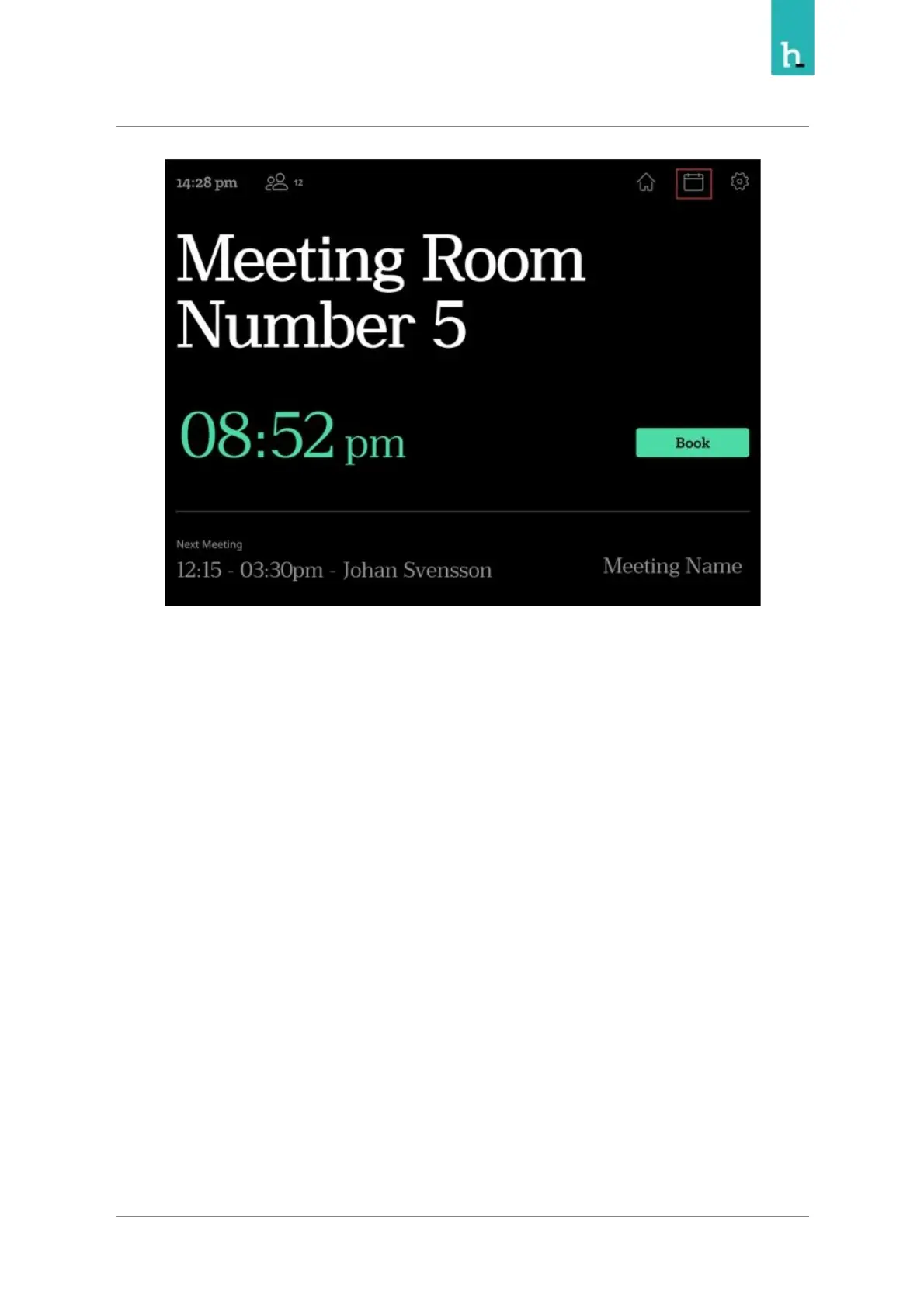
From the calendar view, you can see the room schedule, you can also book meeting by pressing Book
button on available slot, you can extend a meeting or delete scheduled meeting.
The schedule view and the available actions may vary based on the room settings in Humly Control
Panel.
22


 To Next Page