Humly Room Display - User Manual Prepared By: Haian & Robin
Revision - B Approved By:
Room Finder
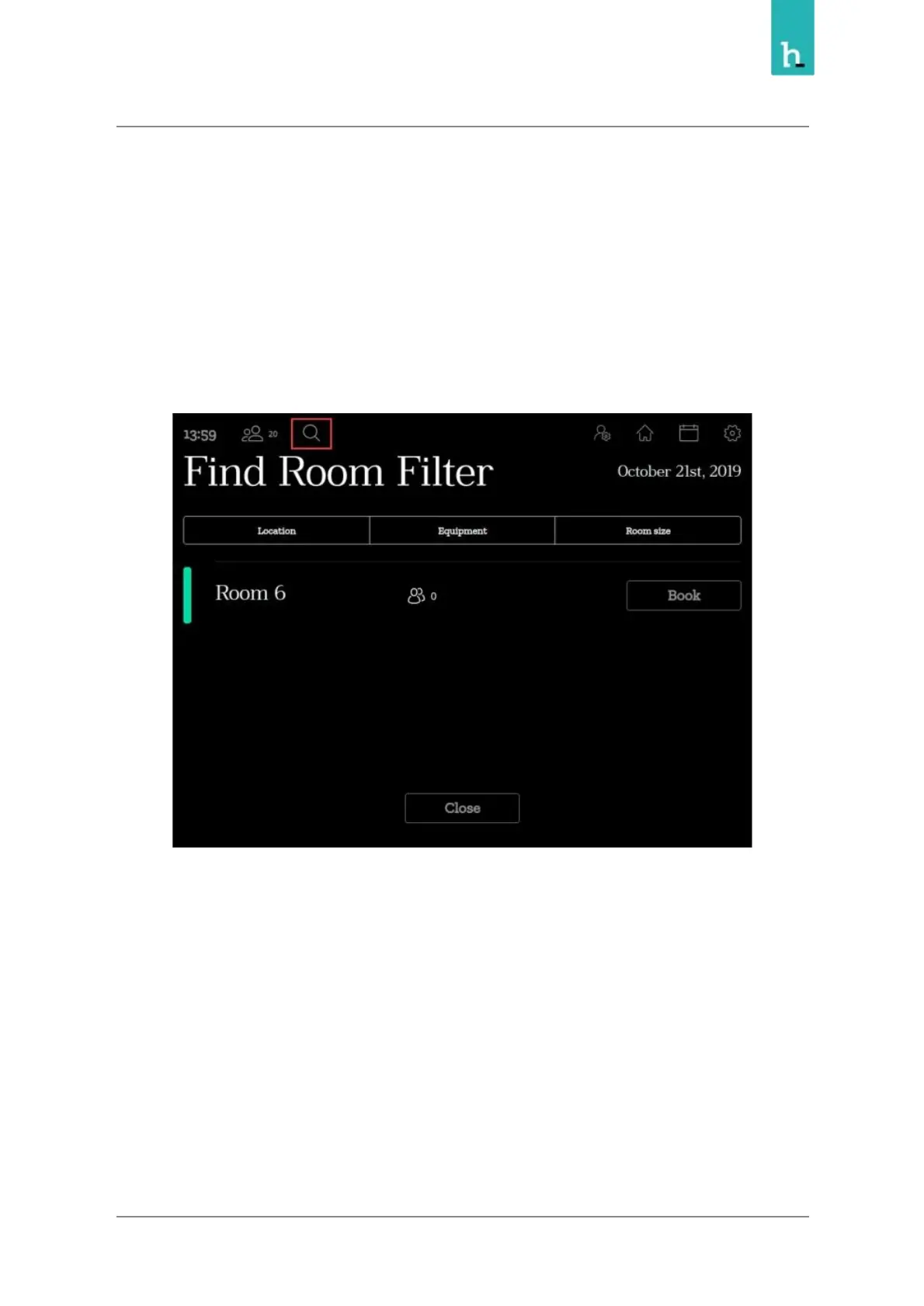
The room finder is a tool to find an available room based on specific filters, like room availability, location,
size and equipment.
You can use this function to book instant meeting and future meetings for another room which match
the applied filters.
Room finder can be accessed by pressing the search icon in the top left corner from the main view.
Then you can apply your search filters based on the locations, equipments and room size.
24


 To Next Page