Humly Room Display - User Manual Prepared By: Haian & Robin
Revision - B Approved By:
Administration menu
To access the administrator panel, press the icon in the top right part from the main screen or any screen
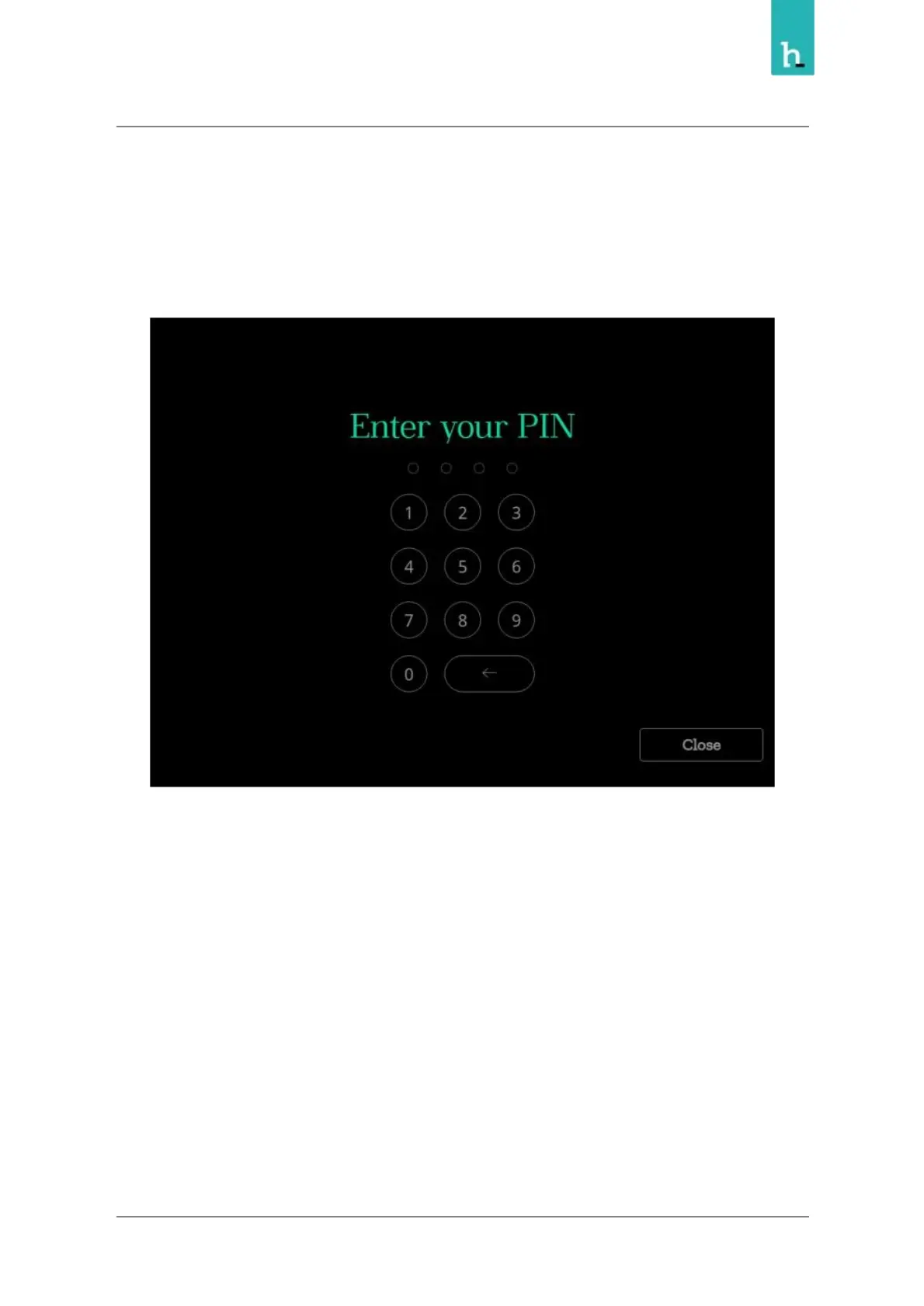
This will prompt you to authenticate as an administrator using PIN or RFID
Once authenticated, the administrator panel will be shown, from the panel you can perform the below
actions
29


 To Next Page