47
7. SET UP THE LIGHTNING FUNCTIONS
NOTE!
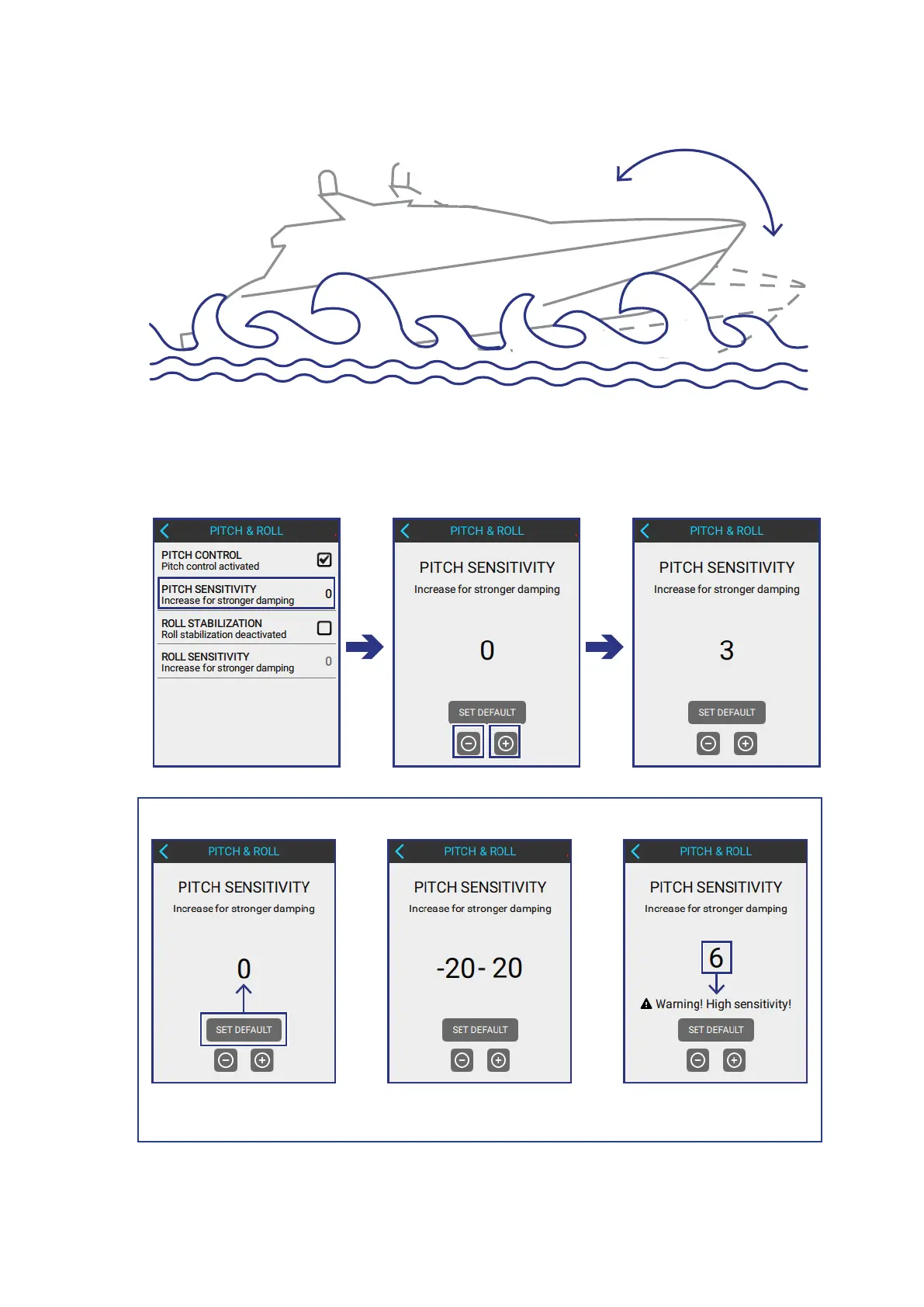
Default Value Sensitivity Range If sensitivity is over 5
a warning appears!
2
TEST THE PITCH SENSITIVITY of the boat by driving it on water with waves.
3
ADJUST THE PITCH SENSITIVITY in the following screen:
PITCH & ROLL > PITCH SENSTIVITY
• Use the + and - buttons to increase or decrease sensitivity values.



 To Next Page