48
7. SET UP THE LIGHTNING FUNCTIONS
7.4.2 ENABLE AND ADJUST ROLL STABILIZATION
1
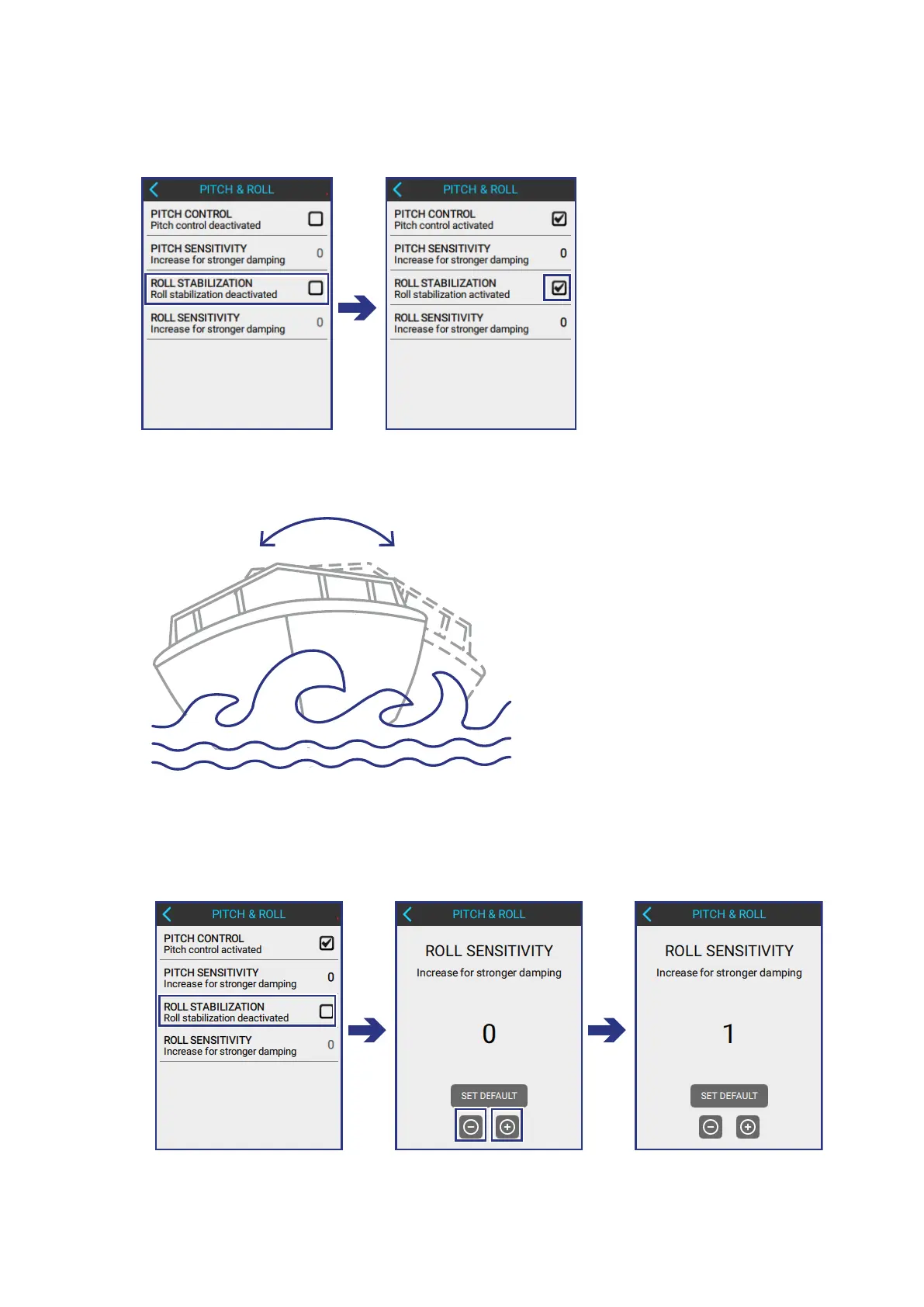
TICK THE ROLL STABILIZATION BOX to activate the functionality.
2
TEST THE ROLL STABILIZATION of the boat by driving it on water with waves.
3
ADJUST THE ROLL STABILIZATION in the following screen:
PITCH & ROLL > ROLL STABILIZATION
• Use the + and - buttons to increase or decrease sensitivity values.



 To Next Page