EasyManua.ls Logo

Hunter Douglas Solera Soft Shades - User Manual

Hunter Douglas Solera Soft Shades
31 pages
Print Icon
To Next Page IconTo Next Page
Loading...
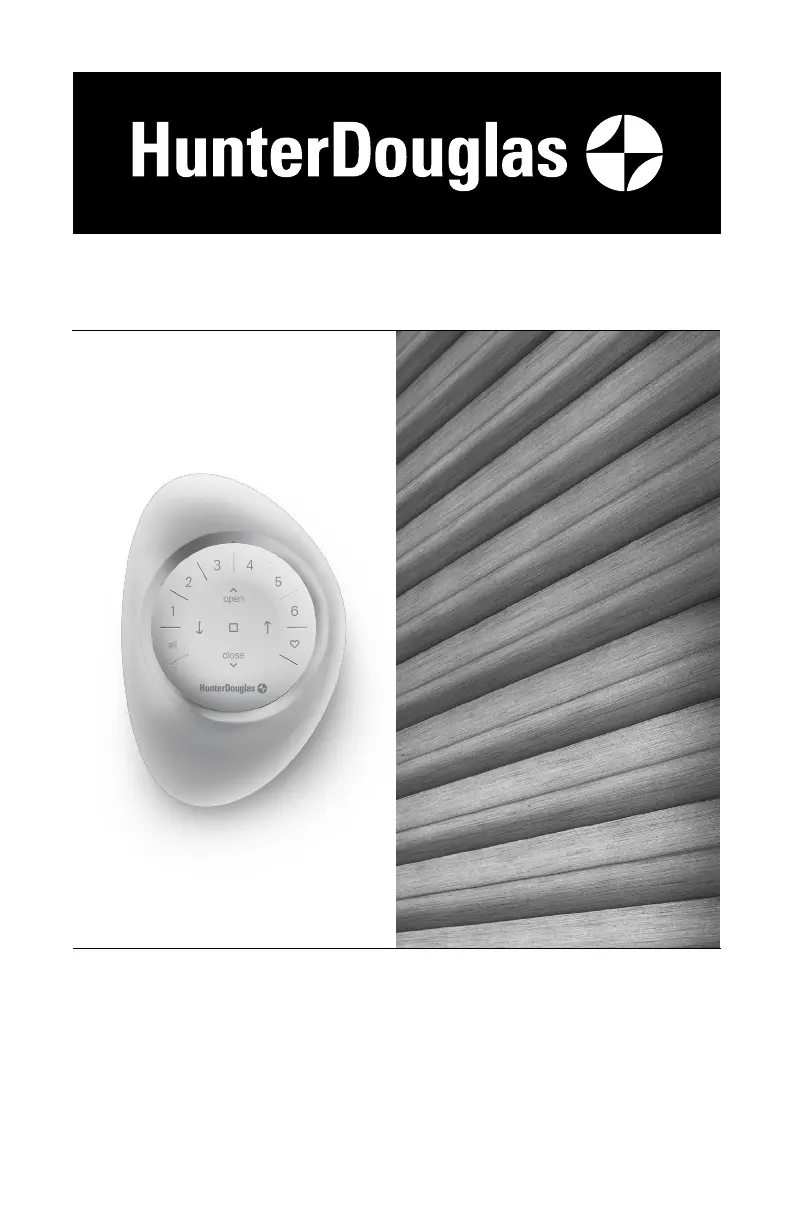
Solera
®
Soft Shades
PowerView
®
Gen 3 Automation
Installation
Operation
Care

Questions and Answers

  • E
    elizabethkeyAug 3, 2025
    Why Hunter Douglas Window Blinds are not responding to the PowerView® Gen 3 remote?
    • G
      Gary MaysAug 3, 2025
      The Hunter Douglas window blind might not be responding because it hasn't been joined to a group yet. Ensure the correct group number is selected (the LED for that group will light up). You can verify the group number in the PowerView® App under MORE > ACCESSORIES. Also, check the batteries; replace them if they're drained or low (inner ring buttons light up RED when low). The remote uses two CR2032 batteries.
  • B
    Brenda WellsAug 7, 2025
    What to do if Hunter Douglas Solera Soft Shades are operating slowly?
    • R
      Rachel KochAug 7, 2025
      If your Hunter Douglas window blinds are operating slowly, the batteries in the battery wand, satellite battery pack, or C-size battery wand may be low. Try replacing them. Also, check that the power source is securely connected and the cables aren't pinched. If the issue persists, the shade limits may need to be reset. Ensure that the fabric stacks evenly when raised.
  • J
    Jeremy SmithAug 11, 2025
    What to do if my Hunter Douglas Window Blinds rechargeable battery is charged but the shade does not operate?
    • B
      Brian TaylorAug 12, 2025
      If your Hunter Douglas rechargeable battery wand is charged but the shade isn't working, it might be too hot. If the temperature in your window exceeds 176°F (80°C), the battery's safety feature will temporarily shut it off. It will turn back on once the temperature lowers. Consider reinstalling the battery wand in a location that avoids direct sunlight.
  • S
    Steven GrayAug 16, 2025
    How to replace batteries in Hunter Douglas Solera Soft Shades battery wand?
    • D
      Derek SmithAug 16, 2025
      To replace the batteries in your Hunter Douglas window blinds battery wand, squeeze the cap latch to release and remove the cap. Install new batteries following the instructions on the battery wand label. Then, squeeze the cap back on until it latches. Hunter Douglas recommends using AA alkaline batteries for optimal performance. Lithium and rechargeable batteries are not recommended.
  • R
    Rebecca TurnerAug 20, 2025
    What to do if Hunter Douglas Window Blinds shade does not operate using the control button?
    • D
      Dustin HarrisAug 20, 2025
      If your Hunter Douglas window blind isn't operating with the control button, first unplug the power cable from the motor and plug it back in; a blue LED should flash. Then, check the batteries in the battery wand, satellite battery pack, or C-size satellite battery wand to ensure they are correctly inserted and fresh. Also, verify that the power source is securely connected and the cables aren't pinched. If you have a rechargeable battery wand, make sure it's correctly positioned in the mount.
  • P
    paul63Aug 25, 2025
    Why Hunter Douglas Window Blinds shade will not fit into the installation brackets?
    • J
      Janet JonesAug 25, 2025
      If your Hunter Douglas shade won't fit into the installation brackets, check if a battery wand is interfering. Ensure the installation brackets are level and aligned, using shims if needed. Confirm screw heads are flush against the brackets and that the headrail is fully inserted.
  • T
    Teresa VegaAug 29, 2025
    What to do if Hunter Douglas Solera Soft Shades middle or bottom rail raise/lower unevenly?
    • M
      middletondavidAug 29, 2025
      If the middle or bottom rail of your Hunter Douglas window blinds raises or lowers unevenly, check that the headrail and installation brackets are level and aligned. Use shims to level the headrail if necessary.

Summary

Getting Started

Product View

Illustrates the main components of the Hunter Douglas Solera Soft Shades.

Tools and Fasteners Needed

Lists the required tools and fasteners for installing the shade.

Installation

Installation Overview

Provides a summary of the four main steps required to install the shade.

STEP 1: Install the Brackets

Detailed instructions for installing the mounting brackets for the shade.

Mounting Types and Window Terminology

Explains different mounting types and basic window terminology relevant to installation.

Mount Brackets - Inside Mount

Specific instructions for mounting the installation brackets for an inside window installation.

Mount Brackets - Outside Mount

Specific instructions for mounting the installation brackets for an outside window installation.

STEP 2: Install the Battery Wand

Guides for installing the battery wand or associated power components.

STEP 3: Install the Shade

Instructions for physically attaching the shade to the installed brackets.

STEP 4: Connect the Power Source

Details on connecting the shade to its power supply, including various battery and wired options.

Power Options: Satellite, Rechargeable, DC

Covers installation of satellite packs, rechargeable battery wands, and DC power supplies.

Advanced Power Configurations

Instructions for daisy-chaining power supplies and using double connector cables.

Testing the Shade

Procedure to verify the shade motor and power source are functioning correctly after installation.

Operation

PowerView App and Gen 3 Remote Operation

Instructions for operating shades using the PowerView App and Gen 3 remote.

Top-Down;Bottom-Up Shade Control

Detailed remote commands for specific Top-Down/Bottom-Up shade movements.

Shade Reset and Limit Adjustments

Procedures for recalibrating, resetting programming, and adjusting shade travel limits.

Troubleshooting

Installation and Basic Operation Issues

Solutions for fitting, control button, remote responsiveness, and basic operational problems.

Shade Movement and Limit Adjustments

Troubleshooting slow movement, uneven rails, and adjusting shade travel limits.

Battery and Power System Troubleshooting

Guidance on battery recharging, temperature issues, and power connections.

Battery Recharging and Replacement

Detailed procedures for recharging the battery wand and replacing its batteries.

Care

Removing the Shade

Step-by-step instructions for safely detaching the shade from its installation brackets.

Cleaning Procedures

Methods for cleaning the Solera Soft Shades, including dusting, vacuuming, and air drying.

Declarations

FCC, ICES-003, NMB-003 Compliance

Regulatory compliance statements for FCC and Canadian standards.

CE Compliance Statement

European Union compliance declarations for EMC and Radio Equipment directives.

Child Safety

Window Blind Cord Strangulation Hazard

Crucial safety warning about cord strangulation risks to children and recommended precautions.

Lifetime Guarantee

Warranty Coverage Details

Information on what parts and conditions are covered or excluded under the limited warranty.

How to Obtain Warranty Service

Instructions on contacting Hunter Douglas for warranty assistance and service.

Hunter Douglas Solera Soft Shades Specifications

General IconGeneral
MaterialFabric
PrivacyAdjustable
UV ProtectionYes
OperationCordless
InstallationInside Mount, Outside Mount

Related product manuals