EasyManua.ls Logo

Hunter Douglas Silhouette Duolite UltraGlide - User Manual

Hunter Douglas Silhouette Duolite UltraGlide
43 pages
Print Icon
To Next Page IconTo Next Page
Loading...
PowerView
®
Gen 3
Automation
SoftTouch
®
Po
Po
w
e
A
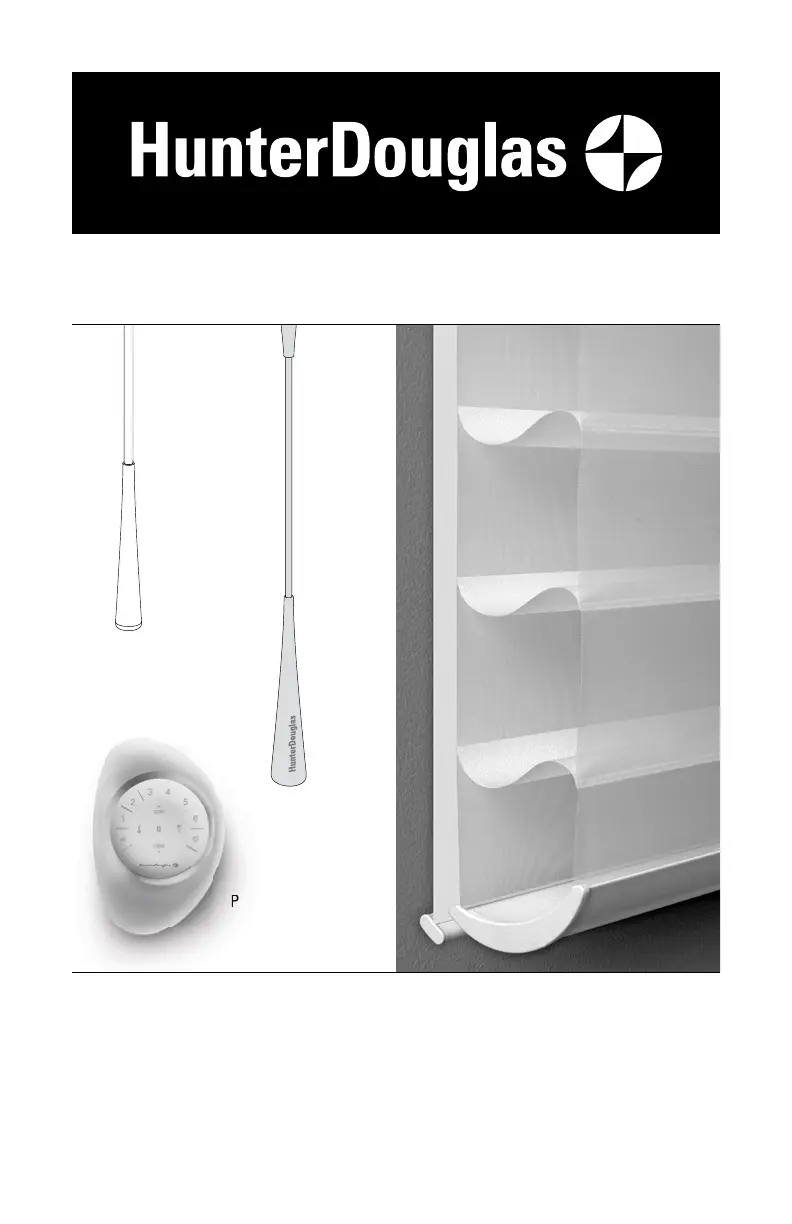
UltraGlide
®
Silhouette
®
Duolite
®
Window Shadings
UltraGlide, SoftTouch, and PowerView Gen 3
Automation Operating Systems
Installation
Operation
Care

Questions and Answers

  • P
    Pamela GrayAug 19, 2025
    How to fix Hunter Douglas Silhouette Duolite UltraGlide that raise or lower unevenly?
    • V
      vmiddletonAug 19, 2025
      Check that the window is square by measuring the diagonals. Also, check that the installation brackets are level. Shim to level if necessary.
  • M
    Matthew CabreraAug 21, 2025
    How to fix Hunter Douglas Silhouette Duolite UltraGlide that are hard to raise or lower?
    • B
      Brent GregoryAug 21, 2025
      Hunter Douglas shadings cannot be forced into tight inside mount window openings. If an inside mount, check that the headrail is installed correctly and make sure there is clearance between the ends of the shading or shade and the window casement.
  • A
    Amanda LaneAug 25, 2025
    How to install Hunter Douglas Silhouette Duolite UltraGlide Window Blinds headrail?
    • R
      Ryan SmithAug 25, 2025
      Check that the installation brackets are level and aligned. Adjust and/or shim to level, if necessary. Be sure the heads of the mounting screws are flush against the installation brackets. Check that the headrail is completely inserted into the installation brackets so that the locking lever on the installation bracket slides over the headrail.
  • J
    John GarciaAug 26, 2025
    What to do if Hunter Douglas PowerView Gen 3 Window Blinds shading does not respond to the remote?
    • W
      Whitney WeaverAug 26, 2025
      A Hunter Douglas shade will not operate until it is joined to a group. Check that the correct group number is selected on the remote. The LED on that group number will light up.
  • P
    Patricia LeeAug 28, 2025
    What to do if Hunter Douglas SoftTouch Window Blinds shading does not operate when pushing up or pulling down the wand?
    • P
      patrick52Aug 28, 2025
      Unplug the power cable from the motor and lift the wand to discharge any residual power. Then, plug the power cable back in. A green LED should flash to indicate the motor has power.
  • C
    Carol BarrettAug 30, 2025
    Why Hunter Douglas PowerView Gen 3 Window Blinds bottom rail does not raise or lower completely?
    • J
      jorgealvarezAug 30, 2025
      The batteries may be low in the battery wand or satellite battery pack. Replace the batteries.
  • M
    matthewlesterSep 1, 2025
    What to do if Hunter Douglas PowerView Gen 3 and SoftTouch Window Blinds rechargeable battery wand is charged but the shade does not operate?
    • M
      mshahSep 1, 2025
      The rechargeable battery wand can operate in temperatures up to 176°F (80°C). If the temperature in your window exceeds this, the safety feature will shut the battery off temporarily. The battery wand will turn back on once the temperature lowers into the operable range. If you anticipate the rechargeable battery wand consistently exceeding this temperature limit, please reinstall in a location that avoids direct sunlight.
  • J
    Jenna JacksonSep 3, 2025
    Why Hunter Douglas PowerView Gen 3 Window Blinds adjacent shadings do not roll up evenly?
    • J
      Jennifer WilsonSep 3, 2025
      It is considered normal if the roll-up on adjacent Hunter Douglas shadings is within 5?16" of each other. If one shading rolls up tighter than another, lower and raise both shadings several times.
  • J
    John HurleySep 5, 2025
    What to do if Hunter Douglas SoftTouch Window Blinds wand detached from the activation arm?
    • J
      Joseph BrooksSep 5, 2025
      The wand is attached to the activation arm using a magnet and is easily reattached by touching the top of the wand to the activation arm.
  • R
    Ronald WilsonSep 7, 2025
    What to do if Hunter Douglas PowerView Gen 3 Window Blinds shading does not operate when the control button is pressed?
    • J
      jillianrichardsSep 8, 2025
      Check that the batteries in the wand or satellite battery pack are correctly inserted and have not lost power. Check that the power source is securely connected to the power cable and the cables are not pinched or caught in the headrail or installation brackets.

Summary

GETTING STARTED

Product Views

Overview of shading components and system types.

Tools and Fasteners Needed

Lists necessary tools and fasteners for installation.

INSTALLATION

Installation Overview

Outlines the four main steps for installing the shading.

Mount Installation Brackets

Instructions for mounting installation brackets for inside and outside mounts.

Mounting Types and Window Terminology

Defines mounting types and window casing terms.

Inside Mount Bracket Installation

Detailed steps for mounting brackets for inside window mounts.

Outside Mount Bracket Installation

Detailed steps for mounting brackets for outside window mounts.

Additional Clearance for Mounting

Explains required clearance for spacer blocks and extension brackets.

Install Battery Wand

Install the battery wand for PowerView/SoftTouch systems.

Headrail-Mounted Rechargeable Battery Wand Installation

Instructions for installing the rechargeable battery wand mount.

Install the Shading

Procedures for attaching the shading headrail to the installation brackets.

Attach Dust Cover

How to attach an optional dust cover for outside mounts.

Connect Power Source

Connecting the power source for motorized systems.

Satellite Battery Pack Installation

Installation instructions for the satellite battery pack.

Satellite-Mounted Rechargeable Battery Wand Installation

Instructions for mounting the rechargeable battery wand as a satellite unit.

Install Battery Wand into Mount

Inserting the rechargeable battery wand into its mount.

SoftTouch Wand Attachment and Final Adjustment

Attaching the SoftTouch wand and making final adjustments.

18 V DC Power Supply Connection

Connecting the 18V DC power supply.

PowerView Gen 3 Testing

Steps to test the shading operation with PowerView Gen 3.

OPERATION

Operate the Shading

General guide to operating the front and rear shading components sequentially.

UltraGlide Shadings Operation

Instructions for lowering and raising UltraGlide shadings.

SoftTouch Motorization Operation

Basic operation for SoftTouch motorized shadings.

Express Mode and Favorite Positions

Advanced operation modes for setting favorite positions.

PowerView App and Gen 3 Remote Operation

Guide to using the PowerView App and Gen 3 Remote for control.

Resetting the Shading

Procedures for calibration and shade programming resets.

TROUBLESHOOTING

General Installation and Operation Issues

Common issues like headrail fit and basic operation problems.

Rechargeable Battery Issues

Troubleshooting for rechargeable battery recharging and operation.

Shading Movement and Alignment Issues

Addresses issues with bottom rail weight and skew adjustment.

Vane and Fabric Issues

Troubleshooting vane operation and fabric clinging problems.

SoftTouch Limit Adjustments

Adjusting upper and lower limits for SoftTouch shadings.

CARE

Removing the Shading

Instructions on how to safely detach the shading from its brackets.

Cleaning Procedures

Guidelines for cleaning the headrail and front shading.

Specific Cleaning Notes

Cleaning the rear shade and properties of Silhouette fabrics.

CHILD SAFETY

Window Blind Cord Safety Warning

Critical warning about strangulation hazards from window blind cords.

POWERVIEW DECLARATIONS

Regulatory Compliance

Statements regarding FCC and Canadian ICES compliance.

LIFETIME GUARANTEE

Warranty Information and Service

Details of the lifetime limited warranty and how to obtain service.

Hunter Douglas Silhouette Duolite UltraGlide Specifications

General IconGeneral
BrandHunter Douglas
ModelSilhouette Duolite UltraGlide
Duolite FeatureYes
OperationUltraGlide
MaterialFabric
Light ControlAdjustable
View ThroughAdjustable

Related product manuals