EasyManua.ls Logo

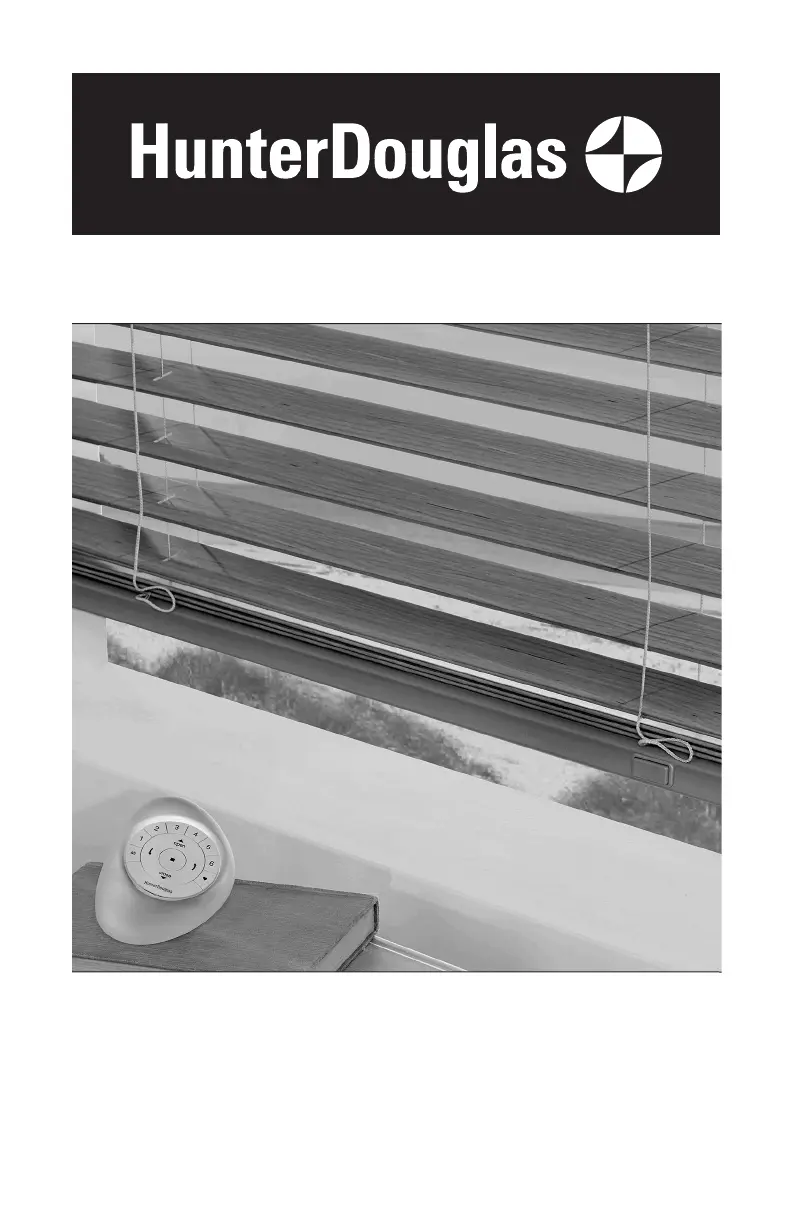
Hunter Douglas PowerView - User Manual

Hunter Douglas PowerView
36 pages
Print Icon
To Next Page IconTo Next Page
Loading...
Installation
Operation
Care
Horizontal Blinds
PowerView
®
Motorization and
SimpleLift
with PowerView Motorization
Operating Systems

Other manuals for Hunter Douglas PowerView

Questions and Answers

  • P
    Paul BeckSep 18, 2025
    Why Hunter Douglas PowerView Window Blinds adjacent shadings do not roll up evenly?
    • A
      ashley17Sep 18, 2025
      If adjacent Hunter Douglas PowerView Window Blinds don't roll up evenly, a difference within 5/16" is considered normal. If one shading rolls up tighter than the other, lower and raise both shadings several times. You may also need to reset the upper and lower travel limits.
  • C
    csinghAug 25, 2025
    Why is the bottom rail on my Hunter Douglas PowerView Window Blinds not raising or lowering completely?
    • C
      cruzchristineAug 25, 2025
      If the bottom rail on your Hunter Douglas PowerView Window Blinds shade isn't raising or lowering completely, or its position has changed, the batteries in the battery wand or satellite battery pack may be low, so try replacing them. Also, make sure the battery wand, satellite battery pack, or 18V DC power supply is securely connected to the power cable, and that the cables aren't pinched or caught in the headrail or installation brackets.
  • J
    Jeffrey RichardsonAug 25, 2025
    What to do if Hunter Douglas PowerView Window Blinds shade is not responding to the remote?
    • R
      robertandersonAug 26, 2025
      If your Hunter Douglas PowerView Window Blinds shade isn't responding to the remote, first check that the correct group number is selected. Then, check that the batteries in the remote are correctly inserted and are fresh. The LEDs that backlight the remote should light up fully when you press STOP.
  • J
    Joshua HayesAug 27, 2025
    Why do Hunter Douglas PowerView raise unevenly?
    • J
      Jordan RiveraAug 27, 2025
      If your Hunter Douglas Window Blinds raise or lower unevenly, the fabric rubs, or the bottom rail is uneven, check that the window is square by measuring the diagonals. Also, ensure the installation brackets are level, using shims if necessary. You can also adjust the bottom rail weight (though this doesn't apply to LiteRise® shadings).
  • T
    Thomas NunezSep 19, 2025
    Why Hunter Douglas PowerView Window Blinds raise from the sill?
    • K
      Kenneth ShawSep 22, 2025
      A small gap between the sill and the bottom of the Hunter Douglas PowerView Window Blinds shading is normal when the vanes are fully lowered and closed. If this distance is excessive or changes over time, open the shading to its full 'vane open' position and try again.
  • C
    Curtis McdonaldSep 23, 2025
    What to do if Hunter Douglas Indoor Furnishing shade does not operate when pressing the programming button?
    • J
      Jeffrey WrightSep 23, 2025
      If your Hunter Douglas Indoor Furnishing shade won't operate when the programming button is pressed: Unplug the power cable from the motor and plug it back in. A green LED should flash, indicating power. Check that the batteries in the battery wand, satellite battery pack, or C-size satellite battery wand are correctly inserted and fresh. Ensure the battery wand, satellite battery pack, C-size satellite battery wand, or DC power supply is securely connected to the power cable, and that the cables are not pinched.
  • M
    Melinda NashSep 9, 2025
    Why are my Hunter Douglas PowerView Window Blinds decorative tapes wrinkled?
    • Y
      youngmichaelSep 10, 2025
      If the decorative tapes on your Hunter Douglas window blinds are wrinkled after installation, use a steamer to steam out the wrinkles. Wave the steamer in front of the tapes for a few seconds, being careful not to touch the slats. Avoid pulling down on the bottom rail while steaming to prevent stretching the tapes.
  • M
    Mary SnyderSep 12, 2025
    What to do if SimpleLift Hunter Douglas Window Blinds slats are not stacking evenly?
    • A
      Anthony BrownSep 12, 2025
      If, when raising your SimpleLift Hunter Douglas window blind, the slats are not stacking evenly and are falling over the bottom rail, it means the blind was raised too quickly. Gently raise the bottom rail to give the lift cords time to retract, allowing the slats to stack evenly.
  • B
    Brianna JoyceSep 3, 2025
    How to replace batteries in Hunter Douglas PowerView Window Blinds battery wand?
    • D
      Denise RodriguezSep 3, 2025
      To replace the batteries in your Hunter Douglas window blinds battery wand, squeeze the cap latch to release and remove the cap. Install the batteries according to the instructions on the battery wand label. Then, press the cap back on until it latches. Hunter Douglas recommends AA alkaline batteries for optimal performance. Lithium and rechargeable batteries are not recommended.
  • M
    Melanie BrooksSep 1, 2025
    Why are my Hunter Douglas PowerView operating slowly?
    • S
      Shawn CurtisSep 1, 2025
      If your Hunter Douglas window blinds are operating slowly or not tilting completely, the batteries in the battery wand, satellite battery wand, or C-size battery wand may be low. Replace the batteries. Also, check that the battery wand, satellite battery wand, C-size satellite battery wand, or 18V DC power supply is securely connected to the power cable and that the cables are not pinched. If the problem persists, the blind may need to be reset.

Summary

Hunter Douglas Blind Installation Procedures

Step 1: Installing Mounting Brackets

Detailed guide for mounting end and intermediate brackets for various window types.

Step 2: Connecting the Power Cable

Procedure to connect the power cable to the battery wand and headrail.

Step 3: Installing the Blind Headrail

Attaching valance clips, mounting the headrail, and securing the blind assembly.

Step 4: Connecting the Power Source

Connecting satellite battery wands or 18V DC power supplies for operation.

Operating Your Motorized Hunter Douglas Blinds

Using the PowerView Remote Control

Guide to operating blinds with the PowerView remote, including group setup.

Troubleshooting Blind Operation Issues

Solutions for common problems like fitting, battery issues, and movement errors.

Care and Cleaning of Hunter Douglas Blinds

Child Safety Features and Precautions

Hunter Douglas Blind Warranty Details

Hunter Douglas PowerView Specifications

General IconGeneral
Control MethodRemote control, smartphone app, voice control
ConnectivityWi-Fi, Bluetooth
Power SourceBattery-powered
IntegrationAmazon Alexa, Google Assistant, Apple HomeKit
SchedulingYes
Scene ControlYes
Battery LifeApproximately 1 year depending on usage
CompatibilityHunter Douglas blinds and shades
App FeaturesRemote access, scheduling, scene control, integration with smart home systems

Related product manuals