EasyManua.ls Logo

Hunter Douglas PowerView - User Manual

Hunter Douglas PowerView
36 pages
Print Icon
To Next Page IconTo Next Page
Loading...
Installation
•
Operation
•
Care
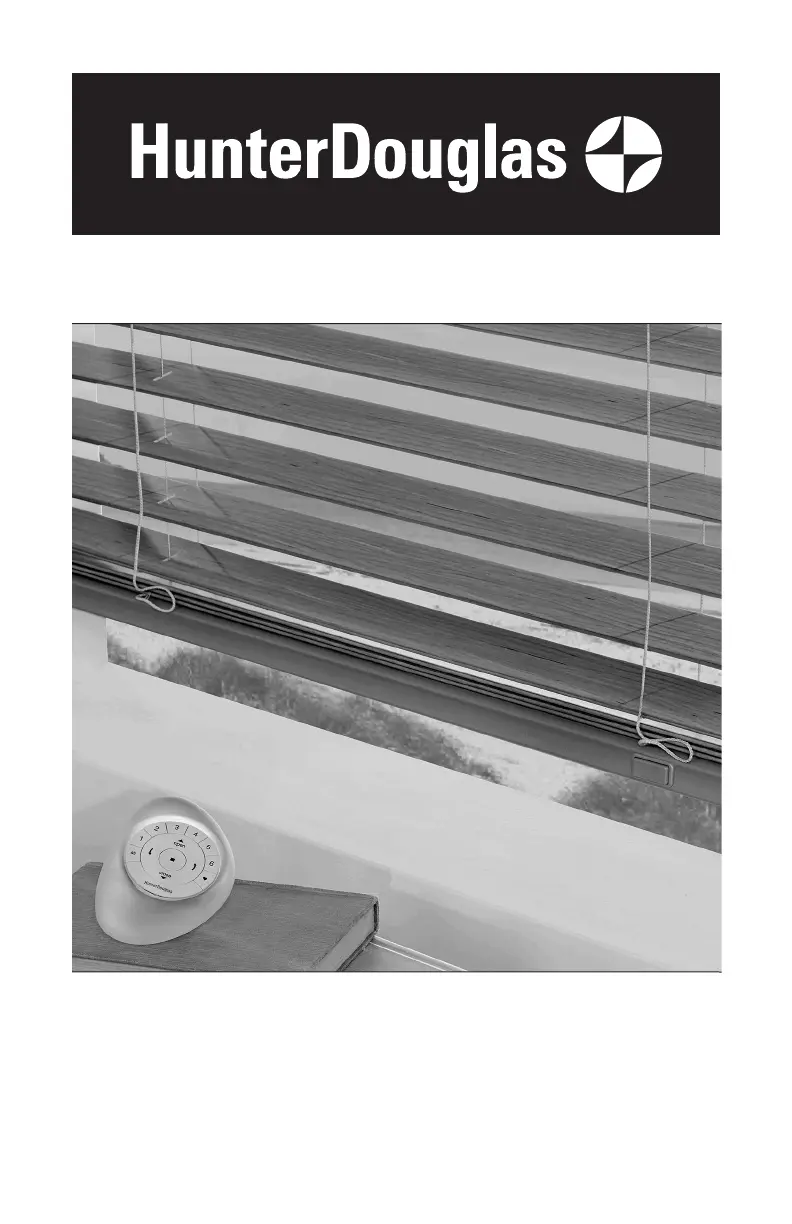
Horizontal Blinds
PowerView
®
Motorization and
SimpleLift
™
with PowerView Motorization
Operating Systems

Other manuals for Hunter Douglas PowerView

Questions and Answers

  • R
    ruthcastroSep 12, 2025
    What to do if SimpleLift Hunter Douglas PowerView Window Blinds make a ratcheting noise?
    • S
      Stephanie WeaverSep 12, 2025
      If your SimpleLift Hunter Douglas window blind makes a ratcheting noise while raising the bottom rail, push harder on the center button. The button must be fully depressed to properly raise or lower the blind.
  • M
    Mary SnyderSep 12, 2025
    What to do if SimpleLift Hunter Douglas Window Blinds slats are not stacking evenly?
    • A
      Anthony BrownSep 12, 2025
      If, when raising your SimpleLift Hunter Douglas window blind, the slats are not stacking evenly and are falling over the bottom rail, it means the blind was raised too quickly. Gently raise the bottom rail to give the lift cords time to retract, allowing the slats to stack evenly.
  • M
    Melinda NashSep 9, 2025
    Why are my Hunter Douglas PowerView Window Blinds decorative tapes wrinkled?
    • Y
      youngmichaelSep 10, 2025
      If the decorative tapes on your Hunter Douglas window blinds are wrinkled after installation, use a steamer to steam out the wrinkles. Wave the steamer in front of the tapes for a few seconds, being careful not to touch the slats. Avoid pulling down on the bottom rail while steaming to prevent stretching the tapes.
  • D
    Dorothy SmithSep 8, 2025
    Why are Hunter Douglas PowerView Window Blinds lift cords bunching by the safety cord connector?
    • M
      Monique JohnsonSep 8, 2025
      If the lift cords on your Hunter Douglas window blinds are bunching by the safety cord connector, make sure the slats are in the open position. Then, raise and lower the blind to straighten the lift cords.
  • C
    Cameron SinghSep 7, 2025
    What to do if my Hunter Douglas Window Blind will not fit into the installation brackets?
    • G
      garretttravisSep 7, 2025
      If your Hunter Douglas window blind doesn't fit into the installation brackets, check that the brackets are level and aligned. Adjust and/or shim to level if needed. Ensure the heads of the mounting screws are flush against the installation brackets and that the headrail is completely inserted into the installation brackets.
  • P
    Pamela CamposAug 23, 2025
    Why is my Hunter Douglas PowerView Window Blinds shade hard to raise or lower?
    • M
      Michael BakerAug 23, 2025
      If your Hunter Douglas Window Blinds shade is hard to raise or lower, or won't move at all, consider these potential issues: First, remember that shadings cannot be forced into tight inside mount window openings. If it's an inside mount, ensure the headrail is correctly installed and there's enough clearance between the ends of the shade and the window casement. Check that the installation brackets are level and aligned; adjust or shim if needed. If you have EasyRise™, make sure the cord tensioners are mounted correctly. For LiteRise®, close the vanes by pressing down on the front of the handle before raising or lowering.
  • S
    Steve MccannSep 5, 2025
    Why are my Hunter Douglas PowerView not raising evenly?
    • M
      Misty LewisSep 5, 2025
      If your Hunter Douglas window blinds aren't raising or lowering evenly, check inside the headrail to ensure no obstructions are preventing the mechanism from turning. Also, verify that the lift cords are not pinched or tangled.
  • B
    bartonjoannSep 4, 2025
    What to do if Hunter Douglas Window Blind does not operate using the programming button?
    • S
      ssandersSep 4, 2025
      If your Hunter Douglas window blind isn't operating using the programming button, unplug the power cable from the motor and plug it back in. A green LED light inside the programming button housing should flash, indicating power. Also, check that the batteries in the battery wand, satellite battery wand, or C-size satellite battery wand are correctly inserted and fresh. Ensure the battery wand, satellite battery wand, C-size satellite battery wand, or 18V DC power supply is securely connected to the power cable, and the cables aren't pinched in the headrail or installation brackets.
  • B
    Brianna JoyceSep 3, 2025
    How to replace batteries in Hunter Douglas PowerView Window Blinds battery wand?
    • D
      Denise RodriguezSep 3, 2025
      To replace the batteries in your Hunter Douglas window blinds battery wand, squeeze the cap latch to release and remove the cap. Install the batteries according to the instructions on the battery wand label. Then, press the cap back on until it latches. Hunter Douglas recommends AA alkaline batteries for optimal performance. Lithium and rechargeable batteries are not recommended.
  • S
    Sarah BartonSep 2, 2025
    What to do if Hunter Douglas PowerView Window Blinds lift cords are stuck?
    • R
      Richard WellsSep 2, 2025
      If the lift cords of your Hunter Douglas window blinds are stuck or jammed, check the cords and the moveable pin in the cordlock mechanism inside the headrail. Ensure the cords can move freely. If jammed, use a screwdriver or needle-nose pliers to move the pin and free the cords.

Summary

Hunter Douglas Blind Installation Procedures

Step 1: Installing Mounting Brackets

Detailed guide for mounting end and intermediate brackets for various window types.

Step 2: Connecting the Power Cable

Procedure to connect the power cable to the battery wand and headrail.

Step 3: Installing the Blind Headrail

Attaching valance clips, mounting the headrail, and securing the blind assembly.

Step 4: Connecting the Power Source

Connecting satellite battery wands or 18V DC power supplies for operation.

Operating Your Motorized Hunter Douglas Blinds

Using the PowerView Remote Control

Guide to operating blinds with the PowerView remote, including group setup.

Troubleshooting Blind Operation Issues

Solutions for common problems like fitting, battery issues, and movement errors.

Care and Cleaning of Hunter Douglas Blinds

Child Safety Features and Precautions

Hunter Douglas Blind Warranty Details

Hunter Douglas PowerView Specifications

General IconGeneral
Control MethodRemote control, smartphone app, voice control
ConnectivityWi-Fi, Bluetooth
Power SourceBattery-powered
IntegrationAmazon Alexa, Google Assistant, Apple HomeKit
SchedulingYes
Scene ControlYes
Battery LifeApproximately 1 year depending on usage
CompatibilityHunter Douglas blinds and shades
App FeaturesRemote access, scheduling, scene control, integration with smart home systems

Related product manuals