EasyManua.ls Logo

Hunter Douglas Provenance - User Manual

Hunter Douglas Provenance
28 pages
Print Icon
To Next Page IconTo Next Page
Loading...
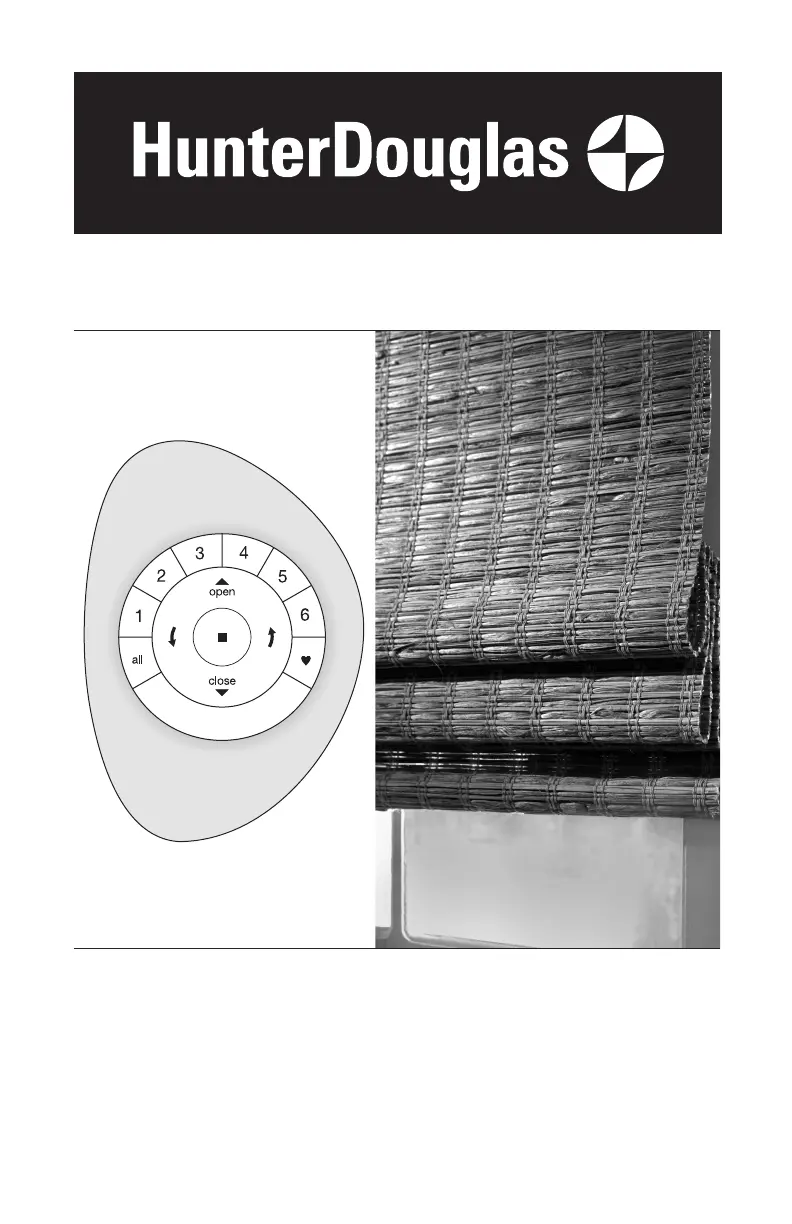
Provenance
®
Woven Wood Shades
PowerView
®
Automation
Installation
Operation
Care

Questions and Answers

  • E
    Erika OlsonAug 16, 2025
    What to do if Hunter Douglas Indoor Furnishing shade is hard to raise or lower?
    • T
      Timothy CooperAug 16, 2025
      If your Hunter Douglas Indoor Furnishing shade is hard to raise or lower, or won't move at all, first ensure that the fabric isn't trapped between the installation bracket and the headrail. Also, verify that the headrail and installation brackets are level and properly aligned, using shims if needed. If you're using hold-down brackets, be sure they're released before trying to operate the shade.
  • K
    kellyhayesAug 19, 2025
    Why does my Hunter Douglas Provenance Indoor Furnishing shade raise unevenly?
    • A
      Ashley BarnesSep 12, 2025
      If your Hunter Douglas Indoor Furnishing shade raises or lowers unevenly, or the bottom rail looks uneven when it's fully raised, start by checking that the headrail and installation brackets are level and aligned, using shims if necessary. Also, inspect the shade's path for any obstructions. If the shade hits something as it lowers, it can become misaligned. Try lowering the shade completely and then raising it to allow it to self-correct.
  • S
    Sara BartonAug 22, 2025
    How to fit Hunter Douglas Indoor Furnishing shade into installation brackets?
    • J
      Jennifer HarrisAug 22, 2025
      If your Hunter Douglas Indoor Furnishing shade doesn't fit into the installation brackets, make sure the brackets are level and aligned. Use the provided shims to level the headrail if necessary. Ensure the screw heads are flush against the installation bracket and that the headrail is fully inserted into the brackets.
  • T
    Thomas BradleyAug 25, 2025
    How to fix Hunter Douglas Indoor Furnishing shade raising unevenly?
    • E
      Edwin RossAug 26, 2025
      To correct uneven raising or lowering of your Hunter Douglas Indoor Furnishing shade, verify that the installation brackets are level and properly aligned. If needed, use shims to level the brackets.
  • C
    Cynthia Hayes DDSAug 28, 2025
    What to do if Hunter Douglas Indoor Furnishing shade will not raise?
    • M
      Michael SmithAug 28, 2025
      If your Hunter Douglas Indoor Furnishing shade is not raising, check if hold-down brackets are installed and ensure they have been released.
  • M
    Michael HendricksAug 31, 2025
    What to do if Hunter Douglas Indoor Furnishing shade is not responding to the PowerView remote?
    • C
      Christine FrostAug 31, 2025
      A shade won't function until linked to a group. Make sure the correct group number is selected on your PowerView remote. Verify that the batteries in the remote are correctly inserted and fresh. When you press the STOP button, the remote's LEDs should light up fully.
  • J
    joseandersonSep 3, 2025
    Why is my Hunter Douglas Provenance Indoor Furnishing shade operating slowly?
    • C
      Colleen GarciaSep 3, 2025
      Your Hunter Douglas Indoor Furnishing shade may be operating slowly or not fully raising/lowering due to low batteries in the battery wand, satellite battery pack, or C-size battery wand. Check the battery orientation or replace the batteries. Also, ensure the battery wand, satellite battery pack, or DC power supply is securely connected to the power cable, and that no cables are pinched or caught in the headrail or shade installation brackets. You might also need to reset the shade limits.
  • M
    Michelle PayneSep 6, 2025
    What to do if Hunter Douglas Indoor Furnishing shade raises or lowers unevenly?
    • C
      Curtis WillisSep 6, 2025
      To address uneven raising or lowering of your Hunter Douglas Indoor Furnishing shade, or an uneven bottom rail when fully raised: Fully lower the shade to allow it to self-correct any skewing. Ensure the headrail and shade installation brackets are level and aligned, using shims if needed. Adjust the bottom cord stops to level the shade's bottom by lifting the bottom of the shade to access the cord stops, pulling the ferrule out, repositioning the cord stop, and securing the ferrule back in place. Ensure the ferrules are secure.
  • J
    johndavenportSep 9, 2025
    How to replace batteries in Hunter Douglas Provenance battery wand?
    • K
      Kaitlyn JonesSep 9, 2025
      To replace the batteries in your Hunter Douglas Indoor Furnishing battery wand: Squeeze the cap latch to release and remove the cap. Install new batteries following the label's instructions. Then, press the cap back on until it latches. Hunter Douglas recommends using AA alkaline batteries for optimal performance, providing over a year of operation depending on usage. Lithium and rechargeable batteries are not recommended.
  • W
    wendy33Sep 12, 2025
    What to do if Hunter Douglas Provenance Indoor Furnishing shade does not operate when pressing the programming button?
    • T
      Terry GarrettSep 12, 2025
      If your Hunter Douglas Indoor Furnishing shade won't operate when the programming button is pressed: Unplug the power cable from the motor and plug it back in. A green LED should flash, indicating power. Check that the batteries in the battery wand, satellite battery pack, or C-size satellite battery wand are correctly inserted and fresh. Ensure the battery wand, satellite battery pack, C-size satellite battery wand, or DC power supply is securely connected to the power cable, and that the cables are not pinched.

Summary

Product View

Getting Started

Tools and Fasteners Needed

Lists essential tools and fasteners required for the shade installation process.

Installation Overview

Provides a brief summary of the main steps involved in installing the shade.

Installation

STEP 1 - Install the Brackets

Details the process and requirements for mounting the shade installation brackets onto the window frame.

STEP 2 - Install the Shade

Guides users through attaching the shade headrail securely to the previously installed brackets.

STEP 3 - Connect the Power Source

Explains how to connect the shade's power source, such as battery wands or DC supply.

Operation

Testing the Shade

Instructions on how to test the shade's motor and power source functionality after installation.

Using the PowerView Remote

Details how to operate the shade using the PowerView remote control for various functions.

Joining a Shade to a Group

Explains the process of pairing a shade with a specific group for synchronized remote control.

Top-Down;Bottom-Up Operation

Specific instructions for operating shades equipped with Top-Down/Bottom-Up functionality.

Resetting the Shade (If Necessary)

Procedures for resetting shade travel limits and restoring factory programming settings.

Troubleshooting

Provides common problems and their solutions for shade operation and remote control issues.

Care

Removing the Shade (If Necessary)

Steps for safely detaching the shade from its installation brackets for maintenance or cleaning.

Cleaning Procedures

Guidelines for dusting, vacuuming, and spot-cleaning the shade fabrics to maintain appearance.

Child Safety

Safety Warnings

Important safety information concerning accessible cords and the risk of strangulation to children.

Declarations

FCC Compliance

Information regarding FCC rules, device compliance, and radio frequency exposure guidelines.

Industry Canada Compliance

Details Industry Canada regulations for radio transmitters and RF exposure limits.

European Conformity

Statement confirming the product's conformity with essential EMC and R&TTE directives.

Lifetime Guarantee

Warranty Service

Instructions on how to obtain warranty service, contact information, and terms.

Hunter Douglas Provenance Specifications

General IconGeneral
OpacityLight Filtering to Room Darkening
Lift SystemsCordless, Motorized
Control TypeCordless, Motorized
Light FilteringYes
PrivacyEnhanced
UV ProtectionYes

Related product manuals