EasyManua.ls Logo

Hunter Douglas Silhouette - User Manual

Hunter Douglas Silhouette
28 pages
Print Icon
To Next Page IconTo Next Page
Loading...
Installation
Operation
Care
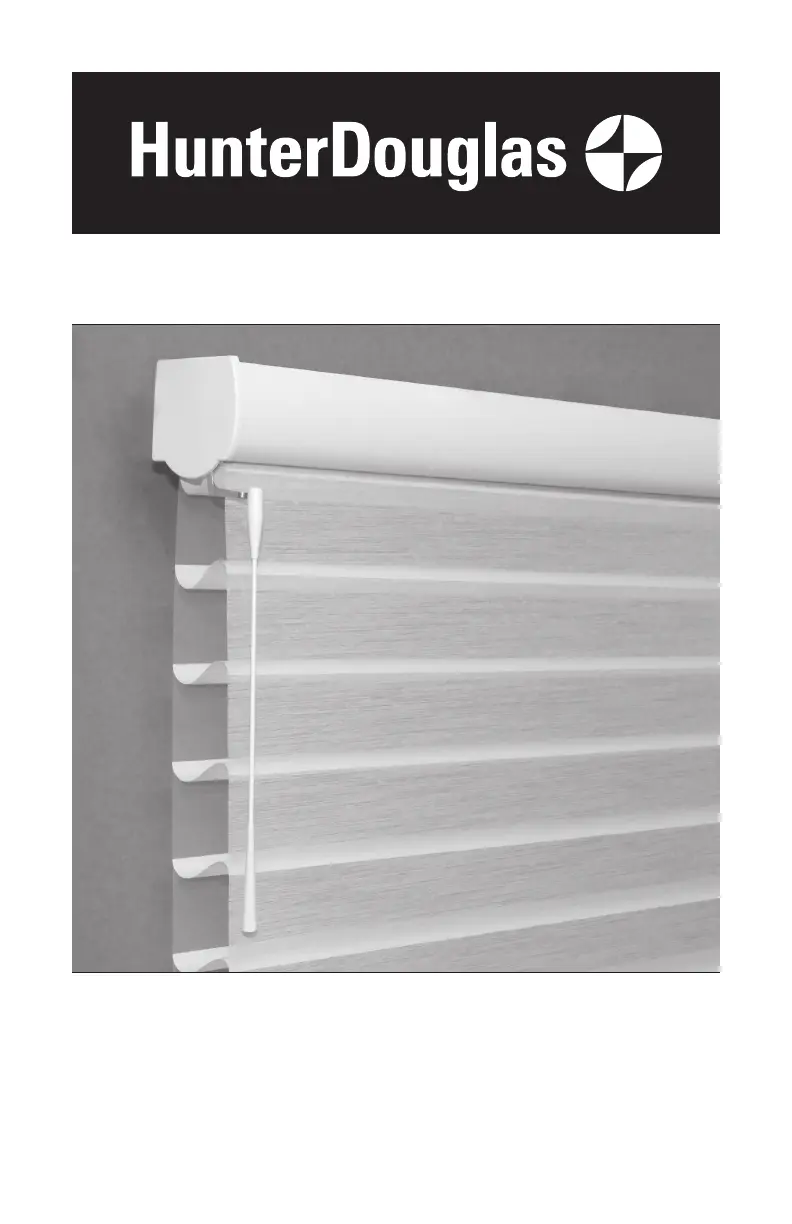
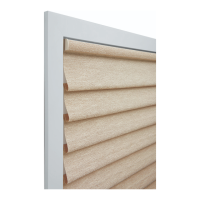
Silhouette
®
and Nantucket
Window Shadings
SoftTouch
Motorization

Other manuals for Hunter Douglas Silhouette

Questions and Answers

  • S
    Shaun TranSep 12, 2025
    What to do if Hunter Douglas Window Blinds will not snap into the installation brackets?
    • M
      Mr. Melvin ShannonSep 12, 2025
      If your Hunter Douglas window blinds shading will not snap into the installation brackets, check that the installation brackets are aligned and level and that the locking tab on the installation bracket slides over the headrail.
  • R
    Richard HammondAug 25, 2025
    Why are my Hunter Douglas Window Blinds hard to raise or lower, or the bottom rail does not stop at the top limit?
    • M
      Michelle BrowningAug 25, 2025
      If your Hunter Douglas window blinds are hard to raise or lower, or the bottom rail doesn't stop at the top limit, check the adjustment position of the Headrail Limit Stop limit stops. The top illustration shows the correct adjustment. To correct this, the limit to Adjust stop should be adjusted one step up by pulling back on the rear of the limit stop to adjust its position. Ensure both limit stops are adjusted to the same position to prevent skewing.
  • A
    anthonystevensonAug 25, 2025
    How to fix Hunter Douglas Window Blinds that raise or lower unevenly?
    • C
      Carol BartlettAug 26, 2025
      If your Hunter Douglas window blinds raise or lower unevenly, or the bottom rail is uneven when fully raised, check if the window is square by measuring the diagonals and ensure the installation brackets are level. Use shims to level if necessary.
  • D
    davidspencerSep 23, 2025
    What to do if there are twists in Hunter Douglas angle/trapezoid Indoor Furnishing shading fabric?
    • K
      Kevin BurkeSep 23, 2025
      To fix twists in your Hunter Douglas angle/trapezoid Indoor Furnishing shading fabric, remove tension on the fabric by shimming the installation brackets, or place a shim on the window sill, allowing the bottom rail to rest on the sill.
  • K
    Karen AllenSep 12, 2025
    How to replace batteries in Hunter Douglas Indoor Furnishing battery wand?
    • A
      Alexander OsborneSep 12, 2025
      To replace the batteries in your Hunter Douglas Indoor Furnishing battery wand, squeeze the cap latch to release and remove the cap. Install the new batteries following the instructions on the battery wand label. Then, press the cap back on until it latches. Hunter Douglas recommends using AA alkaline batteries for battery-powered shadings.
  • J
    James MonroeSep 16, 2025
    Why is my Hunter Douglas Silhouette Indoor Furnishing shading not centered in the window?
    • G
      glenn58Sep 17, 2025
      If your Hunter Douglas Indoor Furnishing shading is not centered, check if the window center was correctly identified and if the mounting screws were accurately installed.
  • T
    Tina MurphySep 5, 2025
    What to do if Hunter Douglas Silhouette Indoor Furnishing shading is hard to raise or lower?
    • A
      Amy HornSep 5, 2025
      If your Hunter Douglas shading is difficult to raise or lower, or it's stuck, here's what you can do: First, if it's an inside mount, ensure it's installed correctly and there's enough space between the shading's ends and the window frame. For LiteRise, close the vanes by pressing down on the handle's front before raising. If needed, pull the shading away from the window to fully close the vanes. For EasyRise, check the universal cord tensioner is mounted correctly; pull down the spring to release tension and move the tensioner to the cord loop's bottom, then properly mount it. Also, verify the installation brackets are level and use shims to adjust if necessary.
  • H
    Holly HendersonSep 6, 2025
    Why is my Hunter Douglas Silhouette shading raising unevenly?
    • K
      Kenneth LutzSep 6, 2025
      If your Hunter Douglas shading raises unevenly or the bottom rail is uneven when fully raised, check the following: First, verify that the window is square by measuring the diagonals. Next, ensure the installation brackets are level and use shims to correct any unevenness. Then, adjust the bottom rail weight, which isn't applicable for LiteRise shadings. For LiteRise, maintain a level bottom rail while raising the shading to prevent fabric skewing.
  • C
    Christopher BairdSep 18, 2025
    What to do if the center gap is uneven on Hunter Douglas Indoor Furnishing Two-On-One Headrail Shadings?
    • M
      michaelvalenzuelaSep 18, 2025
      If the center gap on your Hunter Douglas Two-On-One Headrail Shading is uneven, causing functional issues, make sure the entire headrail is straight and level. If the headrail's center is higher than the ends, the center gap will close; if it's lower, the gap will increase. Adjust the height of each bracket by moving it within the screw slots or by using shims as needed.
  • J
    James YoungAug 30, 2025
    What to do if Hunter Douglas Silhouette shading will not fit into the installation brackets?
    • R
      Ruth TerryAug 30, 2025
      If your Hunter Douglas Indoor Furnishing shading doesn't fit into the installation brackets, first check if a battery wand is interfering. Ensure the brackets are level and aligned, adjusting or shimming if necessary. Make sure mounting screw heads are flush against the brackets and the headrail is fully inserted, allowing the locking lever to slide over it.

Summary

Getting Started with Your Hunter Douglas Shadings

Product View

Visual overview of the motorized window shading components.

Tools and Fasteners Needed for Installation

List of required tools and fasteners for installation.

Understanding Limit Stop Adjustment

Explanation of limit stop function and adjustment for proper operation.

Hunter Douglas Shading Installation Process

Installation Overview and Steps

Summary of the steps involved in installing the window shadings.

Mounting Installation Brackets

Detailed instructions for attaching mounting brackets to the window frame.

Inside Mount Bracket Installation

Specific steps for installing brackets inside the window opening.

Outside Mount Bracket Installation

Specific steps for installing brackets outside the window opening.

End Mount Bracket Installation

Instructions for installing brackets in non-standard window configurations.

Installing the Battery Wand and Power

Guide to installing the battery wand and connecting the power cable.

Attaching the Shading Headrail

Steps for attaching the shading headrail to the mounted brackets.

Connecting Power Source Options

Instructions for connecting various power supplies like battery packs or DC adapters.

Wand Attachment to Activation Arm

Connecting the wand to the shading's motor mechanism.

Optional Hold-Down Bracket Installation

Optional step to attach magnetic brackets to secure the bottom rail.

Operating Your Window Shadings

Basic Shading Control

How to open, close, stop, and adjust the shading vanes.

Setting Favorite Shading Positions

How to set and recall a preferred shading position.

Troubleshooting Window Shading Issues

Solutions for common problems encountered during installation or operation.

Shading Fit and Bracket Alignment Problems

Addresses issues with shading not fitting into brackets or alignment problems.

Battery and Power Connection Troubleshooting

Resolves issues related to battery life and power connections.

Shading Movement and Wand Operation Issues

Fixes for shading not operating, wand detachment, or vane issues.

Adjusting Shading Travel Limits

Procedures for adjusting upper, lower, and vane limits for operation.

Care and Cleaning of Window Shadings

Removing the Shading from Mounts

Step-by-step guide on how to detach the shading from its mounting brackets.

Palette Fabric-Covered Headrail Cleaning

Specific instructions for cleaning the fabric headrail.

Basic Shading Dusting and Vacuuming

Basic methods for routine cleaning of dust and debris.

Forced Air Cleaning for Shadings

Using compressed air to clean between vanes.

Spot-Cleaning Window Shadings

Guidelines for spot-cleaning specific parts of the shading.

Ultrasonic and Injection;Extraction Cleaning

Professional cleaning methods for the shadings.

Cleaning Precautions and Material Notes

Important precautions and notes regarding cleaning methods and materials.

Hunter Douglas Warranty Information

Lifetime Limited Warranty Coverage Details

Details on what parts and conditions are covered by the warranty.

Warranty Exclusions and Limitations

Lists conditions and situations not covered by the warranty.

Obtaining Warranty Service and Support

Instructions on how to contact Hunter Douglas for service and support.

Hunter Douglas Silhouette Specifications

General IconGeneral
MaterialFabric
Light ControlAdjustable
UV ProtectionYes
Operating SystemsPowerView Motorization
Available WidthsUp to 144 inches
PrivacyAdjustable
Vane Sizes2 inches
CustomizationYes

Related product manuals