EasyManua.ls Logo

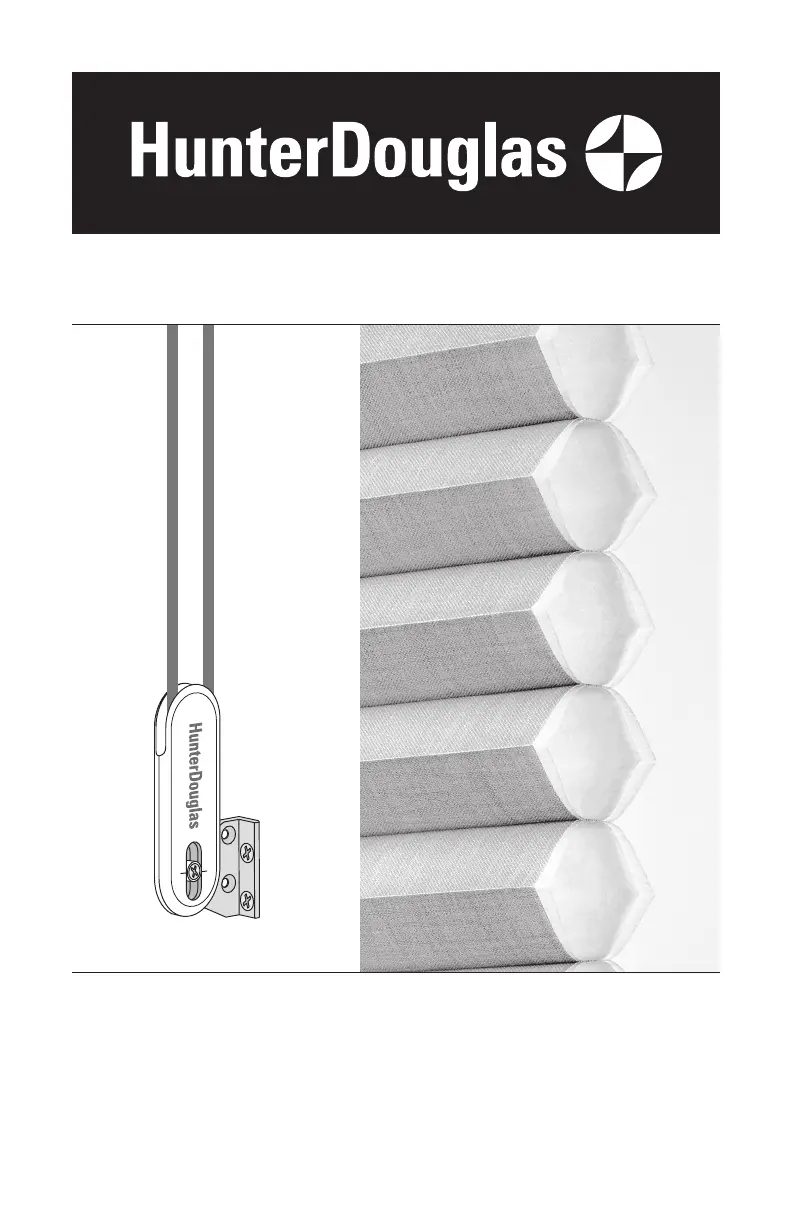
Hunter Douglas Duette - User Manual

Hunter Douglas Duette
40 pages
Print Icon
To Next Page IconTo Next Page
Loading...
Installation
Operation
Care
Duette
®
and Applause
®
Honeycomb Shades
EasyRise
Operating System

Other manuals for Hunter Douglas Duette

Questions and Answers

  • H
    Hannah FriedmanSep 9, 2025
    What to do if Hunter Douglas Duette shade will not fit into the installation brackets?
    • S
      Steven NealSep 9, 2025
      If the Hunter Douglas Indoor Furnishing shade will not fit into the installation brackets, check that the installation brackets are level and aligned. Shim the installation brackets to level the headrail, if necessary. Be sure the heads of the screws are flush against the installation bracket. Check that the headrail is completely inserted into the installation brackets.
  • C
    Carlos WhiteAug 23, 2025
    Why does my Hunter Douglas Indoor Furnishing shade raise unevenly?
    • K
      Kaitlyn WarrenAug 23, 2025
      If your Hunter Douglas Indoor Furnishing shade raises or lowers unevenly, or the bottom rail is uneven when fully raised, try the following: * Lower the shade completely to allow it to self-correct, pulling the cord loop slowly to prevent further skewing. * Ensure the headrail and installation brackets are level and aligned, using shims if necessary. * For Duolite and Top-Down/Bottom-Up Shades: Lower each rail completely to allow them to self-correct and adjust the bottom rail.
  • J
    Judy JohnsonAug 25, 2025
    How to install Hunter Douglas Duette if the shade won't fit the brackets?
    • L
      leeanneAug 25, 2025
      To address a Hunter Douglas Indoor Furnishing shade that won't fit into the installation brackets: * Confirm the installation brackets are level and properly aligned. * If needed, use shims to level the headrail via the installation brackets. * Ensure screw heads are flush against the installation bracket. * Verify the headrail is fully inserted into the installation brackets.
  • L
    lauren03Aug 26, 2025
    How to fix Hunter Douglas Duette Indoor Furnishing shade that is hard to raise or lower?
    • J
      Joshua MelendezAug 27, 2025
      If your Hunter Douglas Indoor Furnishing shade is hard to raise or lower, first, ensure the fabric isn't caught between the installation bracket and the headrail. Next, verify that the headrail and installation brackets are level; if needed, level the headrail by shimming the installation brackets. Finally, check if the window is square by measuring the diagonals. If it's more than 1/4" out of square, the TrimKit won't function correctly, causing the shade to bind if too narrow or the end caps to fall out if too wide.
  • M
    Mark RiosAug 27, 2025
    What to do if Hunter Douglas Duette Indoor Furnishing shade raises or lowers unevenly?
    • M
      Mr. Jimmy AndersonAug 27, 2025
      If your Hunter Douglas Indoor Furnishing shade raises or lowers unevenly, start by checking that the headrail and installation brackets are level and aligned, shimming the brackets if necessary. Also, check for any obstructions in the shade's path that may cause misalignment. Try lowering the shade completely, then raising it to allow it to self-correct. For further adjustments, see Shade Height Adjustment on page 11.
  • M
    Maria RichardAug 29, 2025
    What to do if my Hunter Douglas Duette Indoor Furnishing shade raises unevenly?
    • B
      benjaminwoodAug 29, 2025
      If your shade raises or lowers unevenly, make sure the headrail and installation brackets are level and aligned, using shims if necessary. Check for obstructions in the shade's path, as this can cause misalignment. Try lowering the shade completely and then raising it to allow it to self-correct.
  • S
    sanchezbethanySep 17, 2025
    How to level the bottom rail on Hunter Douglas Duette?
    • D
      Dennis KellySep 18, 2025
      To adjust the Hunter Douglas Indoor Furnishing shade height and bottom rail, adjust the cord on the underside of the bottom rail. Locate the ferrule seated in a pocket in the bottom rail. Remove the ferrule from the pocket by pulling on the excess cord. To shorten the cord, hold the cord tight under the ferrule, then slide the ferrule up toward the pocket. To lengthen the cord, hold the cord tight between the pocket and the ferrule, then slide the ferrule away from the pocket. After adjusting, place the ferrule fully back into the pocket. Once you are certain of the final adjustments, tape the extra cord length to the bottom rail, or place it into the groove on the bottom rail for future adjustments.
  • S
    Susan MaynardSep 18, 2025
    How to make Hunter Douglas Indoor Furnishing shade stay in the raised position?
    • J
      Joshua SimmonsSep 18, 2025
      To lock the Hunter Douglas Indoor Furnishing shade in the raised position (or anywhere along the path to the fully raised position), engage the cordlock by pulling the cord toward the outside of the shade.
  • H
    Heidi GonzalesSep 7, 2025
    Why Hunter Douglas Duette shade raises or lowers unevenly?
    • A
      Alicia HuntSep 8, 2025
      If your Hunter Douglas Indoor Furnishing shade raises or lowers unevenly, check that the headrail and installation brackets are level and aligned. Shim the installation brackets to level the headrail, if necessary. Check to see if there is an obstruction in the shade’s path. If a shade hits an obstruction as it is lowered it may become misaligned. This may cause the shade to be angled or tilted when fully raised. Try lowering the shade completely, then raising it to allow it to self-correct. Adjust the shade.
  • J
    Jimmy CarrSep 4, 2025
    Why does my Hunter Douglas Indoor Furnishing shade raise or lower unevenly?
    • A
      Alyssa TaylorSep 4, 2025
      An uneven raising or lowering of your Hunter Douglas Indoor Furnishing shade, or an uneven moving rail when fully raised, can occur if the headrail and installation brackets aren't level and aligned. Use shims to level the headrail if necessary. Also, check for any obstructions in the shade's path. If the shade hits something while lowering, it can misalign. Try lowering the shade completely and then raising it to allow it to self-correct. You can also adjust the cord tension.

Summary

Getting Started with Your Shades

Product View

Provides an illustrated overview of the shade's components and features.

Tools and Fasteners Needed

Lists all necessary tools and hardware for proper shade installation.

Installation Guide

Installation Overview

Explains bracket requirements and introduces mounting types like inside, outside, and end.

Mounting Brackets - Inside Mount

Step-by-step guide for mounting brackets within the window frame.

Mounting Brackets - Outside Mount

Step-by-step guide for mounting brackets on the exterior of the window frame.

Mounting Brackets - End Mount

Instructions for end mounting, suitable for non-standard window shapes like arches.

Installing the Shade

Procedures for securely attaching the shade's headrail to the installed brackets.

Attaching the Cord Tensioner

Instructions for installing the cord tensioner to enhance child safety and operation.

Operating the Shades

How to Operate the Shade

Explains how to raise and lower the shade using the cord loop.

Attaching Hold-Down Brackets

Guide for installing optional brackets to prevent the bottom rail from swaying.

Leveling the Shade Rails

How to adjust the bottom or middle rails for a level appearance using the Easy Adjust key.

Shade Operation Troubleshooting

Provides solutions for common issues like shades not raising or lowering correctly.

Shade Care and Maintenance

Removing the Shade from Mounts

Step-by-step instructions on how to detach the shade from its mounting brackets.

Cleaning Shade Fabric

Covers dusting, vacuuming, spot-cleaning, and immersion cleaning methods for shade fabric.

Child Safety Precautions

Window Cord Strangulation Hazard Warning

Critical safety alert regarding strangulation hazards from window blind cords.

Cord Loop Shade Safety

Specific safety recommendations for cord loop shades and proper tensioner installation.

Product Warranty Information

Lifetime Limited Warranty Details

Outlines the terms, coverage, and limitations of the Hunter Douglas warranty.

Hunter Douglas Duette Specifications

General IconGeneral
Product TypeHoneycomb Shades
Energy EfficiencyHigh
Cell Size3/8", 3/4", 1 1/4"
Operating SystemsEasyRise, LiteRise, PowerView Motorization, UltraGlide
Specialty ShapesAvailable
OpacitySheer, semi-sheer, semi-opaque, opaque
Lift SystemsCordless, Motorized
MaterialFabric
InsulationExcellent
PrivacyAdjustable
Fabric OptionsVariety of textures and colors
CustomizationWidth, height, fabric, color, lift system

Related product manuals