EasyManua.ls Logo

Hunter Douglas LiteRise - User Manual

Hunter Douglas LiteRise
32 pages
Print Icon
To Next Page IconTo Next Page
Loading...
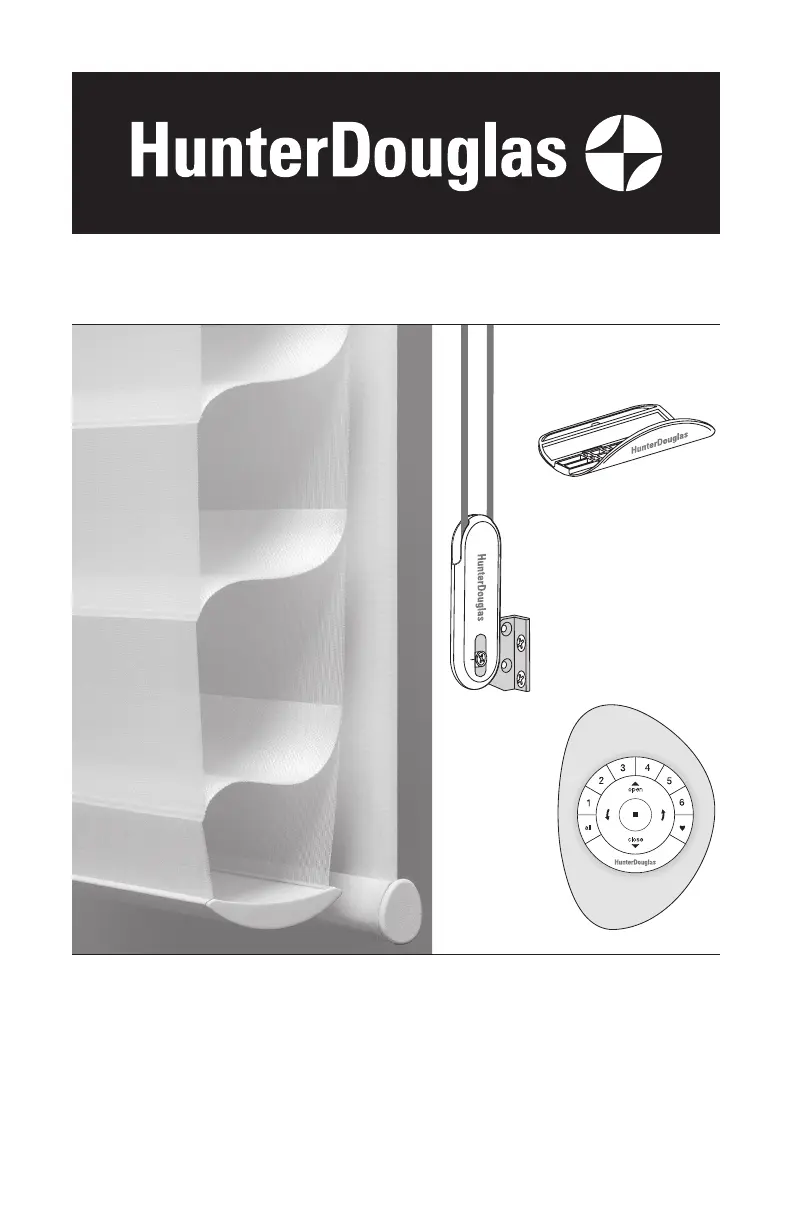
LiteRise
®
PowerView
®
Motorization
EasyRise
Installation
Operation
Care
Silhouette
®
and Nantucket
A Deux
Window Shadings
EasyRise, LiteRise, and PowerView Motorization
Operating Systems

Other manuals for Hunter Douglas LiteRise

Questions and Answers

Summary

Tools and Fasteners Needed

STEP 1: Mount the Installation Brackets

Inside Mount

Instructions for mounting brackets for inside window installations.

Outside Mount

Instructions for mounting brackets for outside window installations.

STEP 2: PowerView Only: Connect the Power Cables

Battery Wand

Instructions for installing and connecting the battery wand.

STEP 3: Install the Shading

Mount the Headrail

Guides on how to mount the headrail of the shading.

STEP 4: PowerView Only: Connect the Power Source, If Applicable

Satellite Battery Packs

Instructions for mounting and connecting satellite battery packs.

18 V DC Power Supply

Instructions for connecting the 18V DC power supply.

Operate the Shading

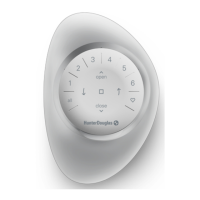
Using the PowerView Remote

Basic Operation

Resetting the Shade or Shading

Basic Reset

Procedure for resetting the shade's travel limits.

Resetting Shade or Shading Programming

Procedure for resetting shade programming.

Troubleshooting

Batteries in the battery wand need to be replaced.

Guidance on replacing battery wand batteries.

Removing the Shading

Child Safety Warnings

Young children can STRANGLE in cord loops.

Warning about strangulation risk from cord loops.

Always keep cords out of the reach of children.

Safety advice on keeping cords inaccessible to children.

Move cribs, playpens and other furniture away from cords.

Precautions regarding furniture placement near cords.

Cord Loop Shadings

Summary

Tools and Fasteners Needed

STEP 1: Mount the Installation Brackets

Inside Mount

Instructions for mounting brackets for inside window installations.

Outside Mount

Instructions for mounting brackets for outside window installations.

STEP 2: PowerView Only: Connect the Power Cables

Battery Wand

Instructions for installing and connecting the battery wand.

STEP 3: Install the Shading

Mount the Headrail

Guides on how to mount the headrail of the shading.

STEP 4: PowerView Only: Connect the Power Source, If Applicable

Satellite Battery Packs

Instructions for mounting and connecting satellite battery packs.

18 V DC Power Supply

Instructions for connecting the 18V DC power supply.

Operate the Shading

Using the PowerView Remote

Basic Operation

Resetting the Shade or Shading

Basic Reset

Procedure for resetting the shade's travel limits.

Resetting Shade or Shading Programming

Procedure for resetting shade programming.

Troubleshooting

Batteries in the battery wand need to be replaced.

Guidance on replacing battery wand batteries.

Removing the Shading

Child Safety Warnings

Young children can STRANGLE in cord loops.

Warning about strangulation risk from cord loops.

Always keep cords out of the reach of children.

Safety advice on keeping cords inaccessible to children.

Move cribs, playpens and other furniture away from cords.

Precautions regarding furniture placement near cords.

Cord Loop Shadings

Hunter Douglas LiteRise Specifications

General IconGeneral
Suitable ForResidential, Commercial
Product TypeWindow Shades and Blinds
Fabric OptionsVariety of colors and materials
Mounting OptionsInside or outside mount
SafetyChild-safe operation

Related product manuals