37
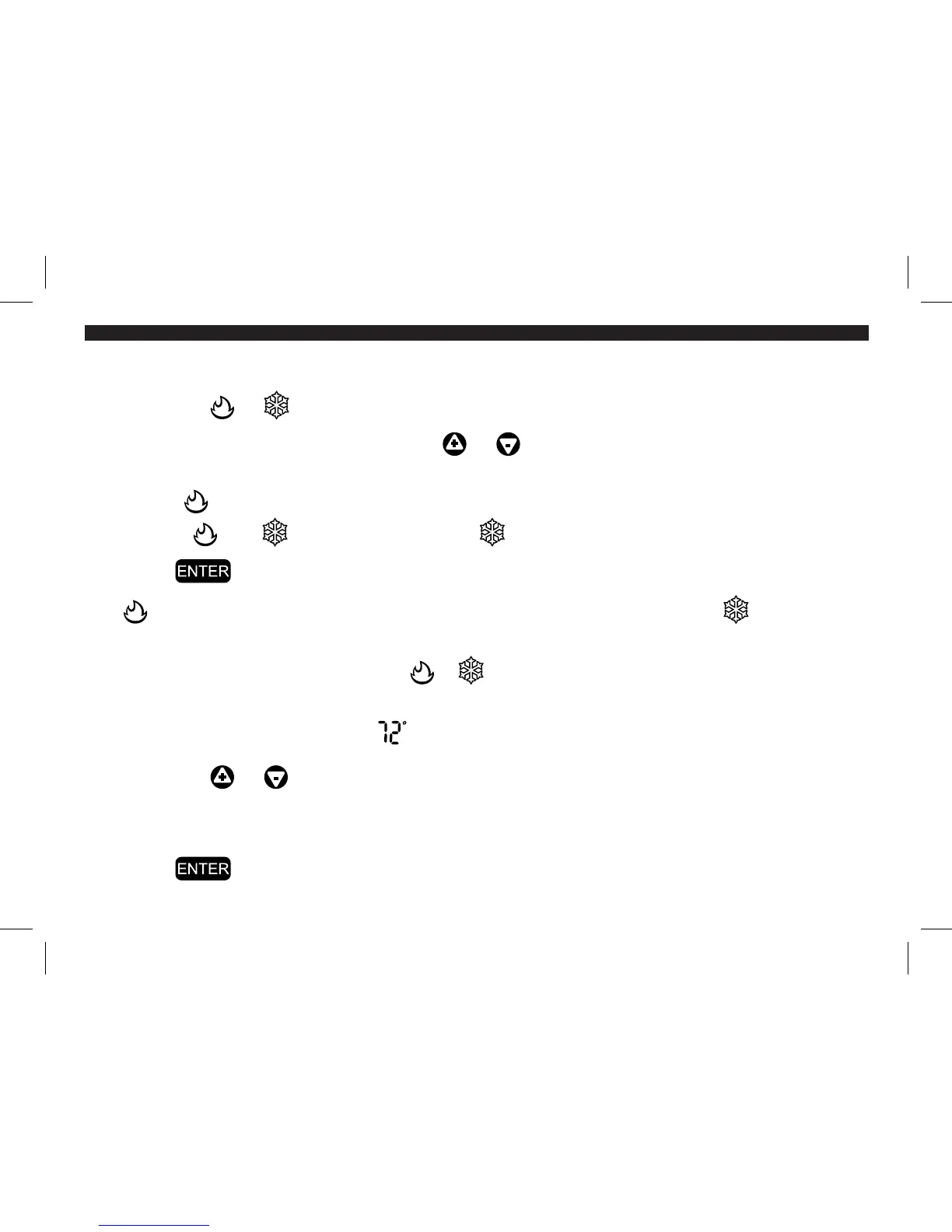
1. Touch a blank area of the touch screen. SELECT FUNCTION appears.
2. Touch the or icon. SET SYSTEM MODE appears.
3. Scroll through the settings with the or sign to select one of the SYSTEM
modes:
HEAT ( icon, red screen) EMHEAT (only for Heat Pump Systems)
AUTO ( and icons) COOL ( icon, blue screen) OFF (no icon)
4. Touch to return to the main screen.
The icon will show on the main screen if the system is heating; the icon will
show if the system is cooling.
NOTE: If the system is running and the or icon is touched on the main screen, it will return
you to the SET SYSTEM MODE screen. Repeat steps 2-4 to make changes.
5. Touch the temperature icon ( ).
6. Touch the or sign to adjust the temperature.
NOTE: Setting the override temperature to high or low extremes will not make the temperature
change more quickly.
7. Touch to return to the main screen.
44002-01 r051807



 To Next Page