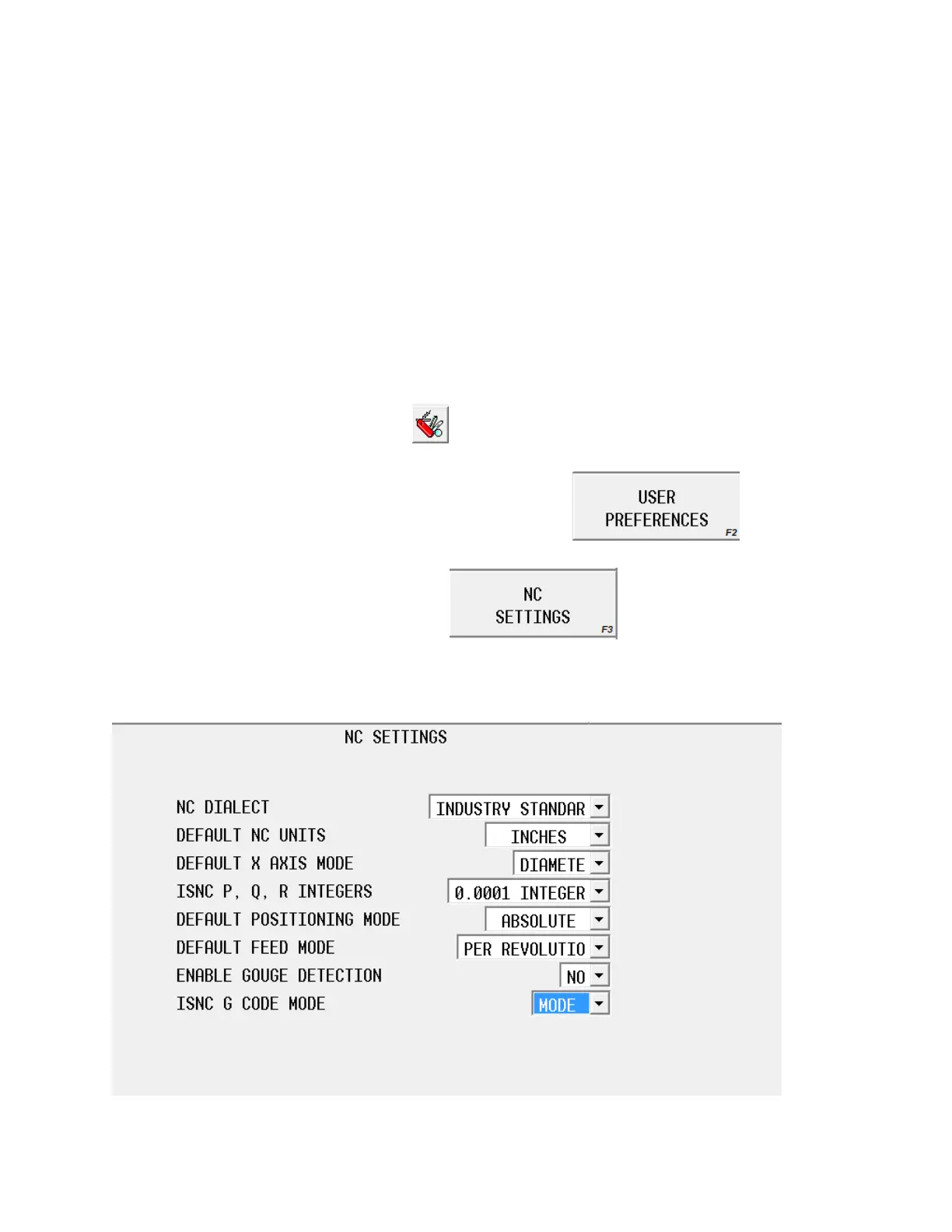
The next step is to make sure the NC setting have been
properly set.
Press the AUX/Menu button on the control.
This button is located next to the Input button on the control. It will be one of the large
oval shaped buttons.
Press the utilities key on the touch screen.
Press the user preferences soft key
Press the NC Setting key
This control should display this screen.



 To Next Page