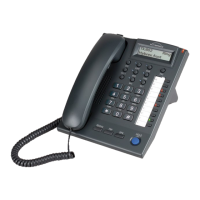
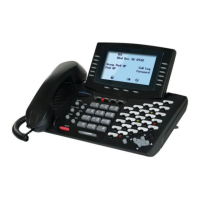
G. STATION PROGRAMMING
34
G.11 Absent Message
Any telephone can be programmed to use this feature. When a caller calls a telephone with an
Absent Message, one of the following Absent Messages will display on the caller's telephone
LCD.
Absent Message (0 to 9):
Message 0= Vacation Message 5= DND
Message 1= Will back Message 6= Call EXT
Message 2= Lunch Message 7= Off duty
Message 3= Meeting Message 8= Business trip
Message 4= Call Message 9= (Future feature)
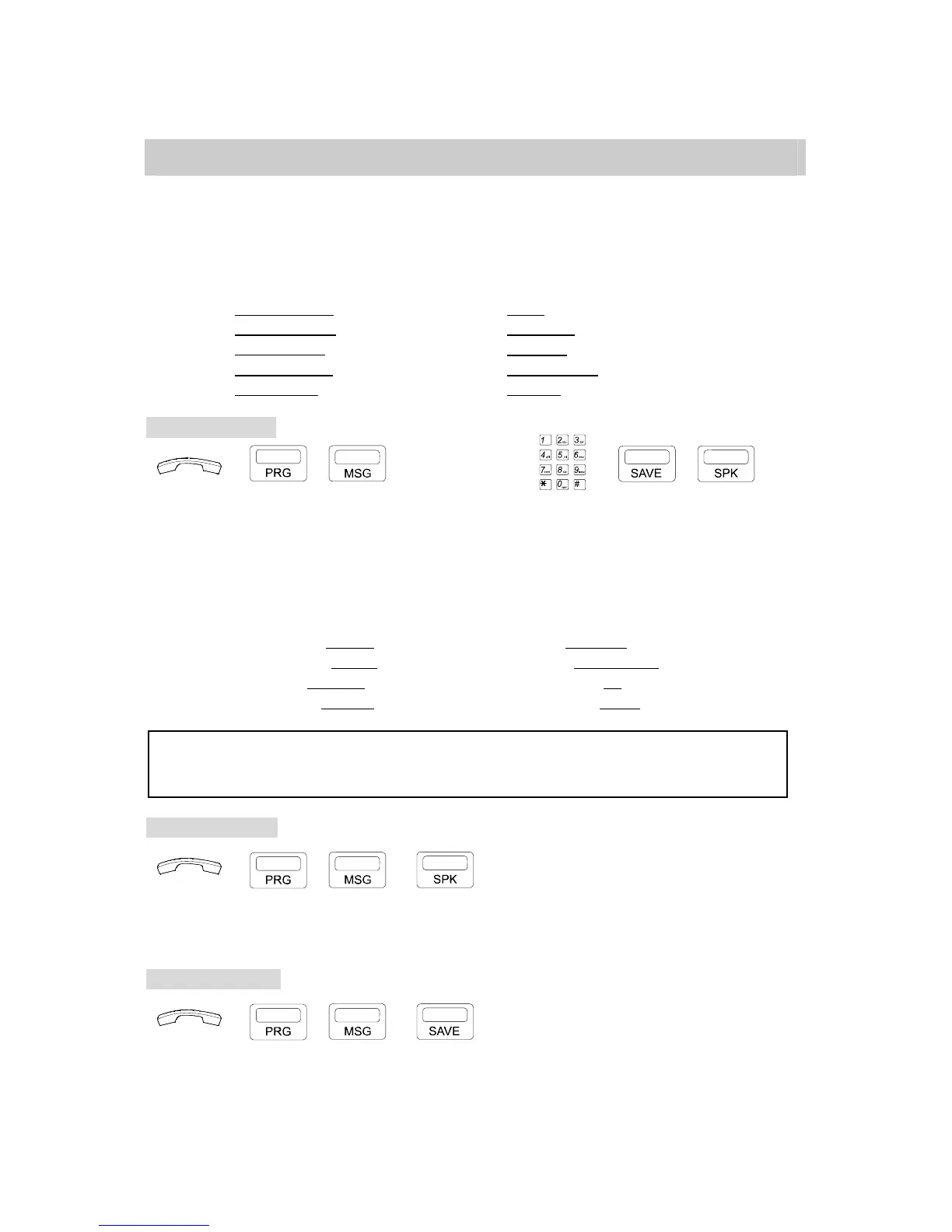
To leave message:
→ , → CODE(0-9) → → ,
. Handset on hook / [SPK] key off.
. Press [PRG], [MSG] key.
. Dial one of the Absent Messages.
. Insert data after Message. (for G1E only If needed)
. Press [SAVE] then [SPK] to exit.
Examples:
Message 0= Vacation 12/24 Message 4= Call 9578244
Message 1= Will back 15:30 Message 5= DND 12:30/13:30
Message 2= Lunch 12:00 Message 6= Call EXT 16
Message 3= Meeting 10:10 Message 7= Off Duty 17:30
NOTE: 1. Each "Absent Message" can have a maximum of 16 characters, the Absent Message included.
2. Press [*] key to insert a colon (:).
3. Press [#] key to insert a slash (/).
To cancel on G1E:
→ , →
. Handset on hook / [SPK] key off.
. Press [PRG], [MSG] key.
. Press the [SPK] key.
To cancel on GDS:
→ , →
. Handset on hook / [SPK] key off.
. Press [PRG], [MSG] key.
. Press the [SAVE] key.


 To Next Page
 Loading...