B. WHEN LINE BUSY
7
B. WHEN LINE/EXTENSION IS BUSY
B.01 Call Waiting (Programming May be Required)
If the Extension you're calling is busy, this feature allows you to "mark" the station so that
when the called Extension becomes free, the called Extension will ring back your Extension.
When Busy Tone is heard:
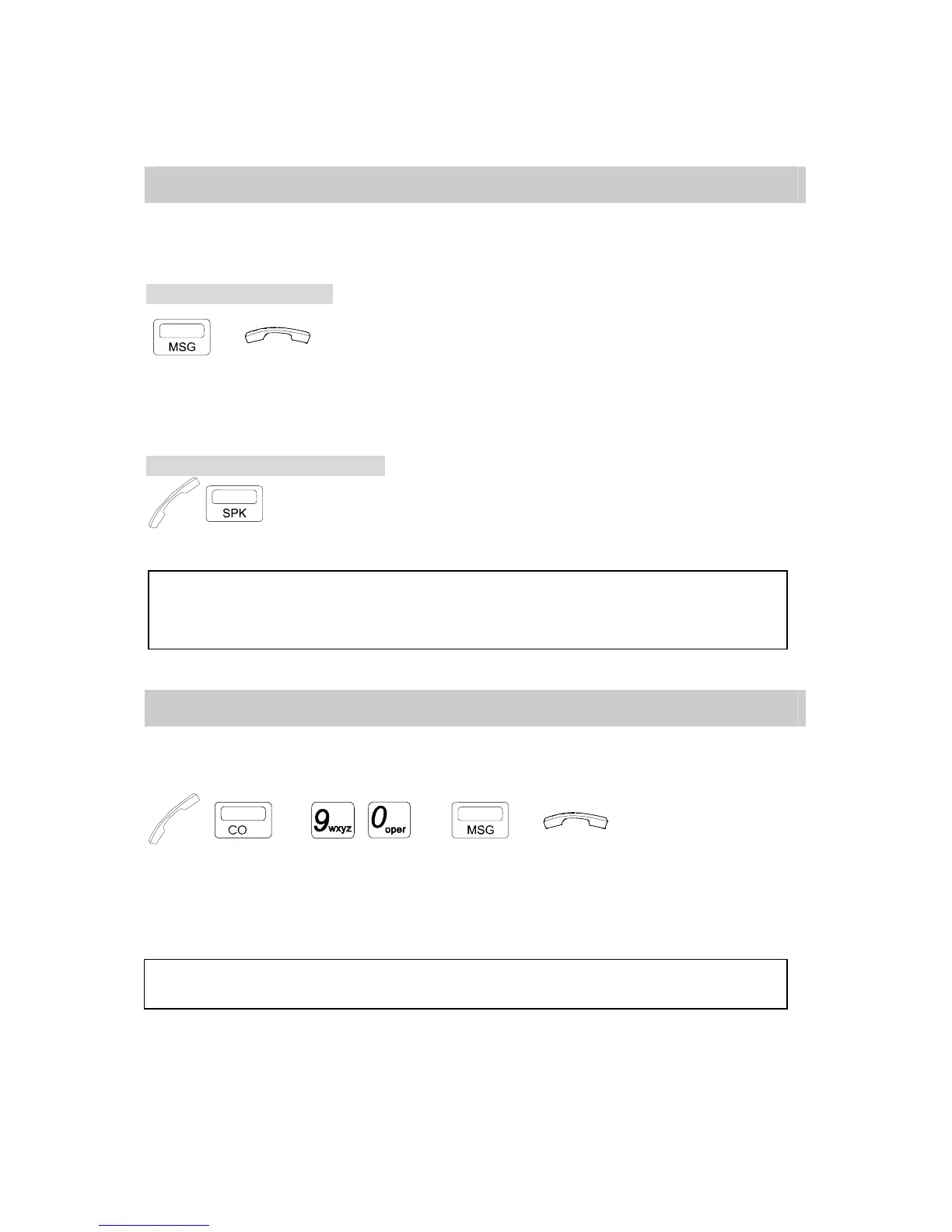
→ . Press [MSG] key.
. Hang up (if Handset is off hook) and wait for recall.
* When the called Extension is free, a Call Waiting Ring will
be heard at the Extension which leaves Message.
When Call Waiting Ring is heard:
/ . Lift Handset or press [SPK] key, the called Extension will
ring.
NOTE: 1. When you use the Call Waiting feature, the MSG LED Lamp (Red) will flash slowly on the
Called party.
2. If an Intercom Recall is not answered after a programmed duration of about 90 seconds, the
recall will automatically be canceled.
B.02 Trunk Queuing
Trunk Queuing is for an Extension to queue (wait in line) for a busy trunk. When the busy
trunk becomes free, it will automatically signal the first free Extension in the Queue.
→ or ( / ) → →
. Lift Handset or press [SPK] key.
. Select a CO line but it is busy.
. Press [MSG] key.
. Hang up (if Handset is off hook) and wait for recall.
NOTE: After receiving a recall, lift the Handset or press [SPK] key. A Dial tone will be heard. You can then dial
telephone numbers.



 To Next Page