B. WHEN LINE BUSY
9
To Cancel Automatic Save Number Redial
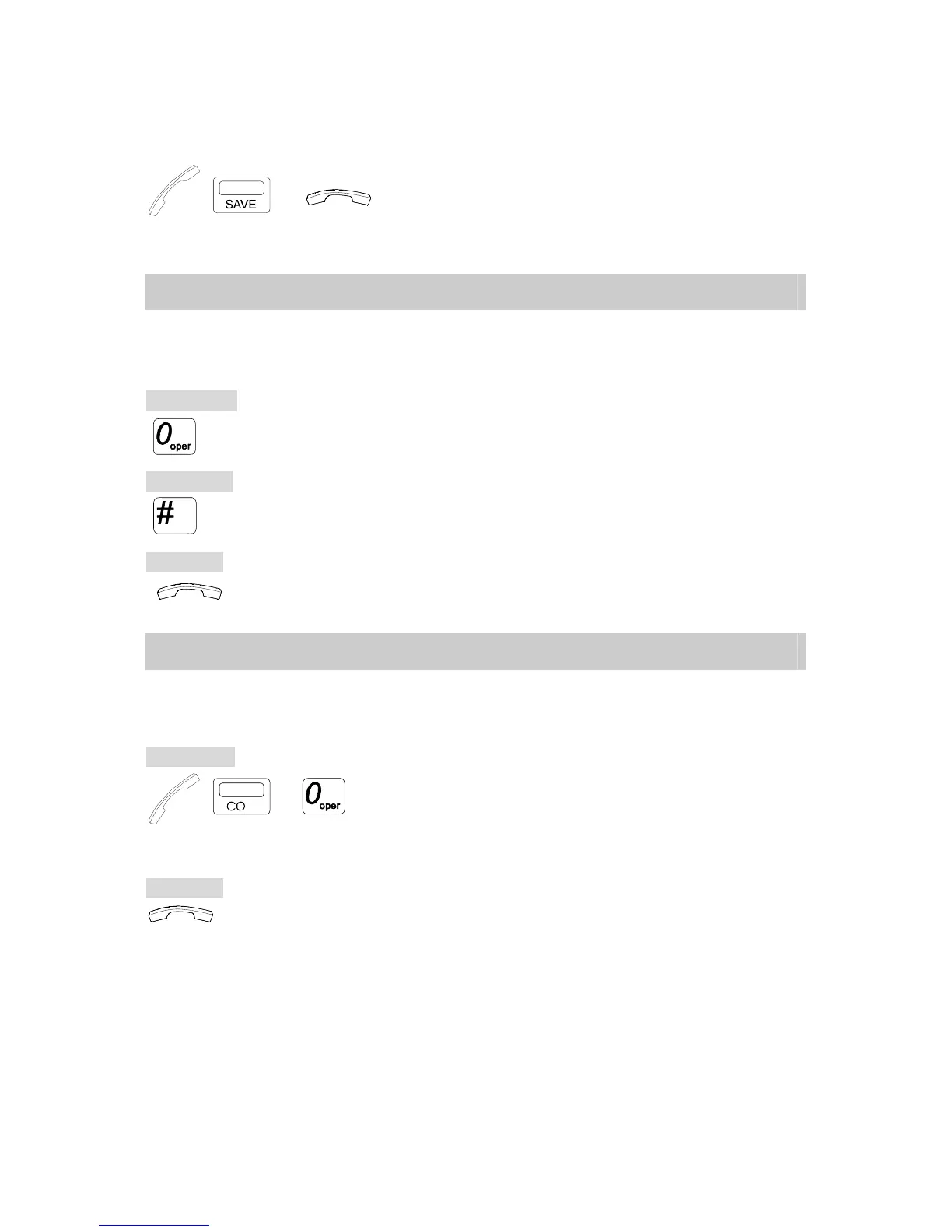
→ → . Lift Handset and press [SAVE] key.
. Hang up to cancel.
B.05 Barge-In / Monitor Extension
This feature is for an Extension to override or to monitor another busy or DND (Do Not Disturb)
Extension. This needs to be allowed by programming before use.
To Override:
. Dial [0], a short tone will signal the barged Extension.
A 3-party conference is made.
To Monitor:
. Dial [#] to monitor (If programmed).
To Cancel:
. Hang up / press [SPK] key (if Handsfree).
B.06 Barge-In CO
This feature is for an Extension to join another Extension in conversation with a CO line. The
calling Extension needs to be set up by programming before using this feature.
To Barge in:
→ → . Lift Handset or press [SPK] key.
. Press the busy CO key.
. Dial [0], a short tone will be heard at the
barged Extension. A 3-party conference is made.
To Cancel:
. Hang up / press [SPK] key (if Handsfree).



 To Next Page