2
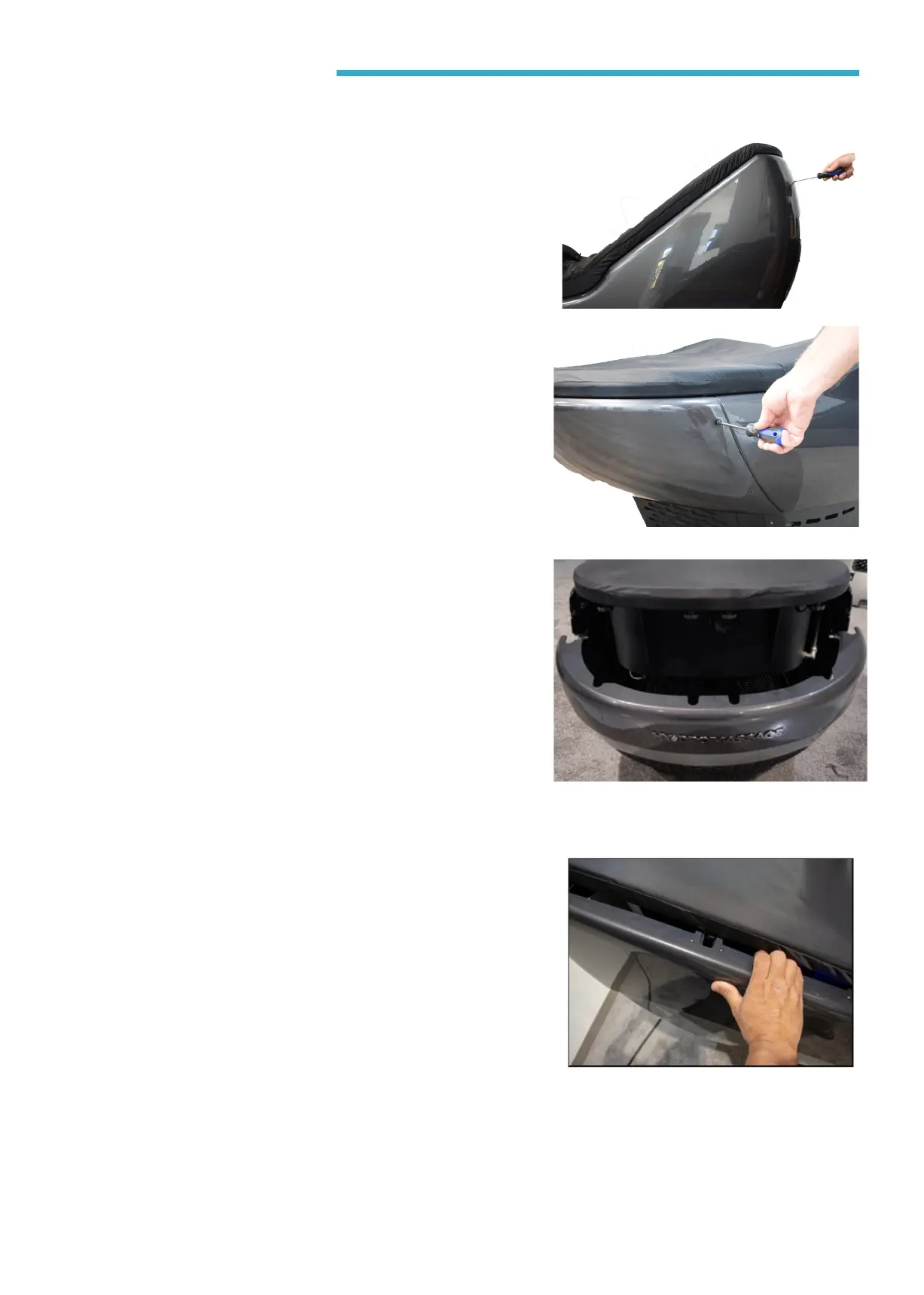
• To begin, remove the back panel by
removing the 6 screws (3 on each side).
Gently pull the panel away from the unit
IMPORTANT: Place all panels and thumb
screws in a secure location (nished
side up)
• Remove the side panel by pulling the top
of the panel out starting at the head or
foot end to unlock.
Step
1.3
Step
1.4
Step
1.5
• Remove the foot panel by removing the 4
screws (2 on each side).
IMPORTANT: Place all panels and thumb
screws in a secure location (nished
side up)
• Repeat the step to remove the remaing
side panel.
IMPORTANT: Place all panels and thumb
screws in a secure location (nished
side up)



 To Next Page