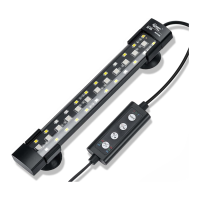
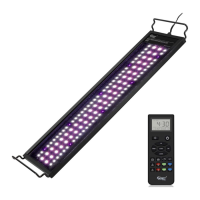
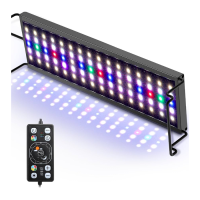
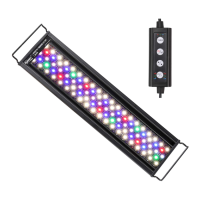
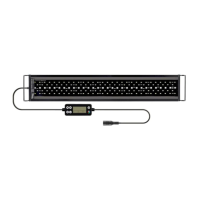
Press M button to turn on the light. Long-press of the same
button to turn off the light.
There are two lighting modes for your option.
This first one is the lighting mode on the timer . You can
alter light color, intensity and lighting time at this mode.
When you choose lighting mode, please follow below
steps to program the light (1. set the light color 2. set the
timer 3. set the brightness), at this mode you can adjust
the appropriate brightness according to your require.
If too bright, it will raise the water temperature slightly.
I.Press M button to choose the light color you want .
Color
Changing Loop
PS: If the light is on the cycling mode (light color keeps
changing), you can only change the timer. You can not
change the brightness.
2.Press M button twice, the light becomes 100%
full-spectrum light.
TiMER
3.Press
button to select the lighting time: 6H, IOH, 12H,
No timer.
Press TiMER button to choose 6 hours, the indicator light on the
top of the timer button turns on red. Press TiMERbutton twice,
choose 10 hours, indicator light flash green. Press button
three time, choose 12 hours, the indicator flash blue.
For example, if you choose IOH at 9 AM, this light will be
automatically turned on at 9:00 am and turn off at 7:00
pm every day.
NOTE: Press
TiMERbutton the light will turn on 8 seconds or so.
4.Press v button to adjust the brightness from 1 to 9 stages
Once the lighting mode is set up, the light will slowly ramp
up and down in 15 minutes in the following day.
You need to reprogram the light after power-off.
2


 To Next Page
 Loading...