Package Contents
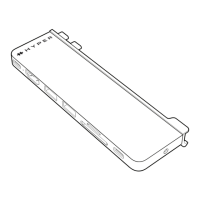
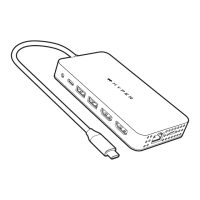
• HyperDrive Dual HDMI 10-in-1 Travel Dock
• User Guide
Introduction
The HyperDrive Dual HDMI 10-in-1 Travel Dock is easy to
carry, and the Hub with multiport function to connect your
USB-C laptop to multiple devices. The Dock can be seamless
to connect 10 kinds of devices, with this USB-C multiport hub
you can connect HDMI display, 4K60Hz monitors, USB-C PD
to your laptop. The USB-C PD port can connect to a 100W
PD 3.0 adapter to provide PD passthrough charging to your
computer.
3
Product Compatibility
Windows® PC, Mac®, iPad®*, Chromebook™, Android™
Devices** and USB-C Devices that support DP Alt Mode,
Data, and Power Delivery
* For iPad, it’s only support single display.
** For Android device, please help to download driver at:
https://www.siliconmotion.com/downloads/index.html
Requirements
• This Dock device support multi devices.
• The host device’s USB-C port must support Power
Delivery, DisplayPort Alt Mode and USB-C 3.2
Gen 1 or 2 Data.
• This Dock is supported on Windows, Chrome OS
and macOS.


 To Next Page