SETUP FOR MAC
1 Connect the USB-C Display Hub to your Mac computer.
2 Double-click the HYPERDISPLY icon
on your desktop screen.
3 Click on the drive, then click on the
“macOS InstantView” application.
4 The application will check for updates. It is recommended
that you choose to update to the latest version.
5
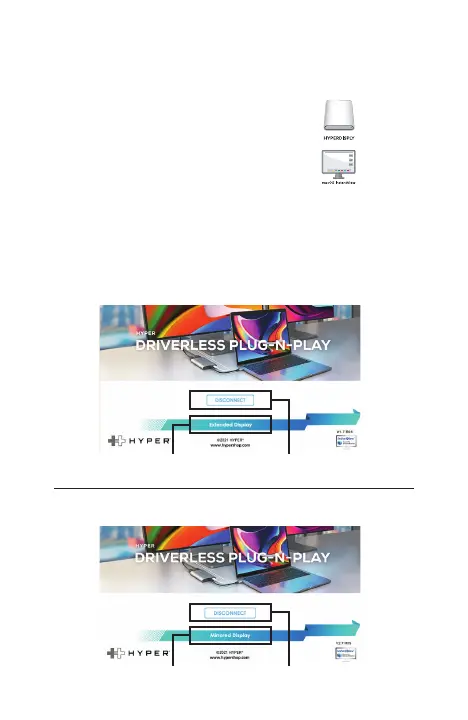
You will now be in the application itself. It will have two looks
depending on if it’s in Extended Mode or Mirrored Mode.
Switch to Extended Display
Switch to Mirrored Display
Disconnects Monitor
Disconnects Monitor
EXTENDED MODE:
MIRRORED MODE:
9


 To Next Page