HYPER DRIVERLESS
DISPLAY TECHNOLOGY
SETUP FOR WINDOWS
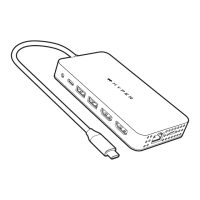
1 Connect the USB-C Display Hub to your Windows
computer.
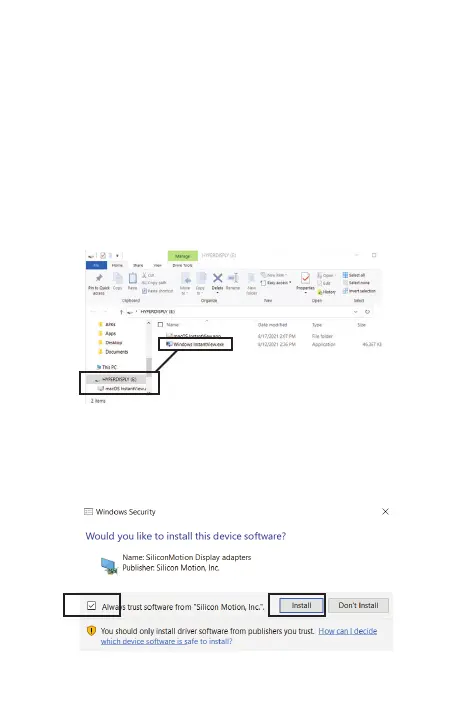
2 The computer will ask if you want to open a drive. Open
the drive, then select “Windows InstantView.exe.”.
3 A permission screen should appear, asking if you want
to install the software. Select “Install.” You can choose to
“Always trust software from Silicon Motion, Inc.”
7


 To Next Page