CIARA Horizon 8175 / 8275 disassembly guide
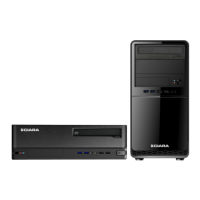
Just about every part of the CIARA Horizon 8175 / 8275 is recyclable. This guide will show you how to
disassemble the following various parts in order to bring them to a recycler:
1. Casing and FPIO
2. Casing fan
3. Power supply
4. Motherboard
5. Hard disk drive and SSD
6. Optical drive
7. Memory
8. Processor
9. Discrete video controller
All these components are subject to the EU. Directive 201219EU WEEE Directive, Annex VII and must be
treated by the recycler in compliance with the Directive.
Page 3 of 14
IMPORTANT NOTE
Before proceeding to disassemble your system, CIARA strongly recommends that you remove all your
data from the system. To do this, proceed as follows:
Reboot the system and press and hold shift key while rebooting.
Windows will prompt you to restore the OS with TWO (2) options:
1- Keep data (the user will be asked to connect a USB Hard Drive to move his data to it)
2- Remove all data (which will remove all user data but it will keep the OS)


 To Next Page