General 2200 SRM 1058
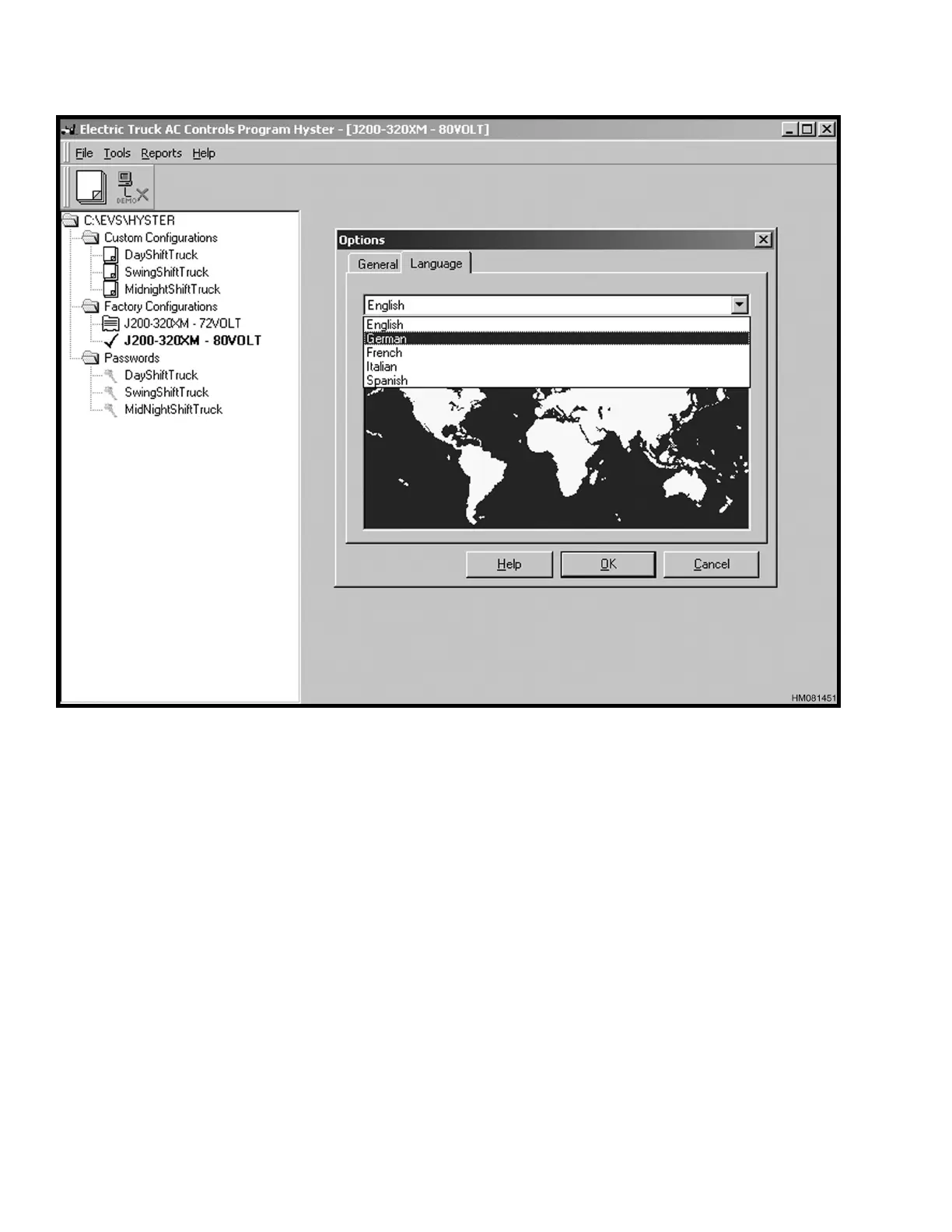
Figure 1. Language Options
DEMO MODE
1. Select Options from the File menu. An Option
pop-up box appears with a General tab and Lan-
guage tab. SeeFigure2.
NOTE: In the Options dialog box, on the General
tab, if the Normal button is selected, the system is
in the default status for operation and must be con-
nected to an actual lift truck. See Figure 2.
If the Demo button is selected, the program is in the
demonstration mode, and the program can be oper-
ated without being connected to an actual lift truck.
SeeFigure2.
2. Select the General tab and click the Demo se-
lection.
2



 To Next Page