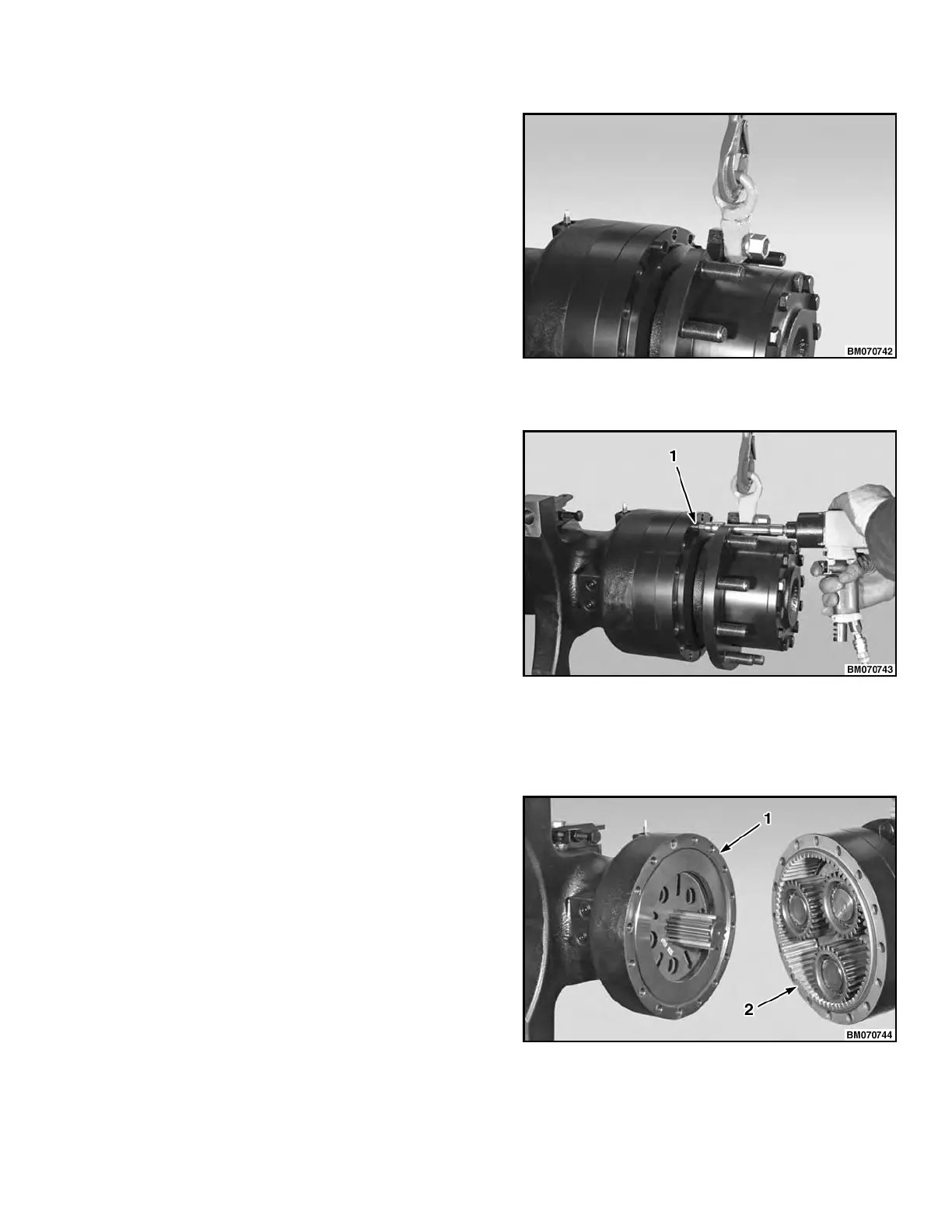
STEP 1.
Connect an overhead lifting device to the plane-
tary reduction gear assembly.
NOTE: Make an alignment mark on the axle housing and planetary carrier cover before removing the plane-
tary carrier cover.
STEP 2.
Remove the socket head screws retaining the
planetary carrier cover to the axle housing.
1. SOCKET HEAD SCREW
NOTE: Planetary gear images shown in STEP 3 through STEP 9 are for lift truck models H6.0FT, H7.0FT
(H135FT, H155FT) (H006, J006, K006, L006); lift truck model H8.0FT, H8.0FT9, H9.0FT (H170FT,
H175FT36, H190FT) (A299, B299, C299), has four planetary gears, not shown.
STEP 3.
Remove the complete planetary carrier assembly
from the axle housing.
1. AXLE HOUSING
2. PLANETARY CARRIER ASSEMBLY
1400 SRM 1344 Planetary Reduction Gear Repair
15



 To Next Page