9
5. Call Services
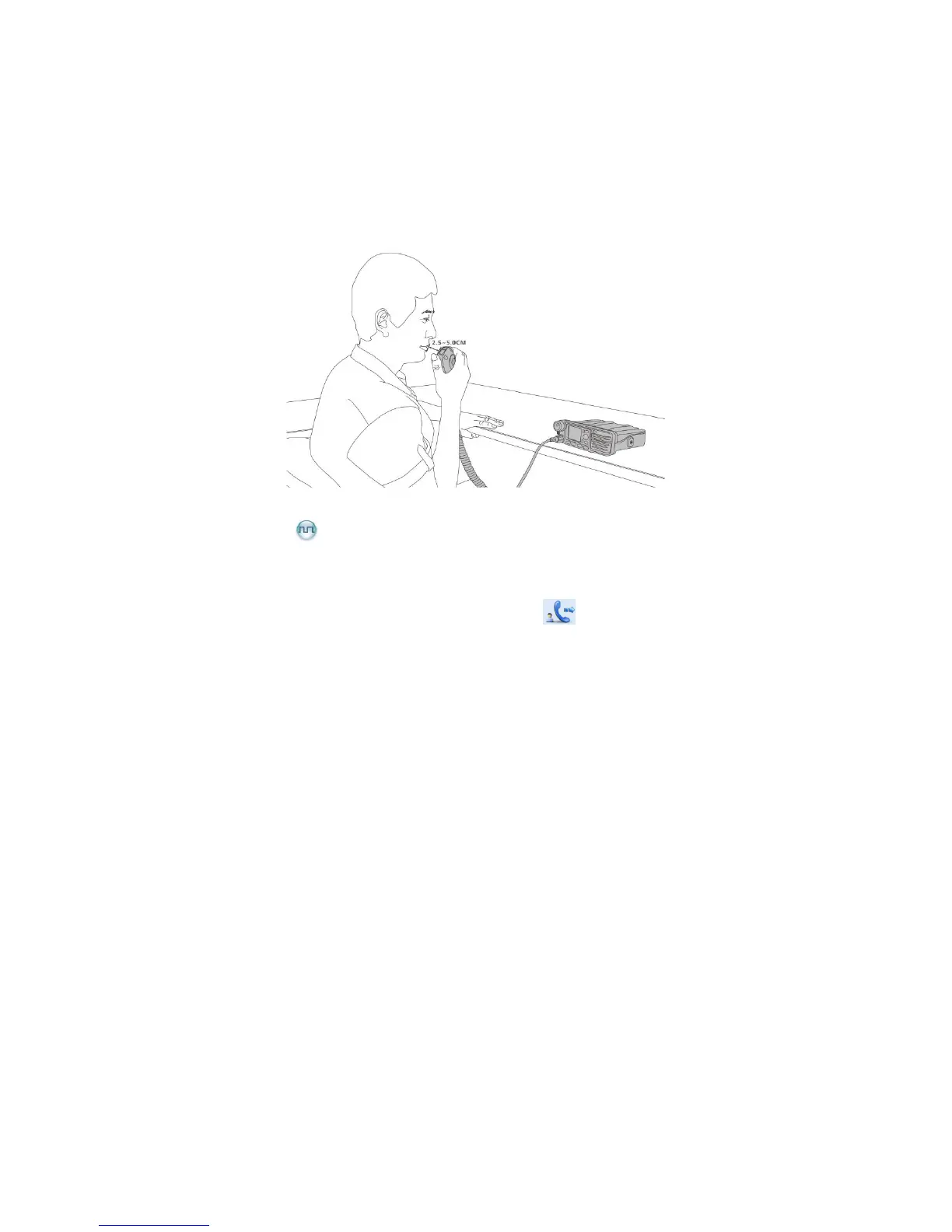
After the radio is powered on, you can make and receive calls. To ensure optimal volume of the
receiving radio, keep the microphone about 2.5 to 5 centimeters away from your mouth when the radio is
transmitting.
5.1 Private Call
5.1.1 Initiating a Private Call
When you initiate a private call, the radio will display the icon . You can make a private call through
any of the following ways:
Preset Contact
In the home screen, hold down the PTT key to initiate a private call to the private contact preset for the
current channel.
You may request your dealer to preset a regular private contact for each digital channel.
Contact List
Step 1 Go to “Menu -> Contact -> Contact List”.
Step 2 Use the Up/Down key to select an appropriate contact.
Step 3 Hold down the PTT key to initiate a private call.
Call Logs
Step 1 Go to “Menu -> Call Logs -> Outgoing/Incoming/Missed”.
Step 2 Use the Up/Down key to select an appropriate contact.
Step 3 Hold down the PTT key to initiate a private call.



 To Next Page