8
Locking and Unlocking the Keypad
When the keypad is not in use, you can lock the keypad to avoid
mishandling. You can lock/unlock the keypad through any of the following
methods:
●
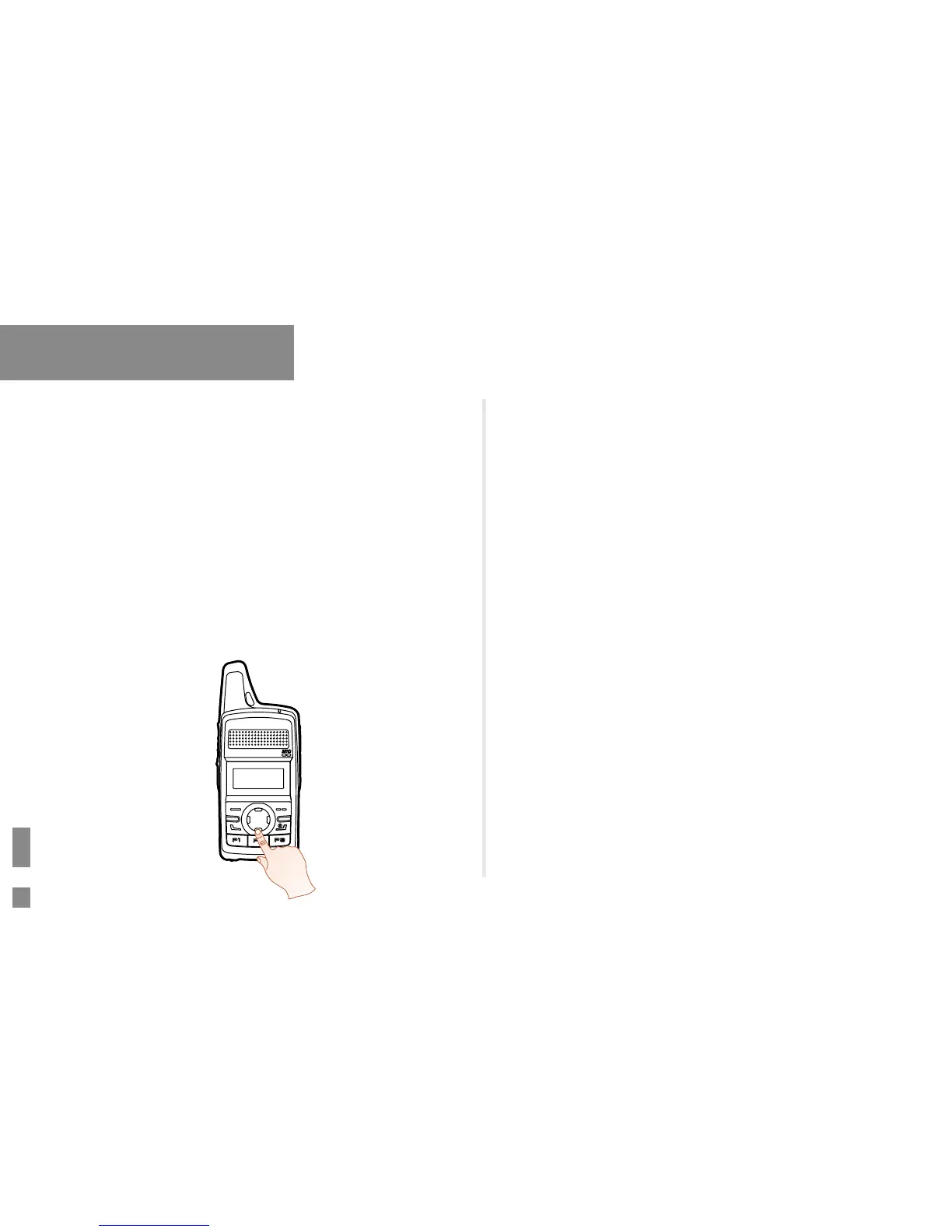
Key Combination: press the OK/Menu key and P1 to lock the keypad;
press any key (other than PTT, SK1, Volume -/Left key, Volume +/
Right key and Power On/Off/ESC key) and P1 to unlock it.
●
Programmable Keys: Press the programmed Keypad Lock key
preset by your dealer.
●
Via the menu: Go to “Settings -> Radio Settings -> Keypad Lock” to
enable or disable the feature.
»
Enable: The keypad will be locked if there is no radio operation
within the preset time.
»
Disable: The keypad will not be locked automatically. But you can
lock/unlock the keypad via methods mentioned above.
Basic Operation
Selecting a Zone
You can include a group of channels with the same property into a zone
for convenient management. The radio supports 16 zones, each of which
consists of up to 16 channels. You can select a zone through any of the
following ways:
●
Via the menu: Go to “Menu -> Zone”, press the Up or Down key
to select an appropriate zone, and then press the OK/Menu key to
conrm it.
●
Via Programmable Keys: You can toggle to the appropriate zone by
pressing the programmed Zone Up or Zone Down key preset by your
dealer.
Selecting a Channel


 To Next Page