11
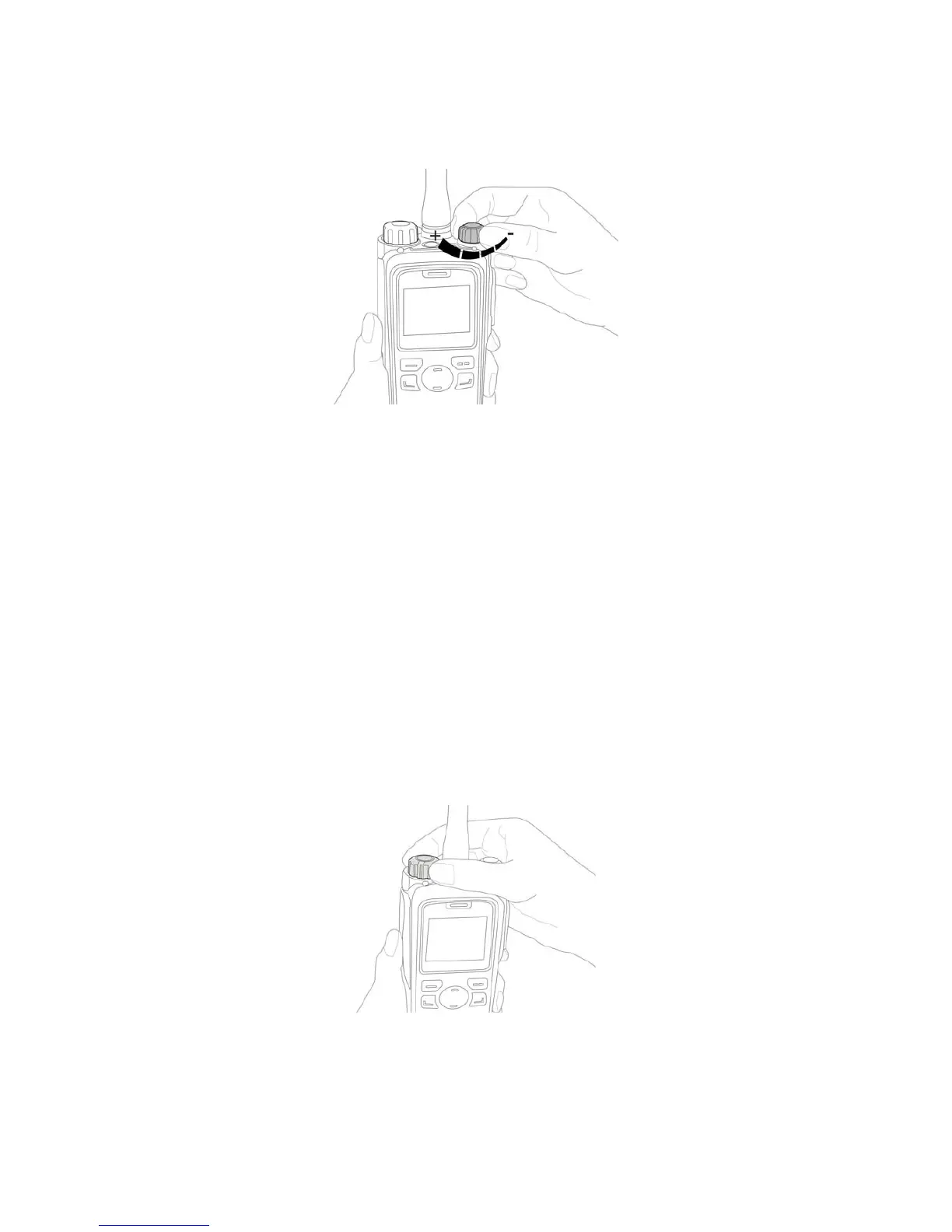
4.4 Adjusting the Volume
4.5 Selecting a Zone
A zone is a group of channels with the same property. The radio supports up to 64 zones, with a
maximum of 128 channels per zone.
To select a zone, do one of the following:
z Menu: Go to "Menu -> Zone", press the Up or Down key to select an appropriate zone, and then
press the OK/Menu key to switch to the selected zone.
z Shortcut key: Switch to an appropriate zone by pressing the Zone Up or Zone Down key
programmed by your dealer.
4.6 Selecting a Channel
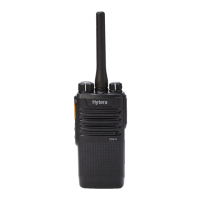
Data and voices are received and transmitted on a channel. You can rotate the Channel Selector knob
to select the channel.
4.7 Inputting via Keypad
You can use the keypad to enter user aliases or IDs and text messages. Here are some useful tips:



 To Next Page