4-37
04
LCD DISPLAY (TYPE B)
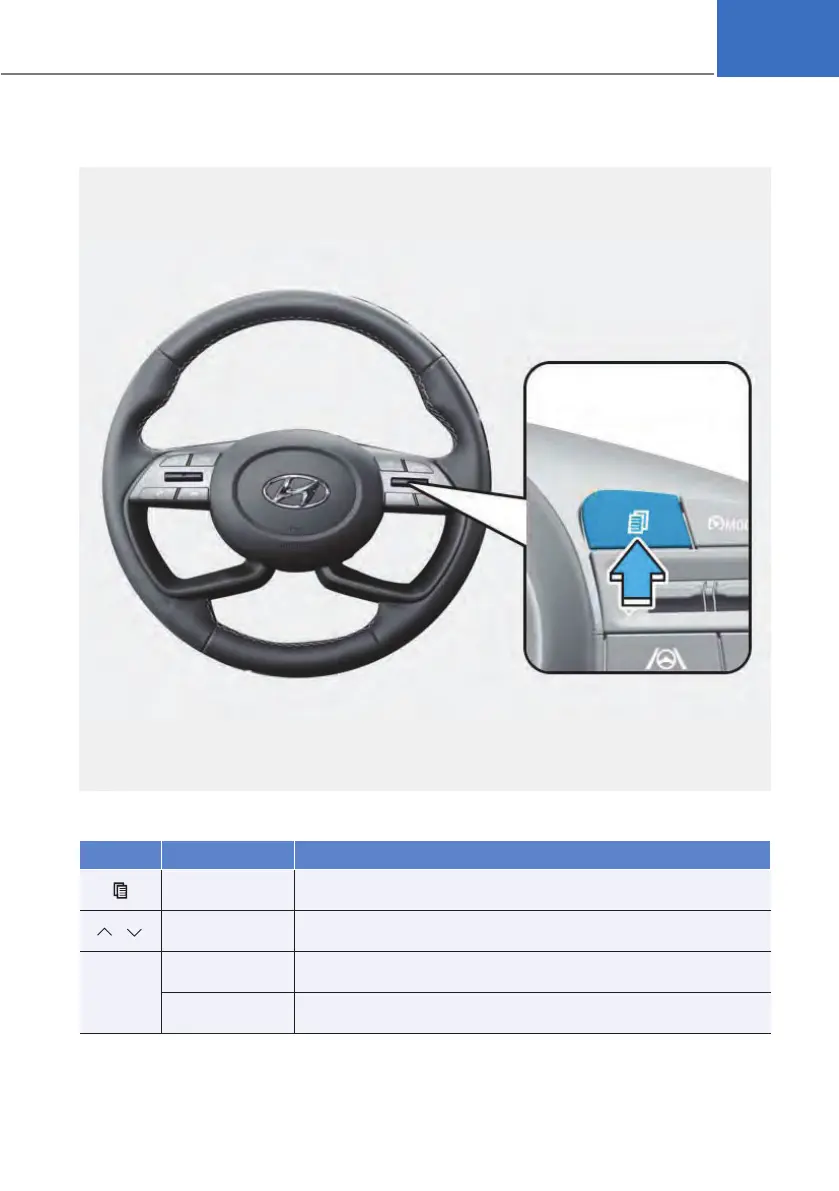
LCD display control
OBC3050046
The LCD display modes can be changed by using the control switches.
Switch Operation
Function
Press
MODE button for changing View modes
,
Press
UP, DOWN switch for changing items in Utility view and
Option menu
OK
Press
SELECT/RESET switch for entering Option menu
Press and hold
SELECT/RESET switch for retrieving assist information or
resetting the selected item












 To Next Page