13
How to use the memory card:
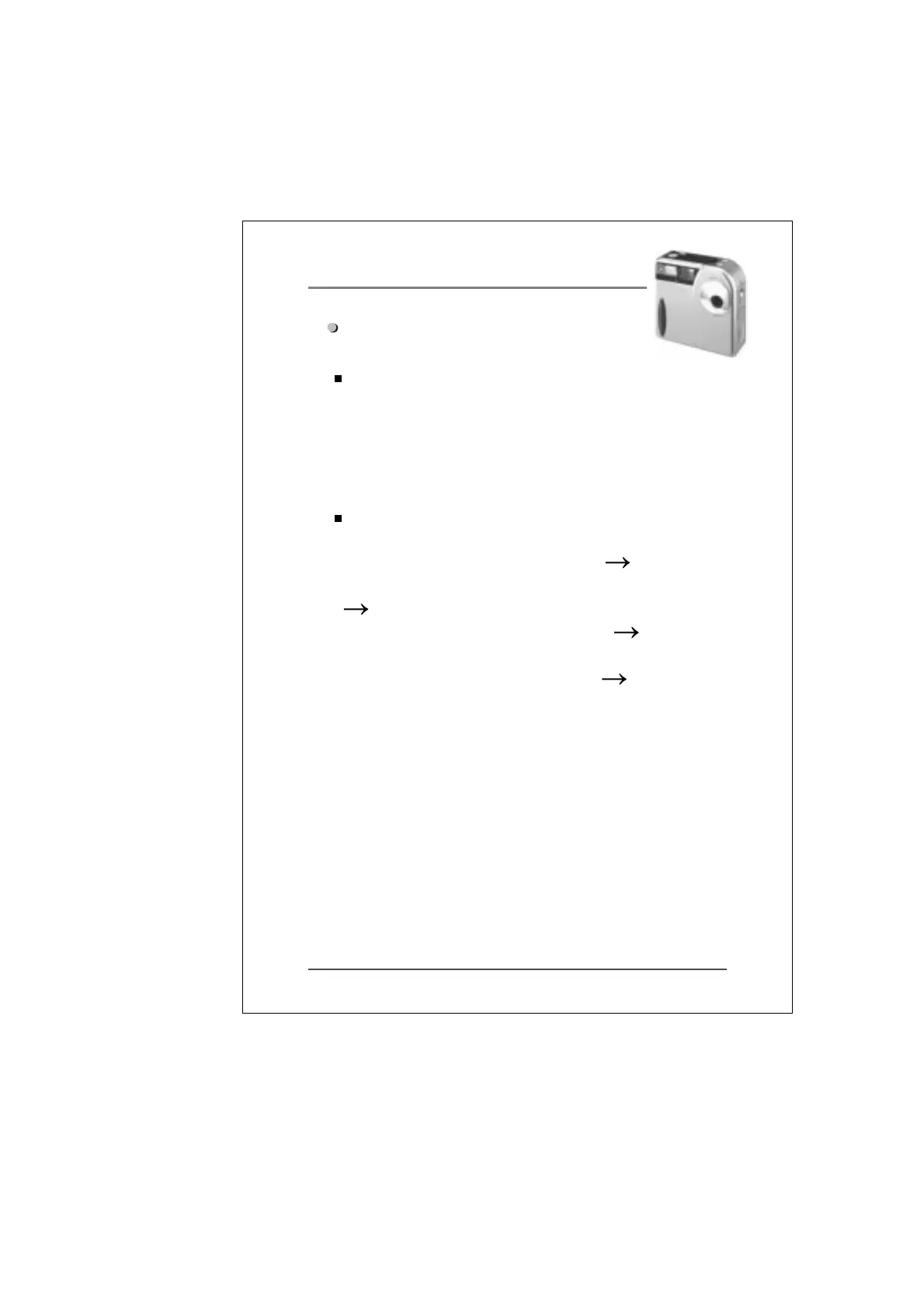
One 4MB memory card (SSFDC 4MB 3.3 Volt) is
provided with the camera. If you need to increase the
storage capacity of your camera or simply own additional
memory cards, you may purchase them separately.
Please contact us for the nearest authorized dealer.
Follow these instructions when installing or replacing the
memory card:
(1) Turn off the power on the camera (2) Open the
memory card cover located on the side of the camera.
(3) Insert or replace the memory card (make sure the
memory card is inserted the right way). (4) If you are
inserting a new memory card, you need to format it before
you use it (see instructions below). (5) Close the
memory card cover.
Important:
How to format a memory card: Once the memory card has
been placed inside the camera, press the “DEL” button Twice
until “ERASE ALL” is shown on the screen. Press the
shutter release button. When BUSY is no longer shown,
the camera has finished formatting the memory card.
Note : When removing the memory card, please be sure to
turn off the power to avoid causing damage to the
memory card.


 To Next Page