14
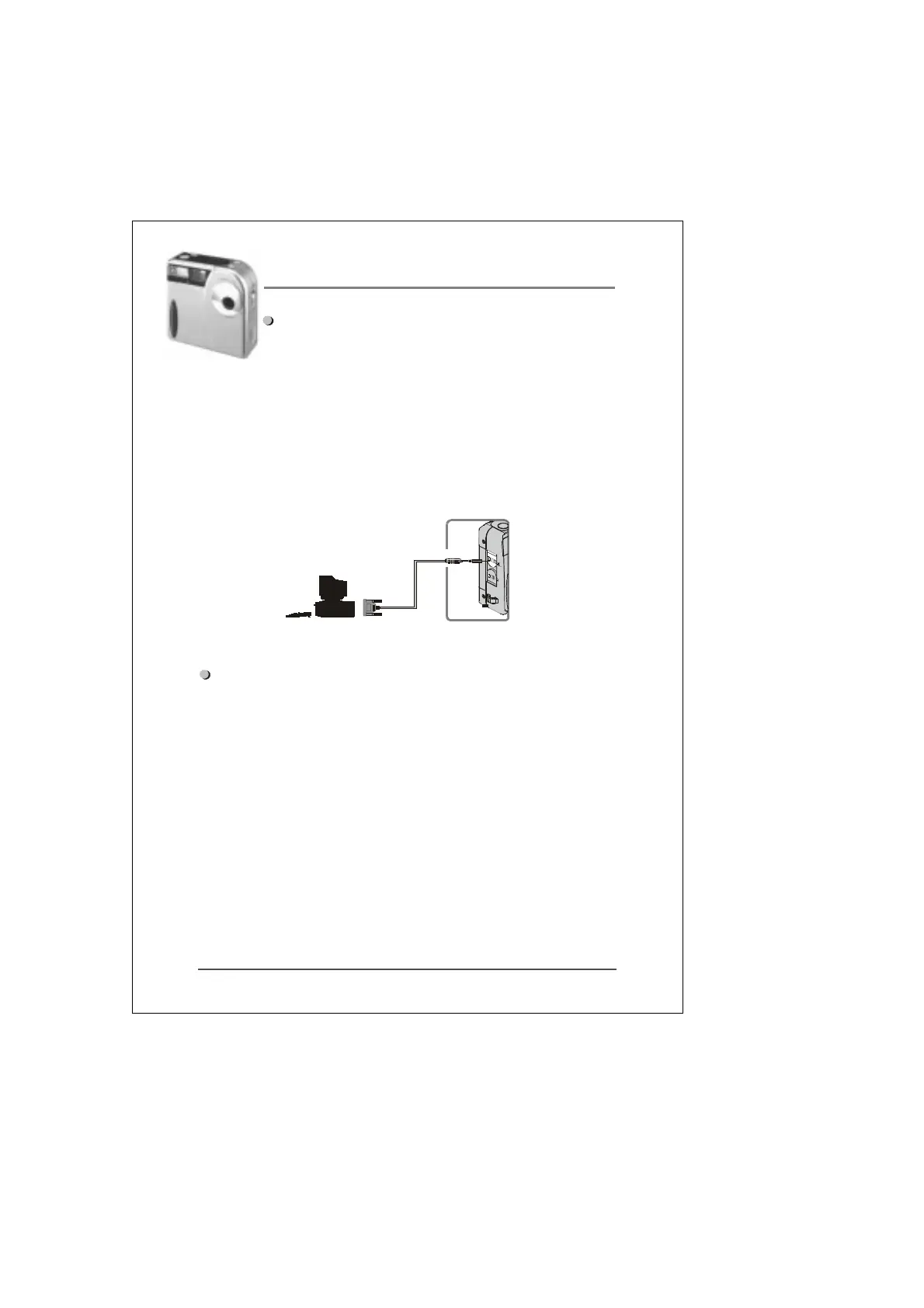
How to connect the camera to your
personal computer
(1) Find an available COM port on your computer (COM1 or
COM2). Connect the serial cable to the COM port.
(2) Connect the other end of the serial cable to the digital
camera (Port marked “DIGITAL”).
Observe image below for more details.
How to install MGI PhotoSuite SE
PhotoSuite SE is a powerful imaging / editing software tool
that allows you to capture and edit images.
To install the software, insert the MGI CD into your CD-ROM
drive and follow the steps below:
(1) Click on the “Start” button and select “Run”.
(2) Type the following command:
D:\setup.exe
(Where D is the letter of your CD-ROM drive)
(3) The installation wizard will guide you through the
installation process.
Camera side enlar
ed dia
ram


 To Next Page