i-Stor LAN User Guide
Chapter 3 - Web Configuration / Page 14
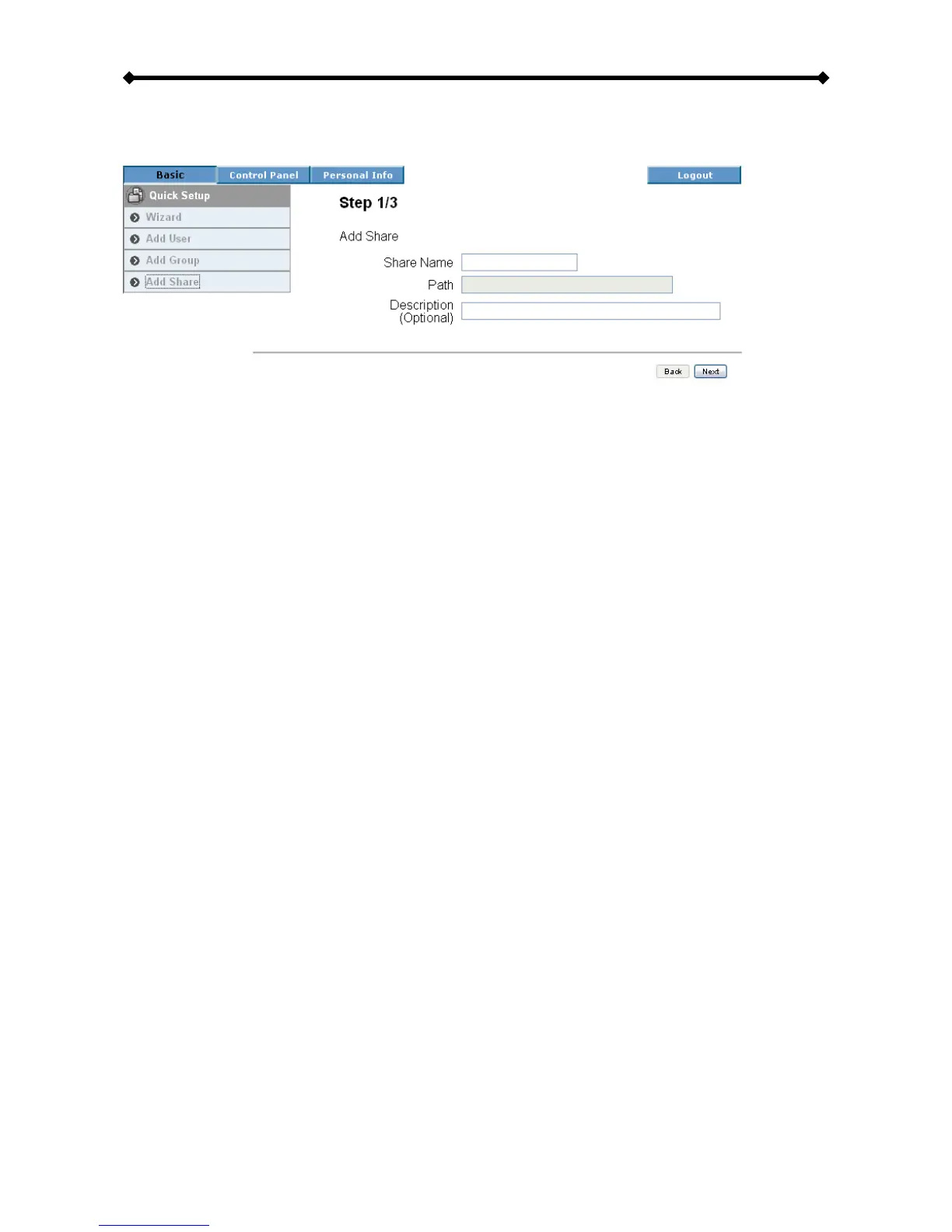
Add Share
Use this setup wizard to quickly add a new share.
• Step 1: Enter the share name and an optional description for the share.
• Step 2: Configure the Windows/FTP access permissions by adding (read only or
writable) and removing the members or group from the list.
• Step 3: Configure the NFS access permissions by adding unique IP addresses or a
subnet.
Note: For a more detailed explanation to each of the settings, refer to Users and Group
Management or File and Print.


 To Next Page