Need help?
Do you have a question about the i-tec C31DUALDPDOCKPD and is the answer not in the manual?
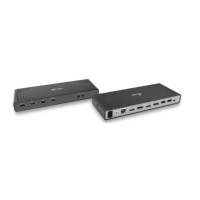
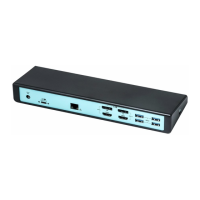
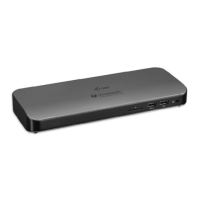
Identifies and describes the physical ports and controls of the docking station.
Instructions for connecting external monitors via DisplayPort.
Steps for setting up and configuring audio output devices.
Access to common user queries and their solutions on the website.
 General
| Microphone in | - |
|---|---|
| USB Power Delivery | Yes |
| HDMI ports quantity | 0 |
| Headphone connectivity | 3.5 mm |
| USB 2.0 ports quantity | 2 |
| Connectivity technology | Wired |
| USB Power Delivery up to | 100 W |
| USB 3.2 Gen 1 (3.1 Gen 1) Type-A ports quantity | 3 |
| Ethernet LAN data rates | 10, 100, 1000 Mbit/s |
| Ethernet LAN (RJ-45) ports | 1 |
| Product color | Black |
| Cable lock slot type | Kensington |
| Card reader integrated | No |
| Power cable length | 1 m |
| Other operating systems supported | Android |
| Package depth | 150 mm |
| Package width | 338 mm |
| Package height | 55 mm |
| Package weight | 458 g |
| Harmonized System (HS) code | 84733020 |
 Weight and Dimensions
| Width | 113 mm |
|---|---|
| Height | 40 mm |
| Weight | 245 g |

 To Next Page