7
EN
Quick Start / C31SMARTDOCKPD/ English
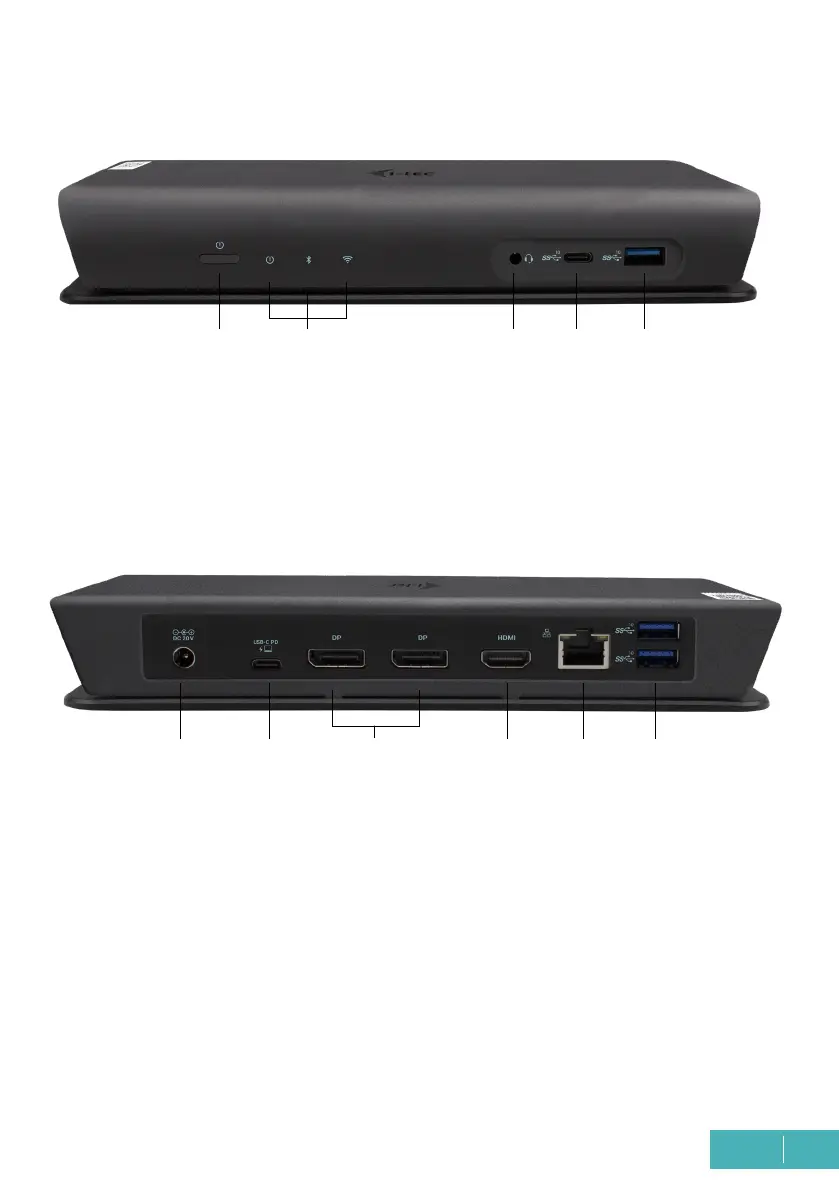
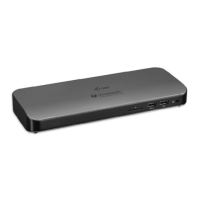
DESCRIPTION DOCKING STATION
Front panel:
1 ON/OFF switch - to turn the docking station on/off
2 LED indication
3 1x 3.5mm Audio combo connector
4 1x USB-C port Gen. 2 (10Gb/s)
5 1x USB 3.1 port Gen. 2 (10Gb/s) with fast charging, BC 1.2 specication
Back panel:
6 Power input (20V/6.75A)
7 USB-C port Data / DP Alt Mode / Power Delivery - to connect the docking station to
the USB-C port of the laptop. This port supports Power Delivery function on prole
4, max 85W.
8 2x DisplayPort - allow connection of up to one 5K/60Hz monitor. Only if the laptop
meets the requirements.
9 1x HDMI - for connecting a monitor with HDMI input
10 Ethernet GLAN RJ-45 port - supports 10/100/1000 Mbps
11 2x USB-A 3.1 port gen. 2 (10 GB/s)
1
6 7 9 10 11
2
8
3 4 5



 To Next Page