INTRODUCTION
Thank you for purchasing the i-tec Docking Station, our product allows you to
connect your favourite devices via a single USB cable to a laptop or tablet with a
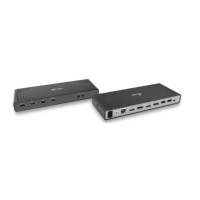
USB-C or USB-A port. The docking station provides 2x HDMI port and 2x Display
Port (only 2 graphics outputs can be active at the same time), 1x Ethernet GLAN
RJ-45 port, 6x USB-A 3.0 port, 2x Audio port (earphones and microphone), 1x input
for external power supply and On/Off switch. An advantage is the ability to
connect a docking station to a USB-A 3.0 or USB-C port on your laptop / tablet.
PACKAGE CONTENTS
ź i-tec USB-A 3.0 / USB-C Docking Station
ź Cable USB-C 3.1 to USB-C (90 cm)
ź Cable USB-C 3.1 to USB-A (90 cm)
ź Power adapter (output DC: 20V/2A, DC cable 110 cm)
ź Quick Start
SPECIFICATION AND DESCRIPTION
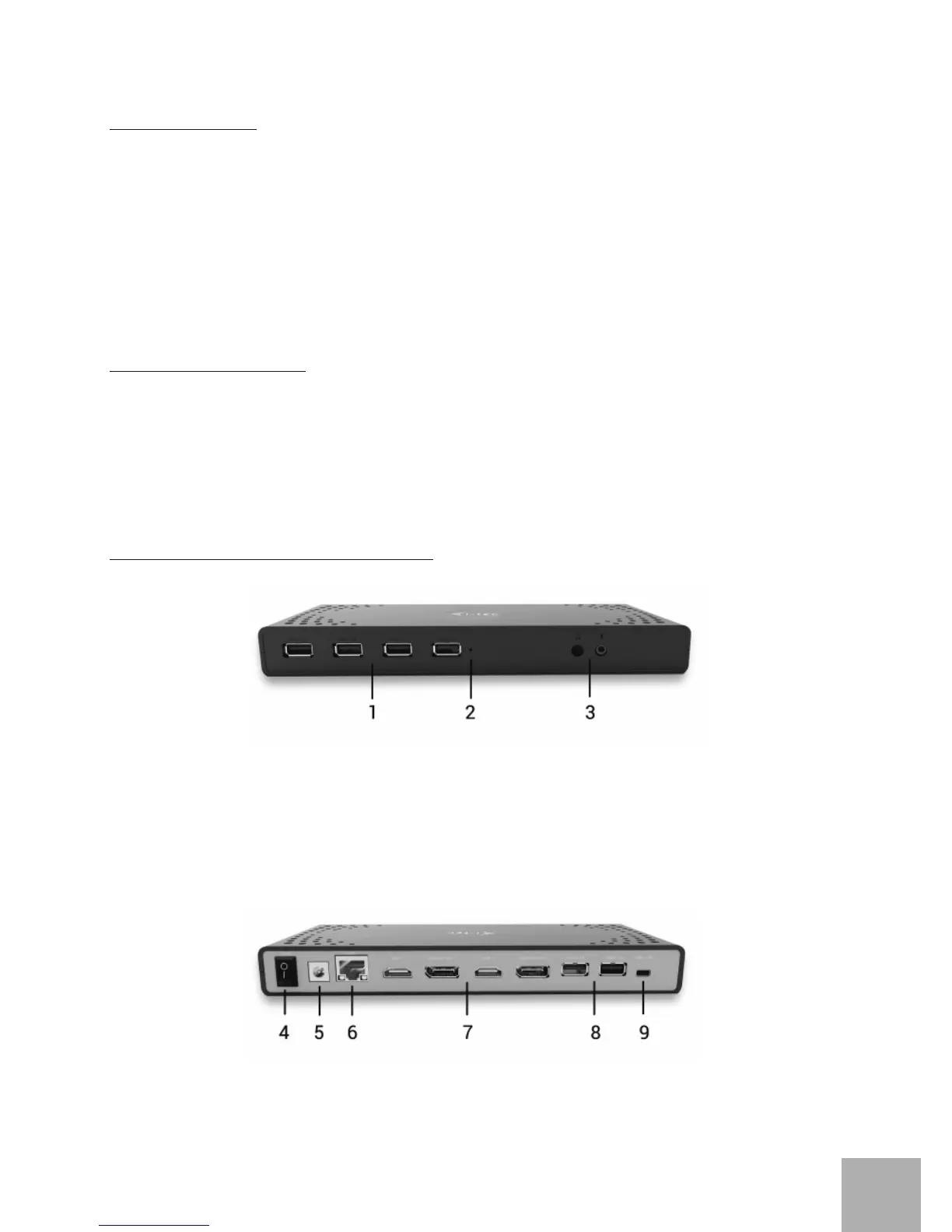
Front panel:
1. 4x USB-A 3.0 port for connecting USB 3.1/3.0/2.0 devices and high-speed
data transmission up to 5 Gbps; supports USB Hot Swapping function
2. LED indication
3. Separated microphone input and earphone output, 1x 3.5 mm Audio out 5.1,
1x 3.5 mm Mic in
Rear panel:
4. On/Off switch for the docking station switching on and off
5. Power supply input – external power adapter (output: DC 20V/2A)
User’s guide
ENGLISH
EN
04


 To Next Page