IACER SRL Page 13 di 22 MNPG80-01 of 06/05/2016
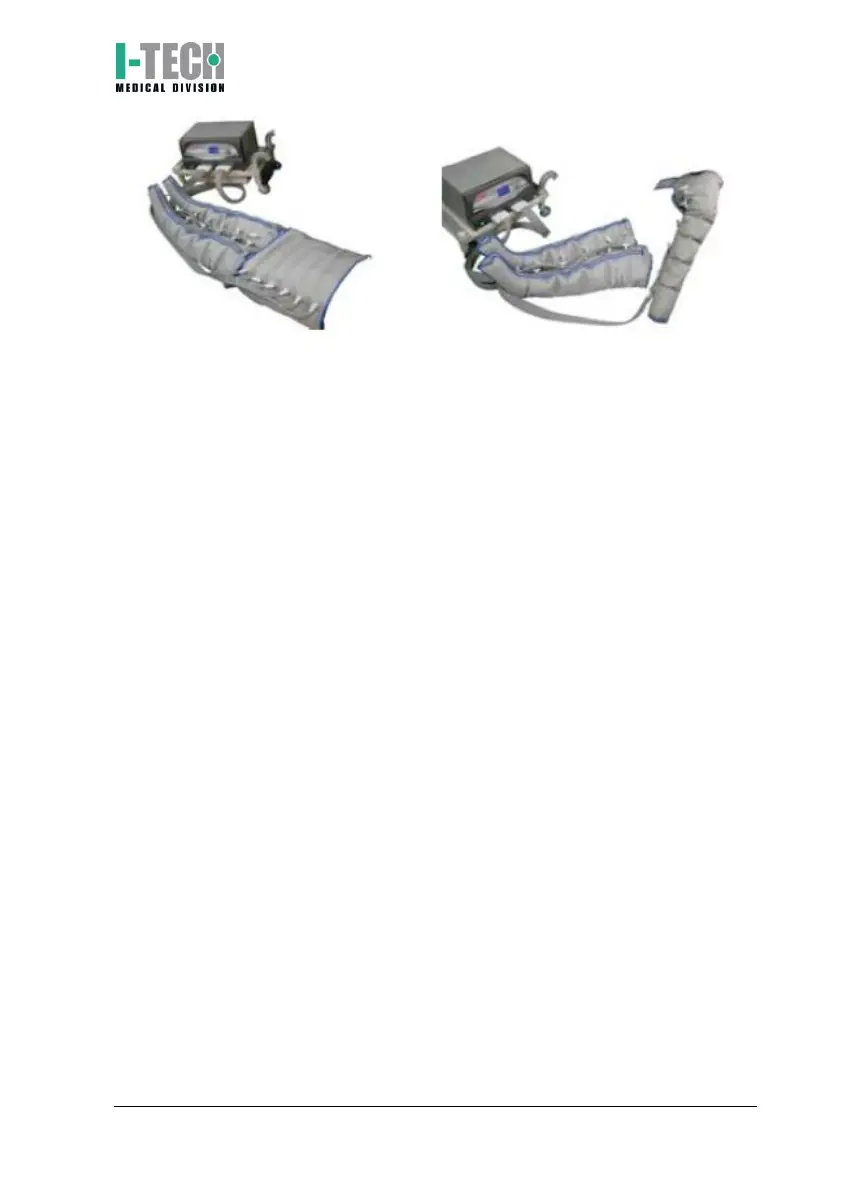
N.B. Follow the same instructions in case of simultaneous use of
armband and leggings.
3) Program selection (MODE selector on graphic display)
a) Select the program by pressing on MODE button. There
are 5 different programs:
A1: Air flows in compression chambers till they reach
pressure regime. Then air flows in the first chamber
(lower limb) according to adjusted pressure and
sequentially in the other chambers in a distal-proximal
way.
A2: Air flows in compression chambers till they reach
pressure regime. Then air flows in the sixth chamber
(upper limb) according to adjusted pressure and
sequentially in the other chambers in a proximal-distal
way.
B: Air flows in compression chambers till they reach
pressure regime. Then air flows in the first three
chambers. When adjusted pressure is reached air flows in
the last three chambers (distal-proximal way).
C: Air flows in compression chambers till they reach
pressure regime. Then air flows in the first chamber
(lower limb) according to adjusted pressure and
sequentially in the other chambers (distal-proximal way )
by keeping swelled up the previous chamber every time.


 To Next Page