IACER SRL Page 15 di 22 MNPG80-01 of 06/05/2016
c) It’s not possible to change therapy time during the
treatment.
6) Pressure selection (selector on the graphic display)
a) Pressure can be adjusted from 0 to maximum pressure
(240 mmHg ± 10%) by rotating the know in clockwise;
b) Air start to flow in the compression chambers when it’s
exceeded 10 mmHg;
c) Start the treatment with a middle pressure and increase it
progressively according to your needs.
7) Therapy start (START/STOP selector on the graphic display)
a) Press START/STOP button to start the therapy; any
moment it’s possible to stop the treatment pressing again
START/STOP button (the device memorizes the adjusted
time);
b) Press STOP button to stop definitively the therapy and
turn OFF the ON/OFF switch.
Troubleshooting
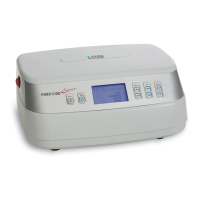
Power Q-6000
Plus doesn’t
switch on
Check the connection to the
domestic plug
Check the ON/OFF button
Check the power supply status (no
sign of damages)
Power Q-6000
Plus emits a
strange sound
like air leakage
Check if there are any damages
and/or holes in the tubes and
connectors
Check the applicators right
connection to the main body
Check if the tubes are pressed or
bent


 To Next Page