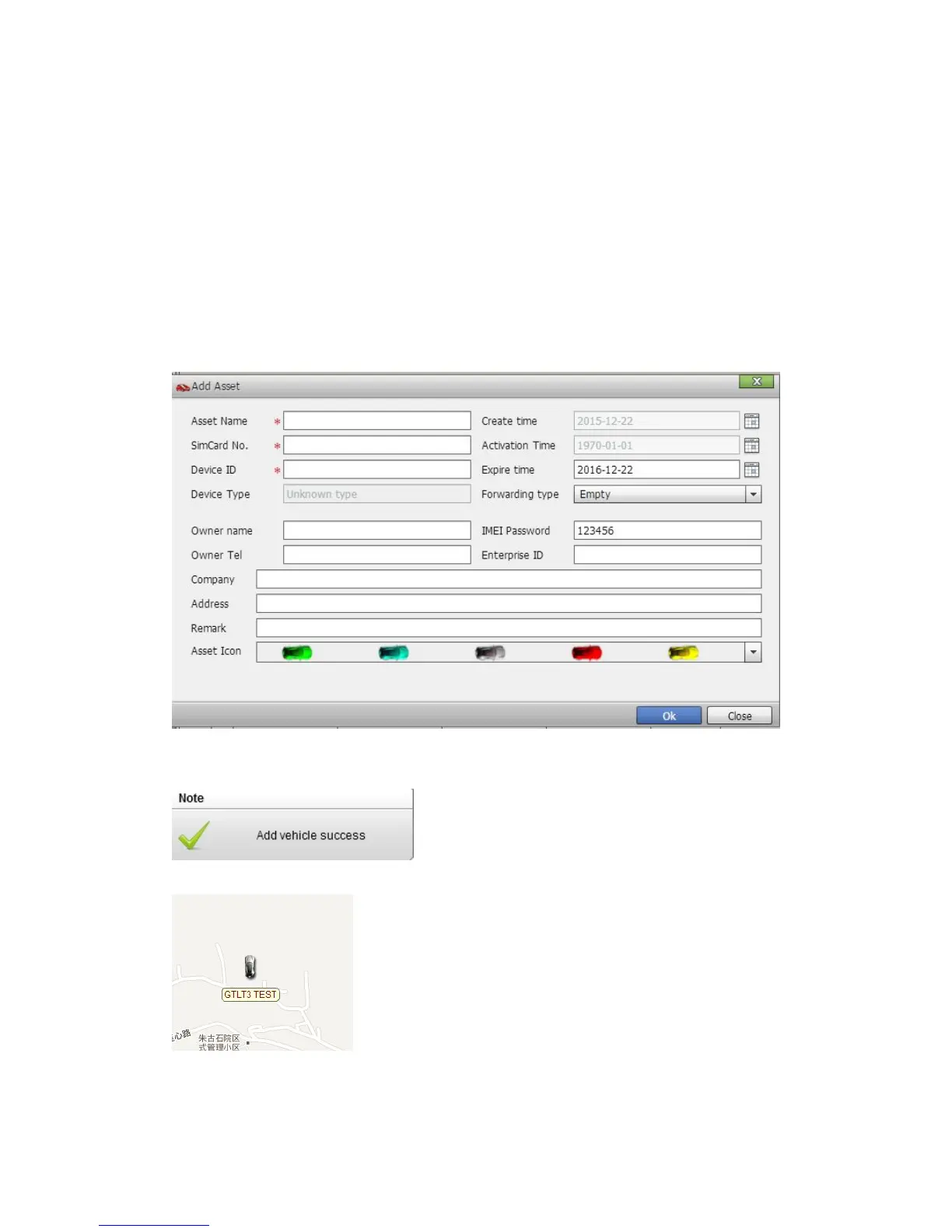
Create time: Do not choose.
Activation time: Do not choose.
Expiry time: Define via yourself.
Forwarding type: Null
SIM card: the SIM card phone number you put in MT-1 or any number.
Device ID: On the vehicle of MT-1, you can find the “Device ID”.
Asset Password: define by yourself.
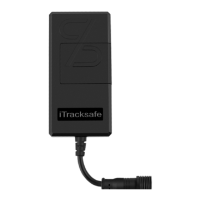
Click "Submit", and then you add the GPS tracker MT-1 successfully on the software 900D.
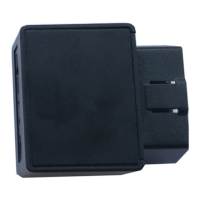
Wait few seconds, and you will see the GPS Tracker online icon on software
Put a check mark on the device, and right click, you will see the menu as below picture. Now you
can track online.


 To Next Page