54 MB820 User’s Manual
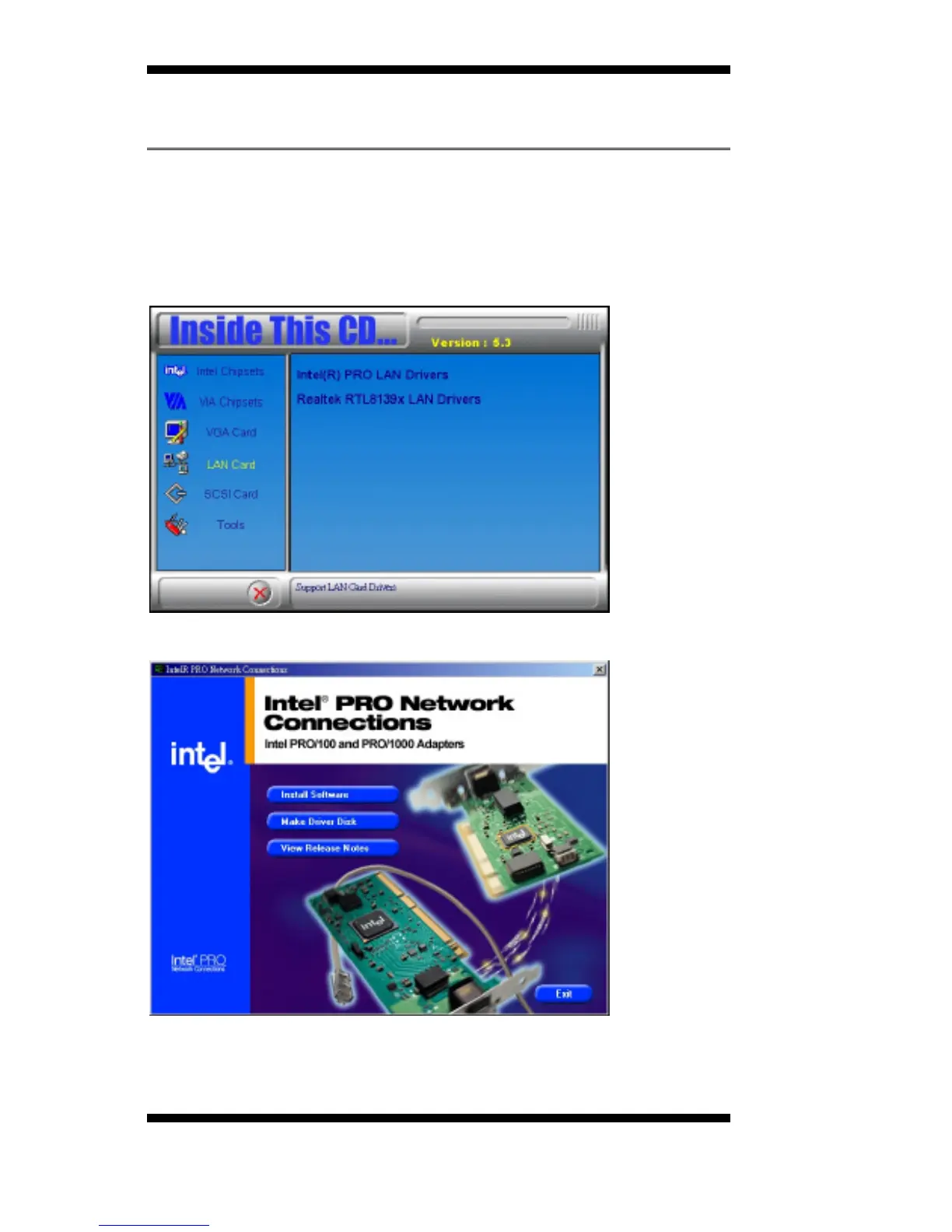
Intel PRO LAN Drivers Installation
The Intel
®
PRO LAN drivers support both Intel
®
PRO/100 and PRO/1000
drivers. Follow the steps below to complete the installation.
1. Insert the CD that comes with the motherboard and the screen below
would appear. Click on LAN Card on the left side to make the LAN
drivers selection. Click on Intel(R) PRO LAN Drivers.
2. Click Install Software to continue.
3. When prompted, click Restart to restart the computer for new settings
to take effect.



 To Next Page