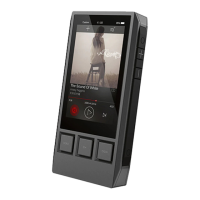
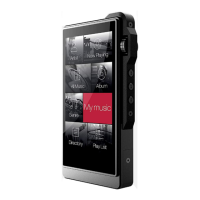
Settings:
EQ:
One can setup the equalizer as desired. Press the “reset” to reset a pre-set EQ.
Play Mode:
There are four options: order, Loop, Shuffle, and Single Repeat.
Gapless:
One can enable the gapless to eliminate the gap between two tracks.
Music Info:
It shows the detailed information of the currently playing song.
L/R Balance:
Slide to R to increase the volume in the right Channel.
Slide to L to increase the volume in the Left Channel.
Digital Filters:
There are two options: Sharp Roll-off, and Slow Roll-off.
(1). Sharp Roll-off.
With the Sharp Roll-off, one can see the frequency curve drops significantly. The Sound
is less aggressive.
(2). Slow Roll-off.
With the Slow Roll-off, one can see the frequency curve drops smoothly. The sound is more
open, the extension of low and high is better.
USB Settings:
There are three options: Storage, DAC, and Charge Only.
(1). Storage.
Allows the DX50 to be used as an external drive. Please see page8 "Connecting to a
computer for data transmission", regarding to how to transfer data into the DX50.
(2). DAC.
Allows the DX50 to be used as a USB-DAC.
(3). Charge Only.
With this option, the computer would charge the DX50 when the DX50 is connected.


 To Next Page