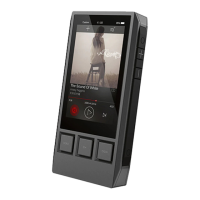
Need help?
Do you have a question about the iBasso DX50 and is the answer not in the manual?
Connect the DX50 to a computer or USB charger for charging and data transfer, or OTG storage.
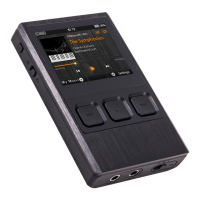
Explains the function of Power, Hold, Volume, and Playback buttons for device operation.
Details how to power the device on/off and control the screen.
Covers device reset procedures and charging methods via USB.
Overview of the music playback interface, including track info, progress, and controls.
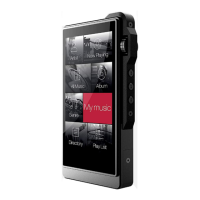
Describes how to navigate music files, playlists, and access the 'Now Playing' list.
Options for USB connection: Storage, DAC, or Charge Only.
 General
| Battery Life | Up to 14 hours |
|---|---|
| Frequency Response | 20 Hz - 20 kHz |
| THD+N | 0.003% |
| Resolution | 320 x 240 pixels |
| Storage | 8 GB internal, microSD up to 256 GB |
| Audio Formats Supported | APE, FLAC, WAV, WMA, AAC, ALAC, OGG, MP3 |
| Connectivity | Headphone output, Line out, Micro USB |

 To Next Page